Your first integration, step 1 of 5
Start building
Connect your own app, shop or till to CitaPay.
- Step 1.
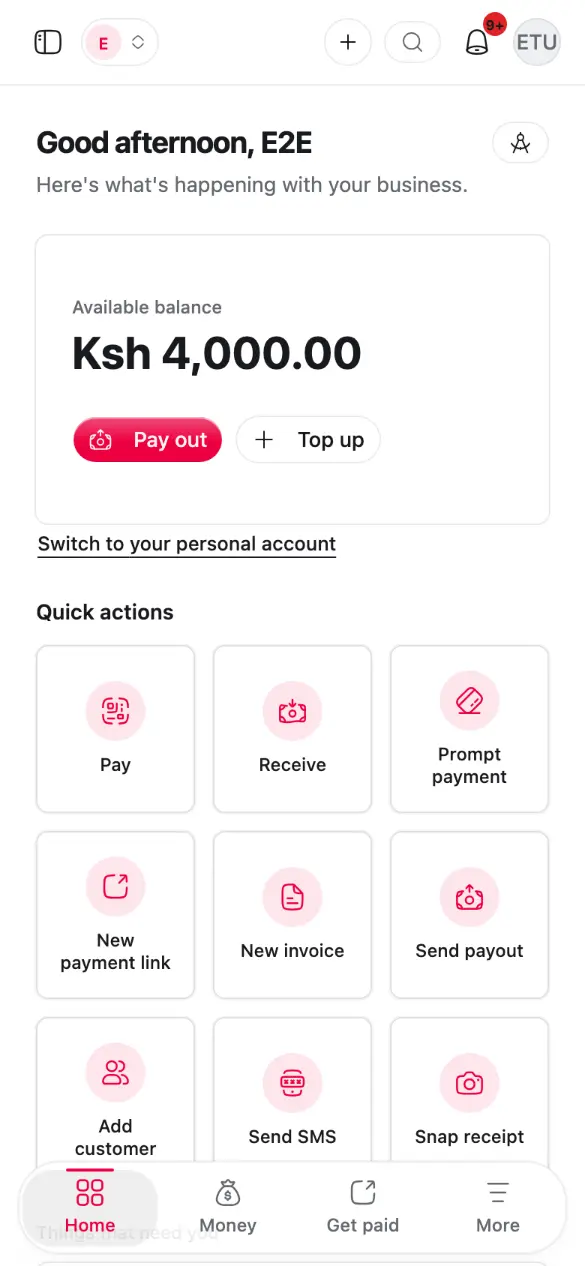
Tap More
It is at the right of the bar at the bottom of the screen.
- Step 2.
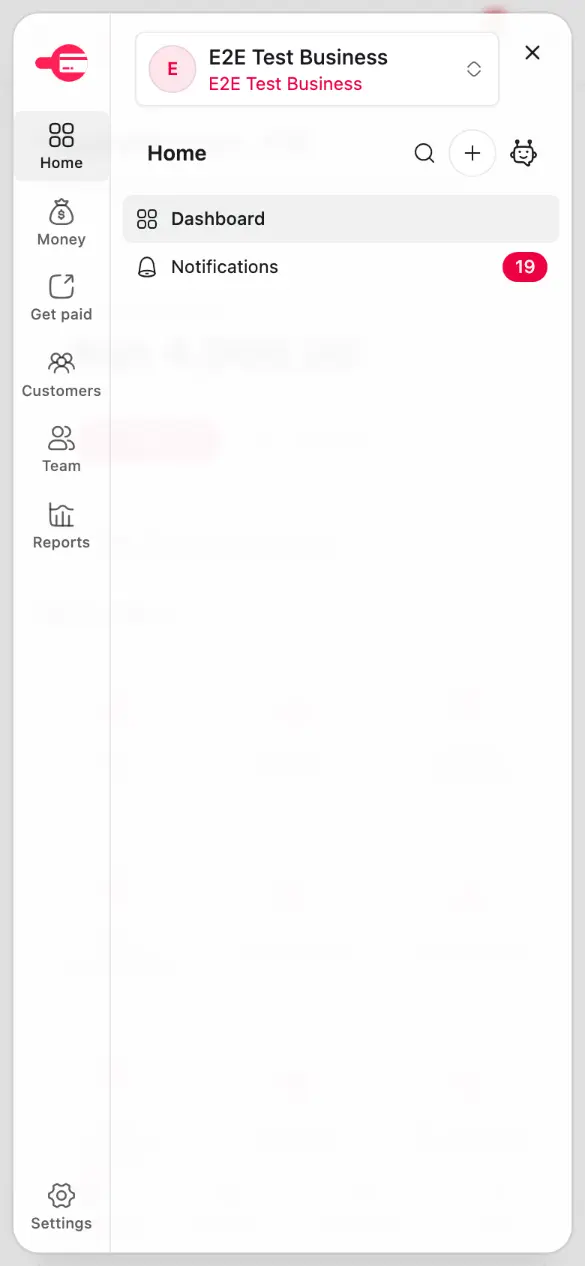
Tap Settings
- Step 3.
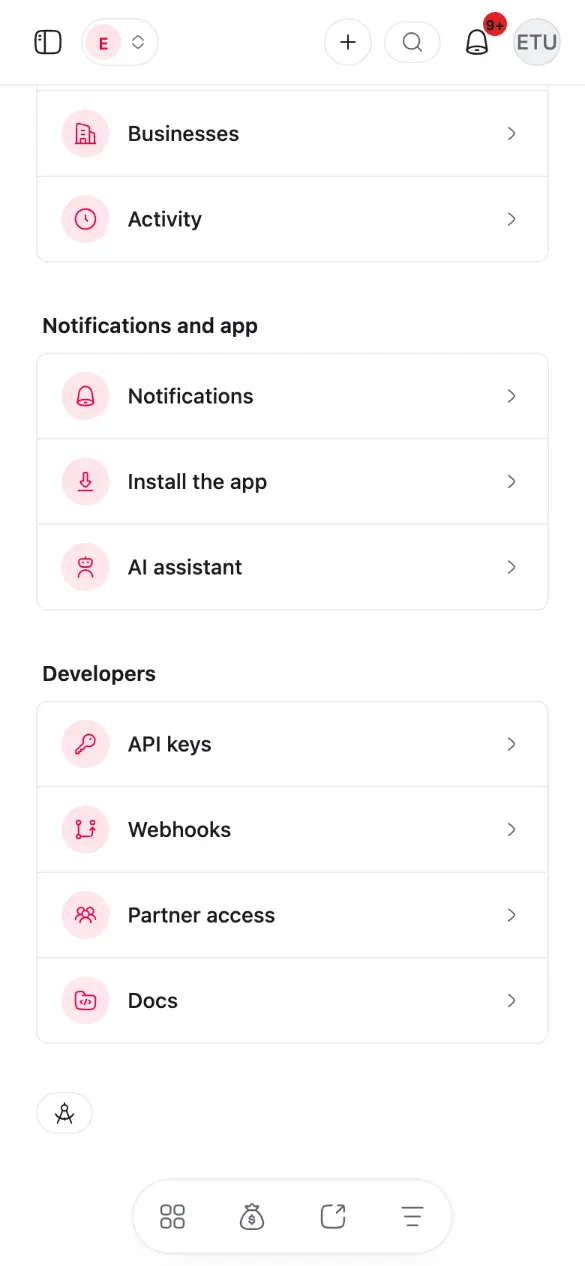
Tap Docs
It is under Developers, with API keys, Webhooks and Partner access.
The developer guide opens, with every topic in the menu.
- Step 4.
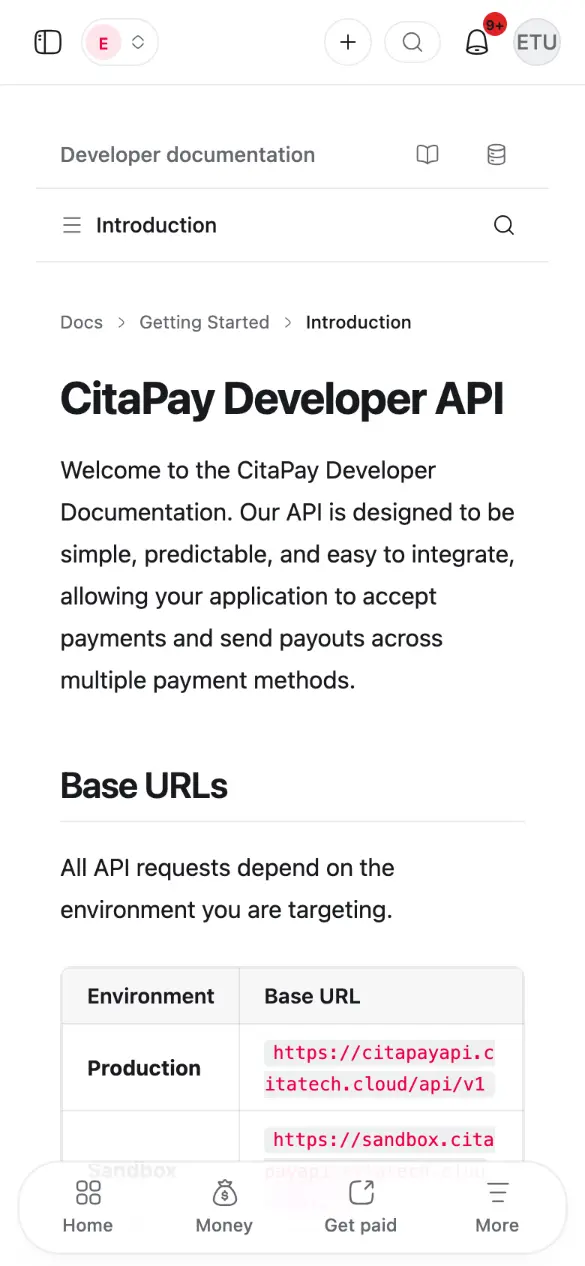
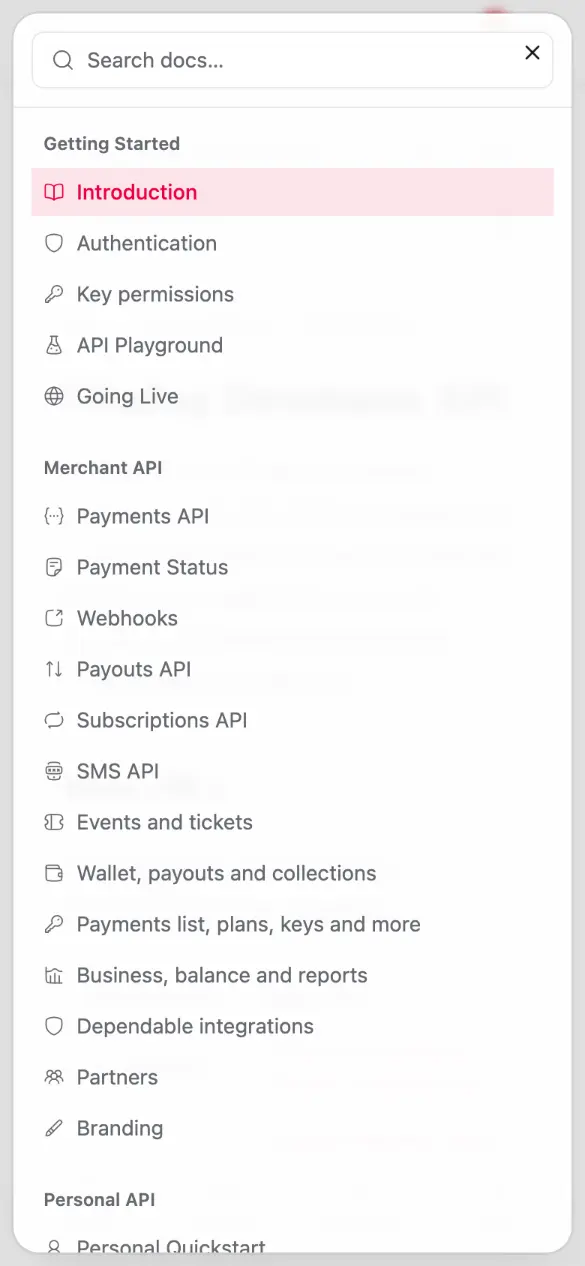
Tap Introduction to open the menu
It shows how your server signs each request with a secret key, and which key permissions to give it.
Every topic in the guide is listed.
- Step 5.
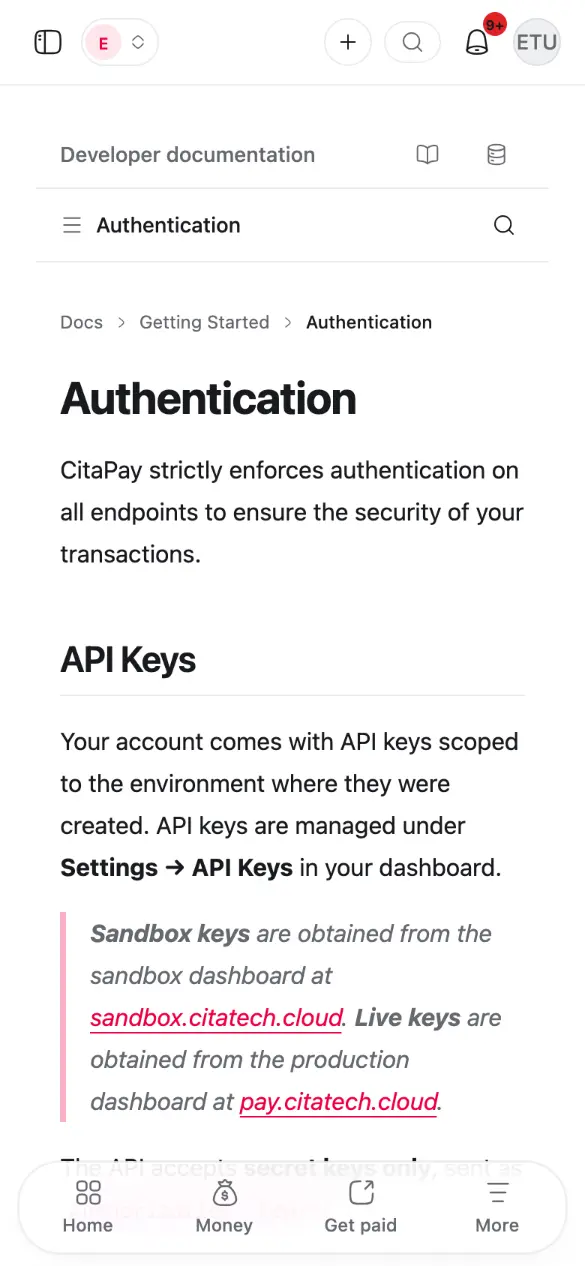
Tap Authentication
- Step 6.
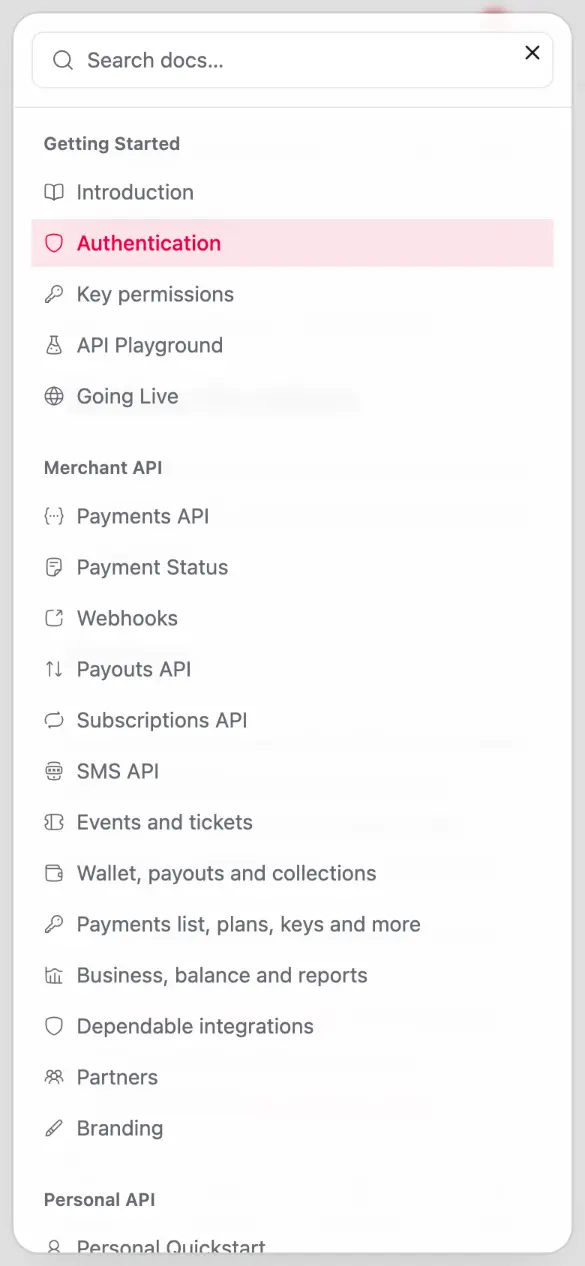
Tap Authentication at the top to open the menu
- Step 7.
Try a request in the API Playground
Send real test requests from your browser and see the answers, before you write any code.
Next in your first integration
API keys
Create a test key for your server.