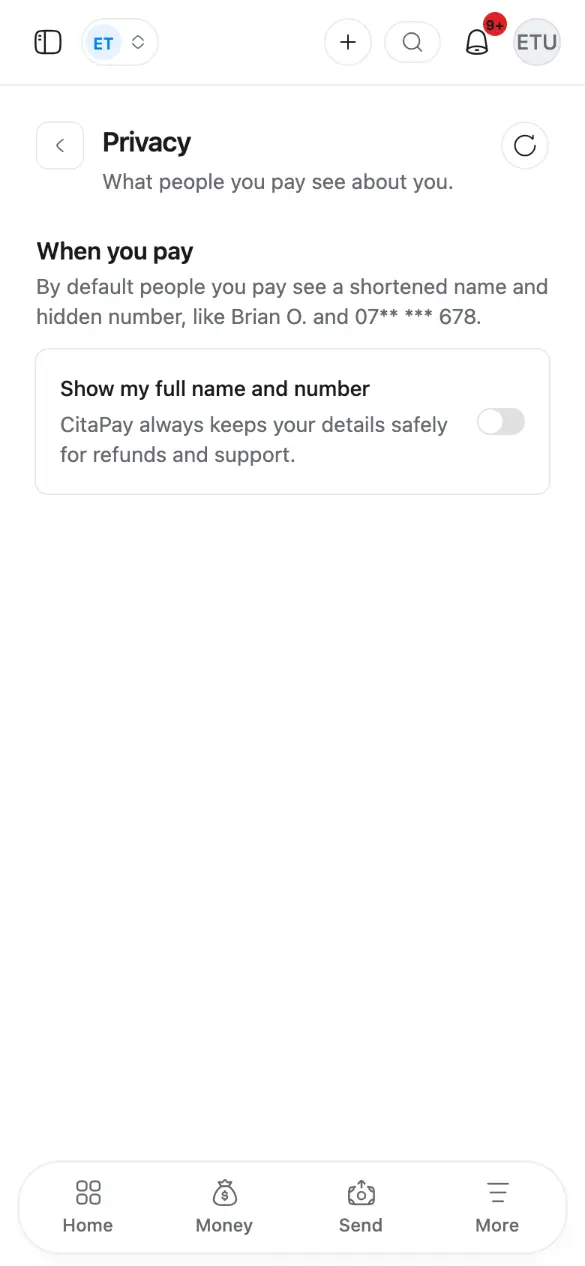
Your privacy when you pay
Choose whether people you pay see your full name and number.
- Step 1.
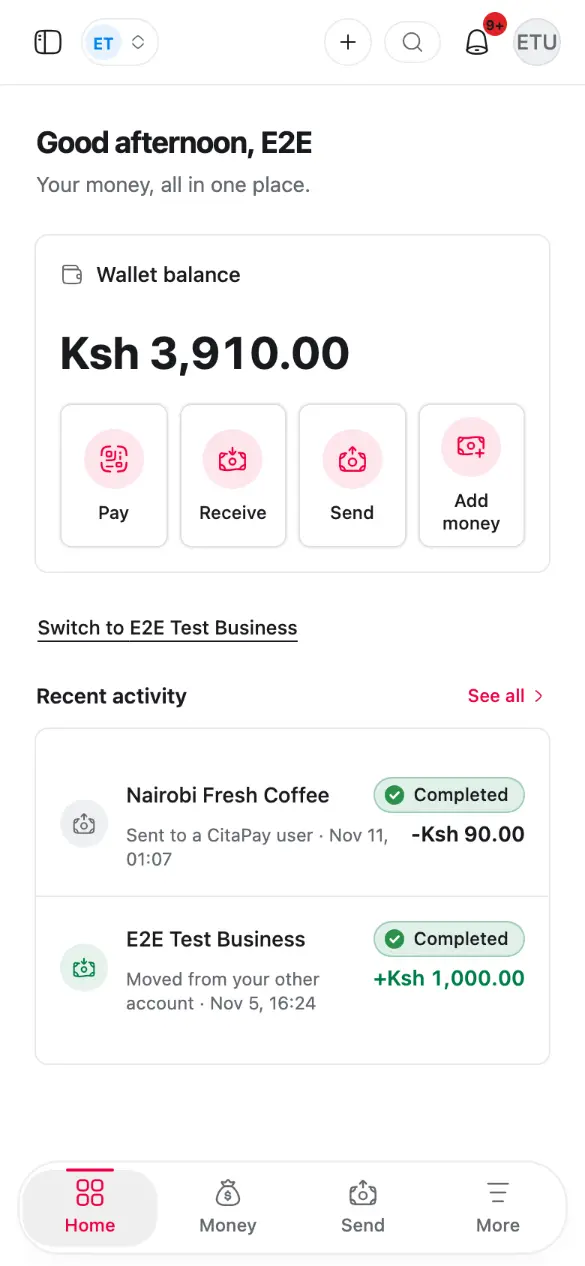
Tap More
It is at the right of the bar at the bottom of the screen.
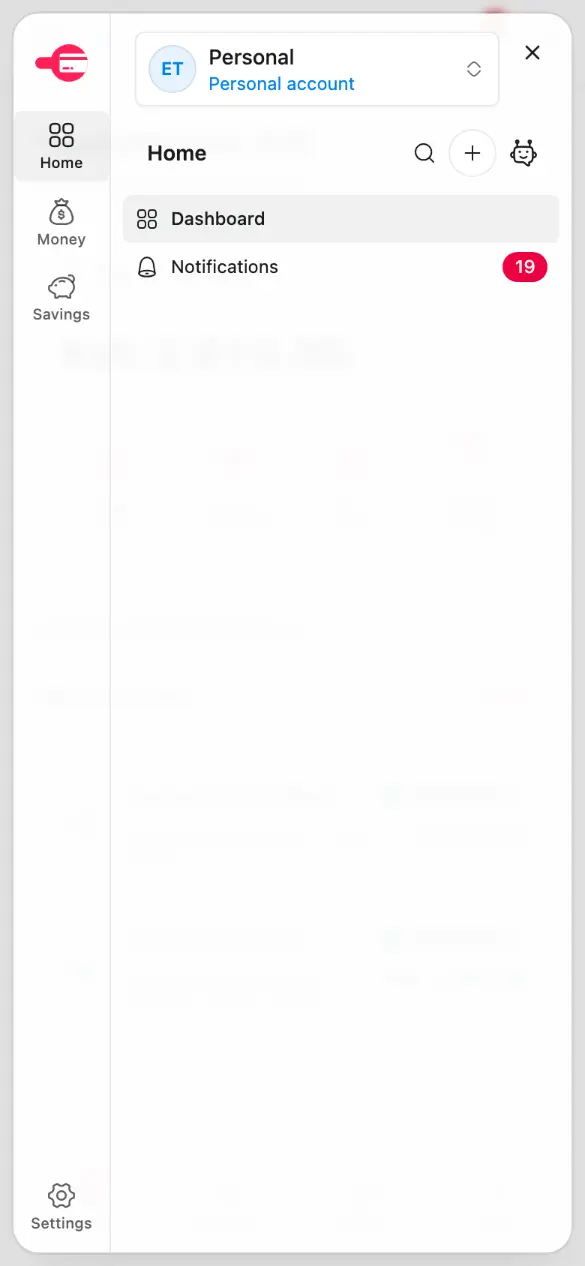
- Step 2.
Tap Settings
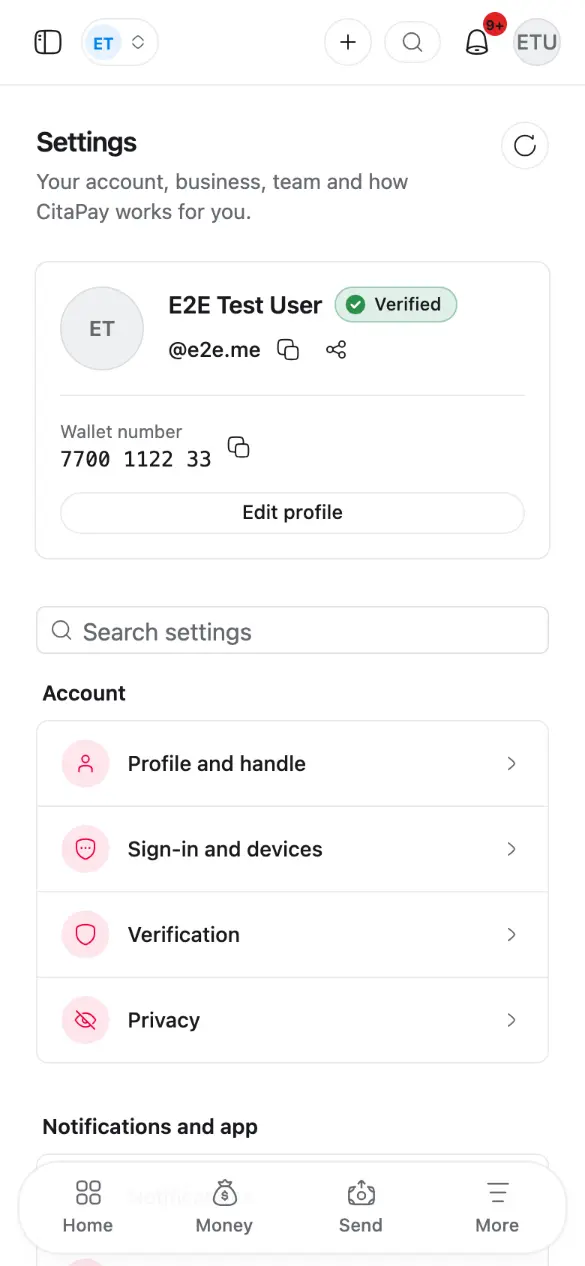
- Step 3.
Tap Privacy
By default, people you pay see a shortened name and a hidden number, like Brian O. and 07** *** 678.
- Step 4.
Turn on Show my full name and number
Leave it off to stay private. The change saves as soon as you tap the switch.