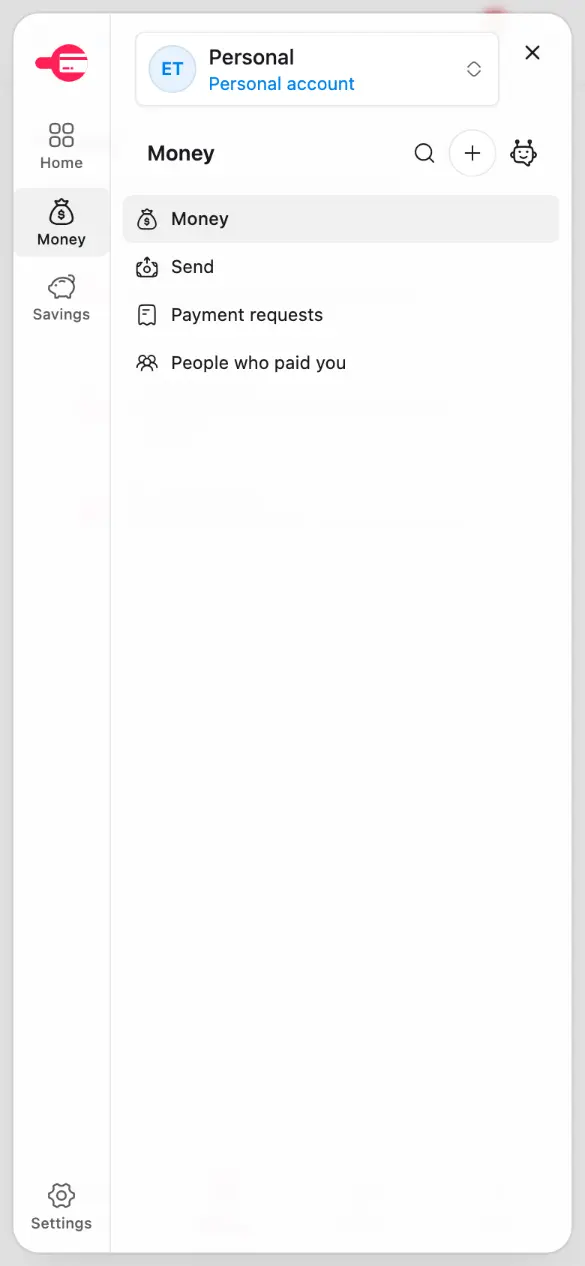
People who paid you
Everyone who has sent you money, how often and how much in total.
- Step 1.
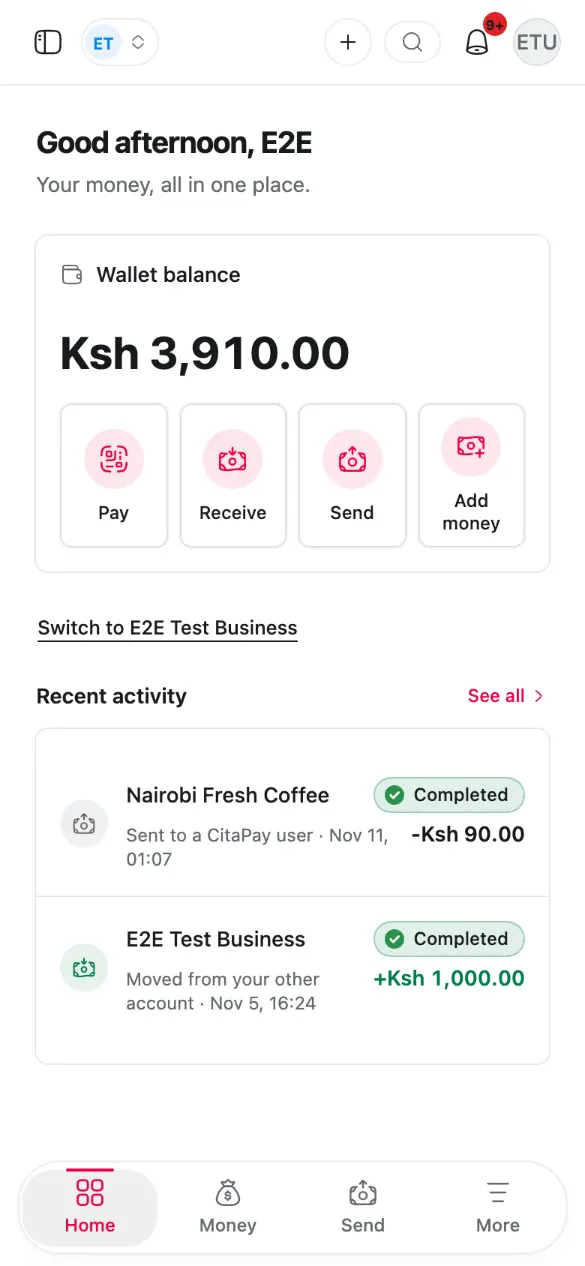
Tap More
It is at the right of the bar at the bottom of the screen.
- Step 2.
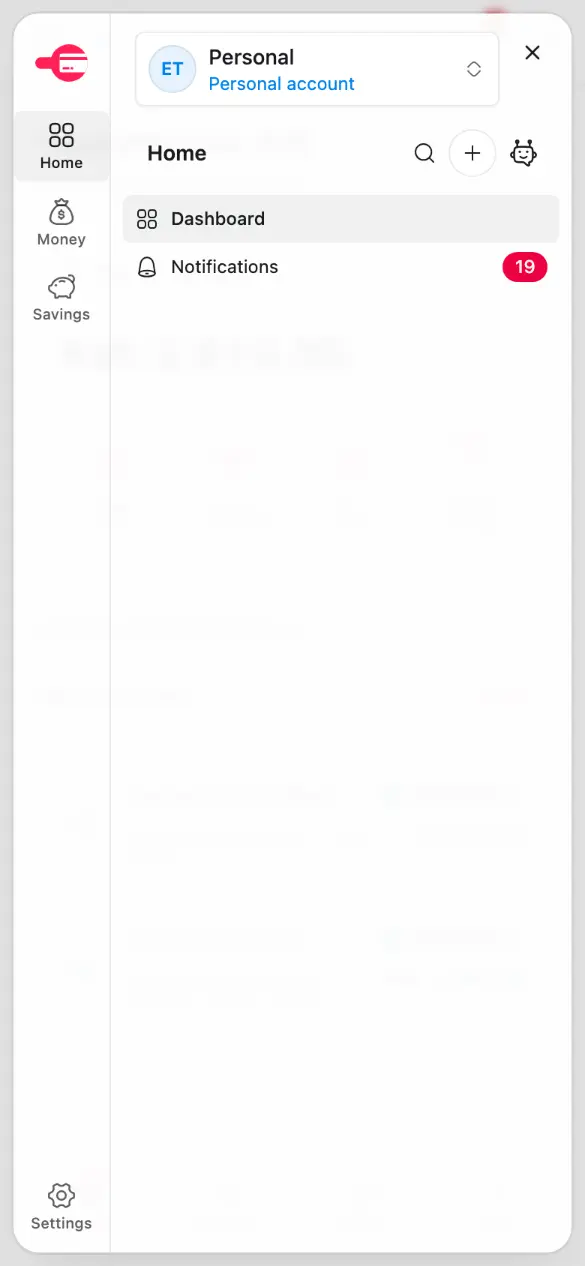
Tap Money
- Step 3.
Tap People who paid you
Everyone who has paid you is listed. Each person shows how they paid (CitaPay wallet or M-Pesa), how many times, the total and the last date. Names and numbers are shortened, like Brian O. and 07** *** 678, unless that person chose to show their details.