Refunds
Give some or all of a payment back to the customer's phone.
- Step 1.
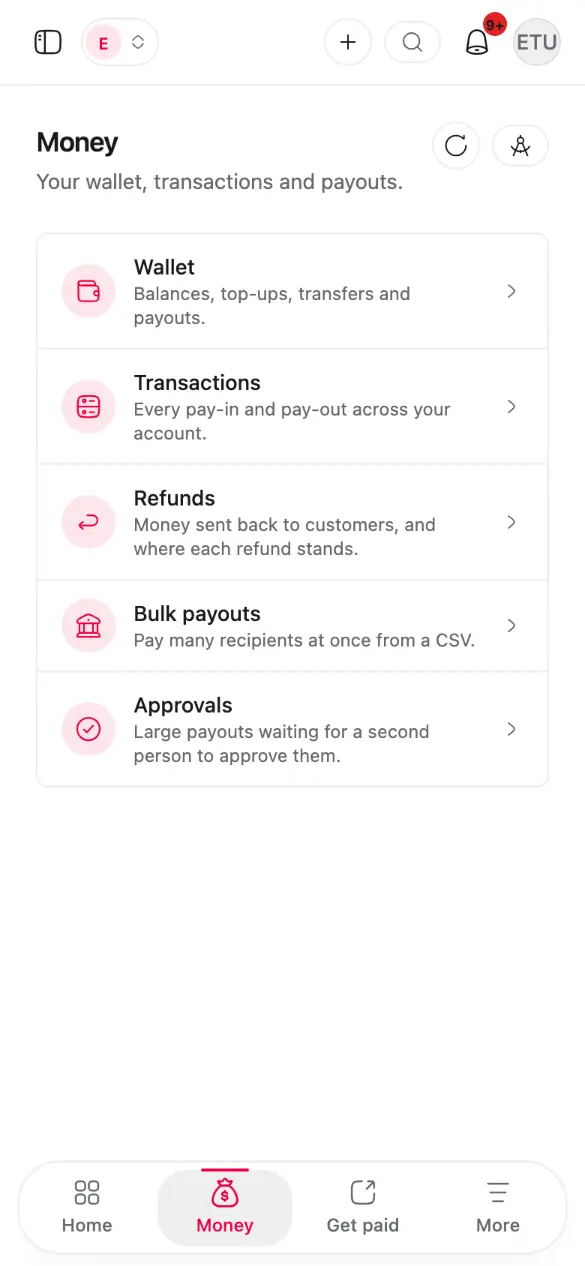
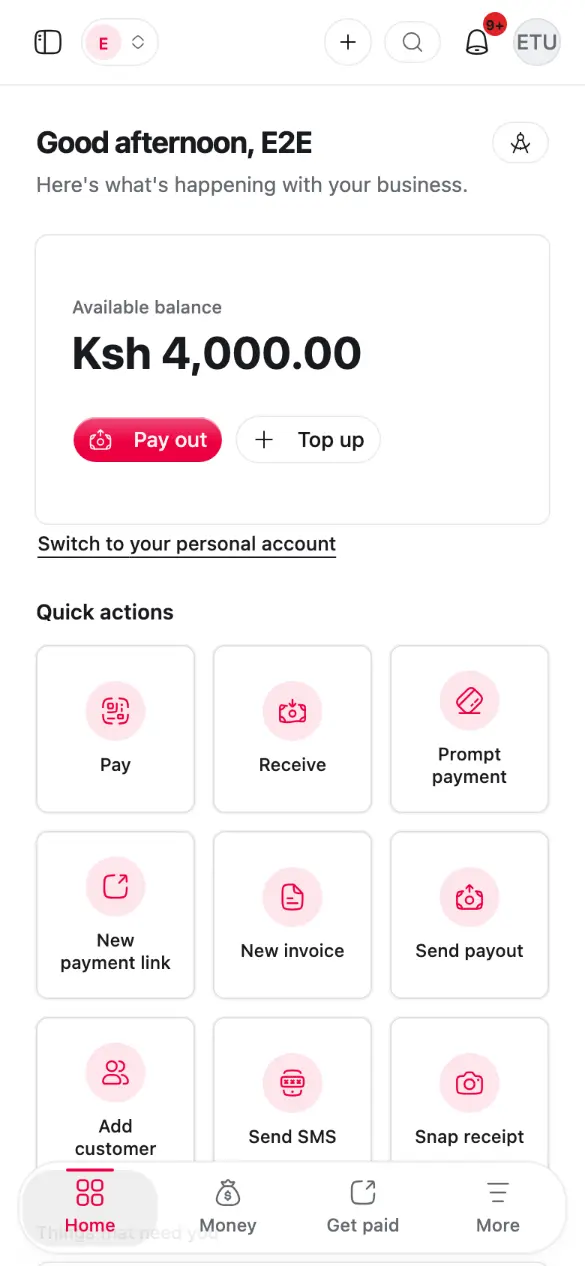
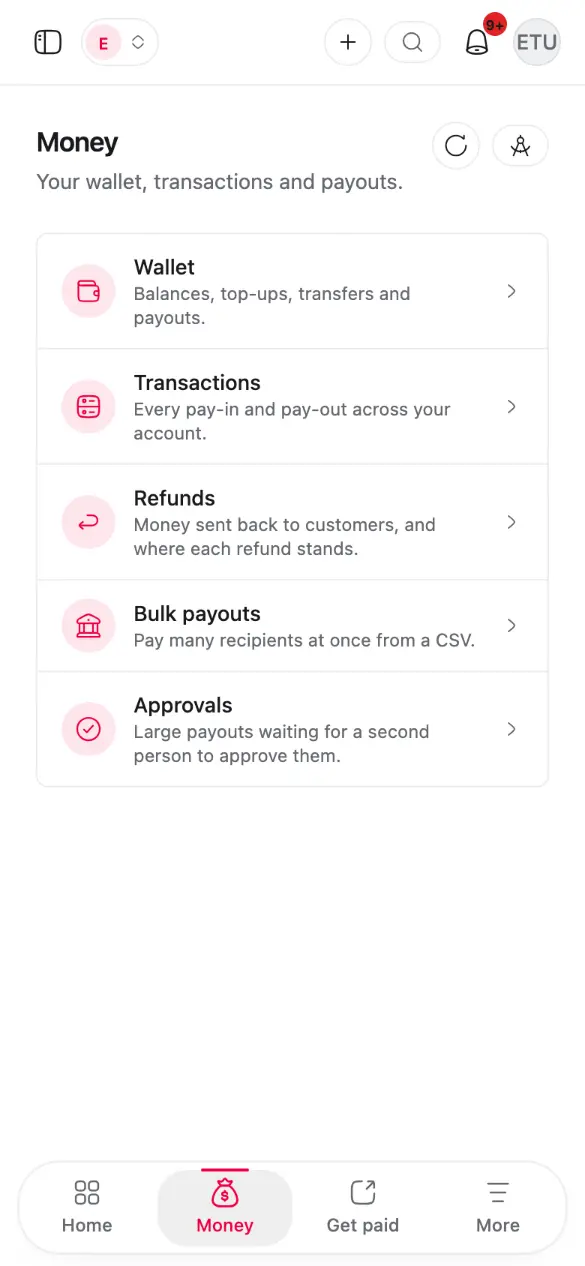
Tap Money
It is in the bar at the bottom of the screen.
- Step 2.
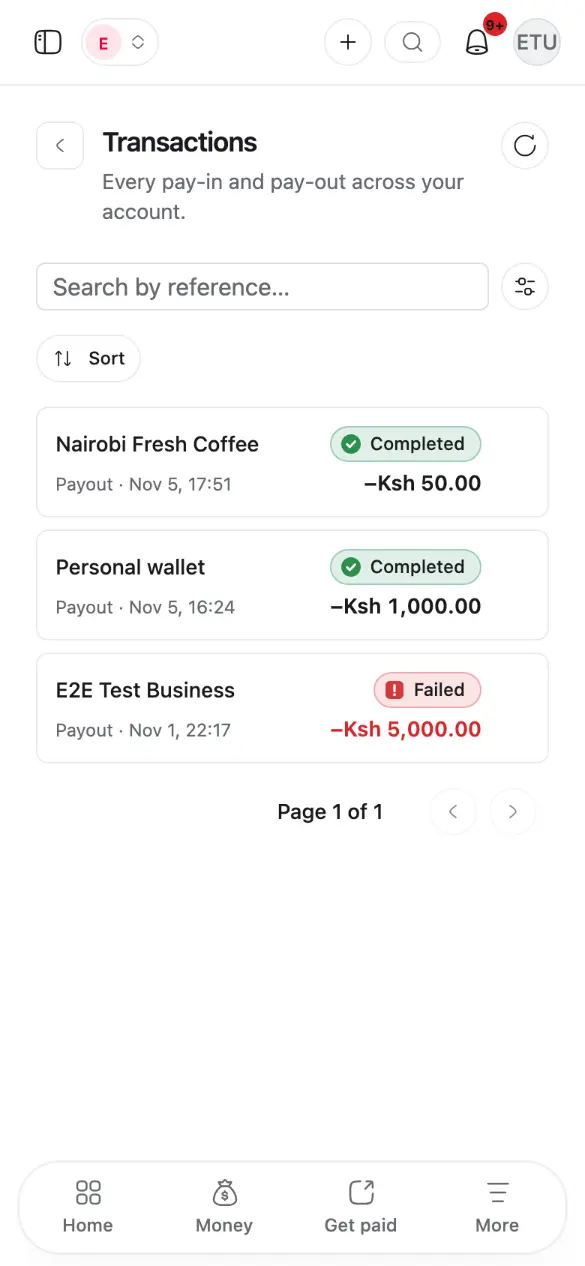
Tap Transactions
Every payment in and out is listed, newest first. Search by reference to find one fast.
- Step 3.
Tap the payment to refund
Tap Nairobi Fresh Coffee
Its details open.
- Step 4.
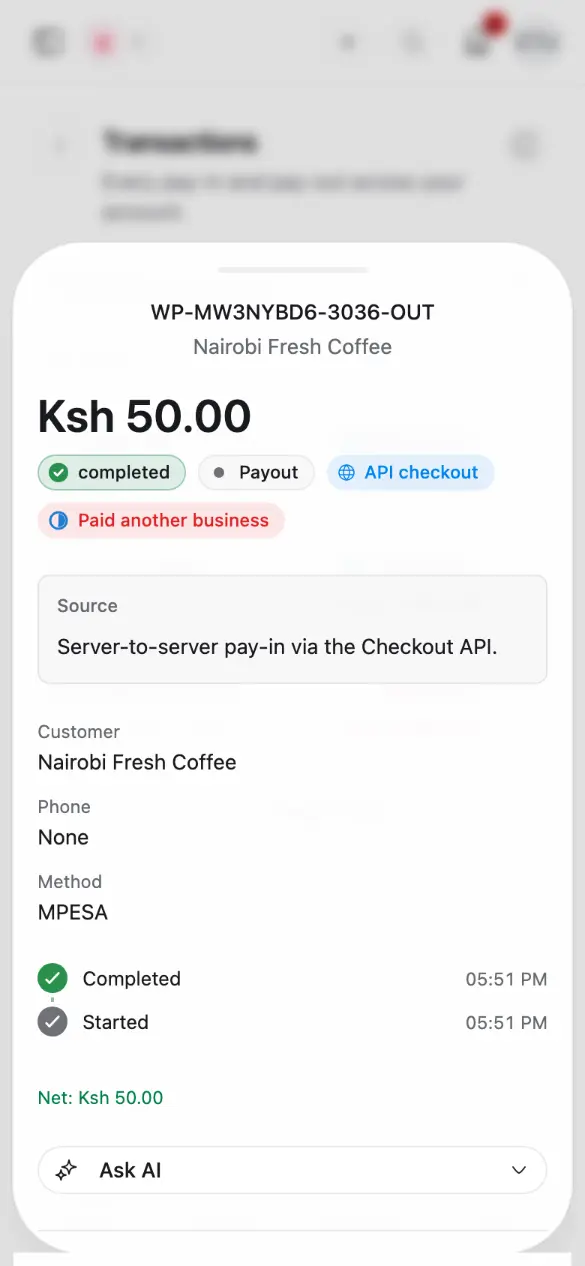
Check who paid, how much and how
The history below shows each stage of the payment, with the M-Pesa receipt.
Tap Method
- Step 5.
Tap Issue refund
It is at the bottom of a completed payment from a customer.
- Step 6.
Choose Everything left or Part of it, then tap Refund
For part of it, type the amount. The money goes back to the customer's M-Pesa.
- Step 7.
Tap Refunds to follow it
Open Money again from the bar at the bottom of the screen.
Each refund shows where it stands until it completes.