Pay many people at once
Pay staff or suppliers in one go, with a result for every person.
- Step 1.
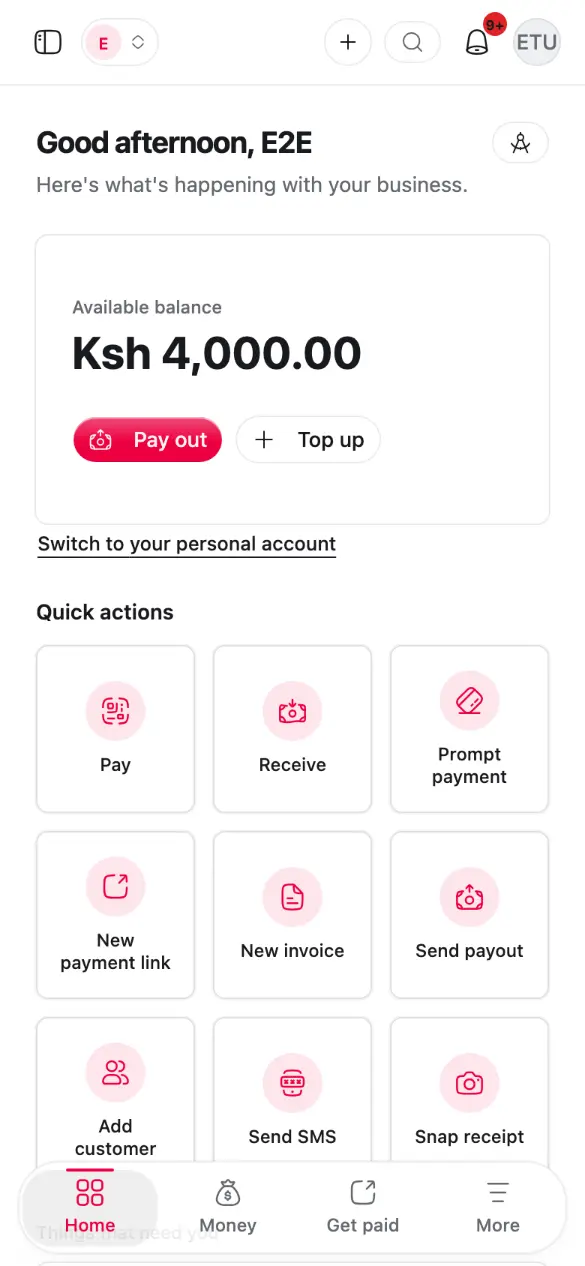
Tap Money
It is in the bar at the bottom of the screen.
- Step 2.
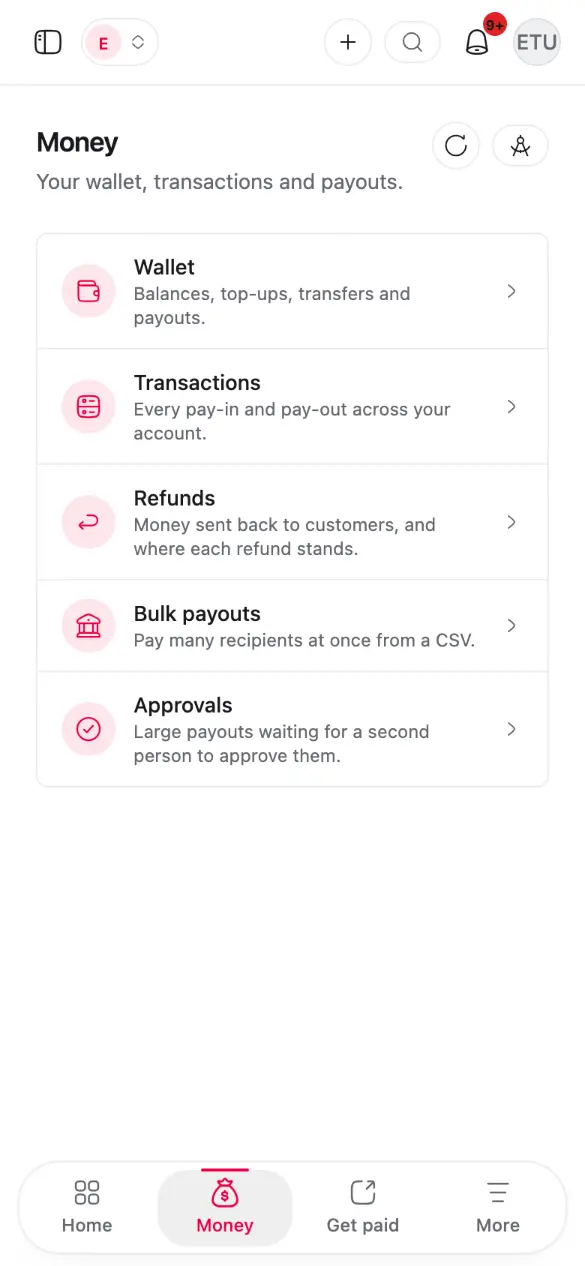
Tap Bulk payouts
Your past batches are listed with how many were paid.
- Step 3.
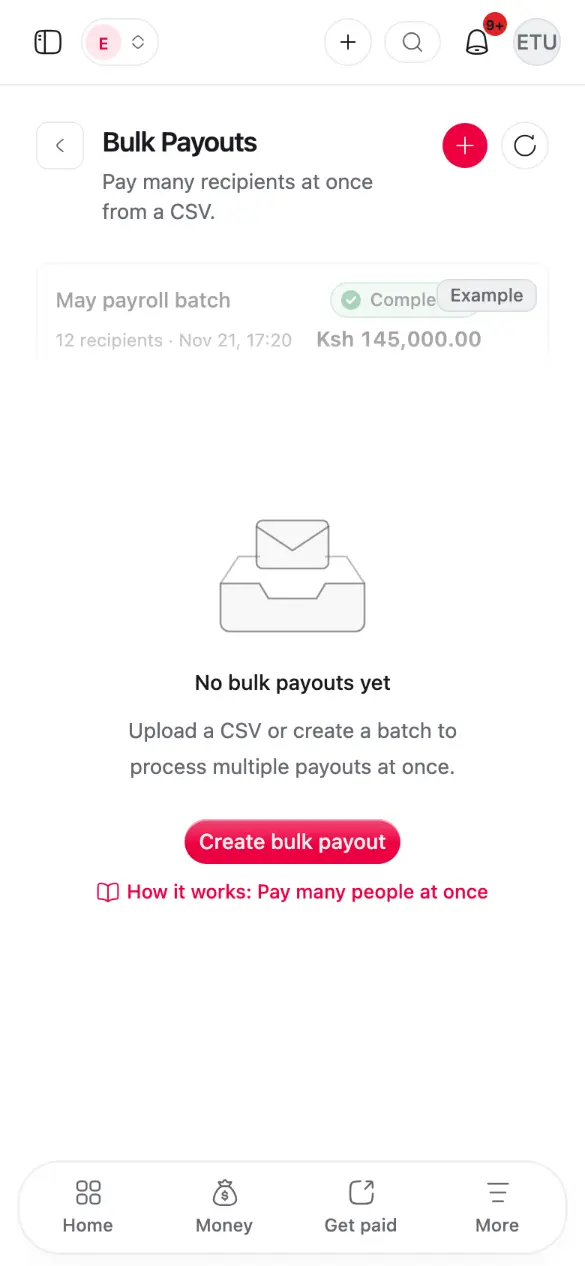
Tap New Bulk Payout
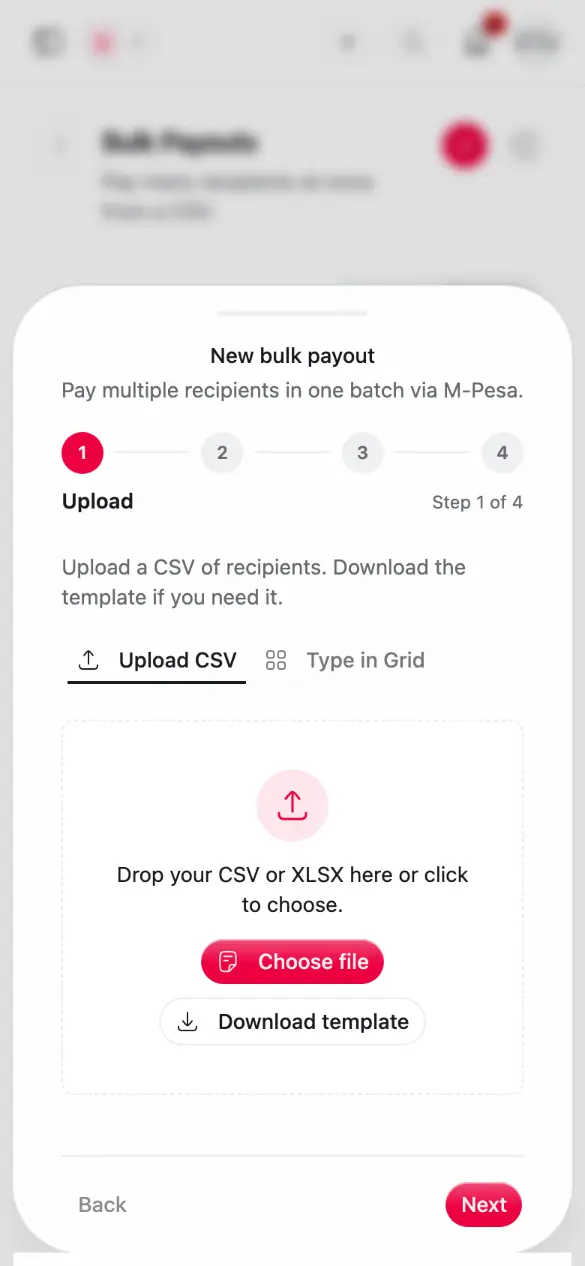
A form opens in four steps. Upload CSV is picked: choose a spreadsheet, or tap Download template for one to fill in.
- Step 4.
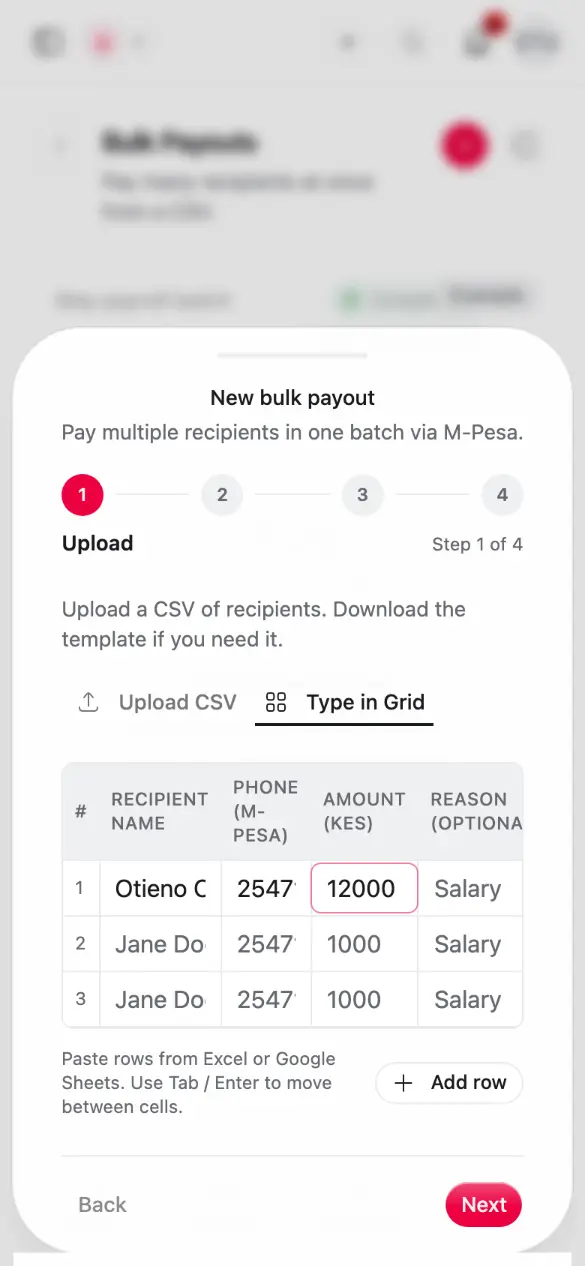
Tap Type in Grid to type the list instead
A table opens, one row per person.
- Step 5.
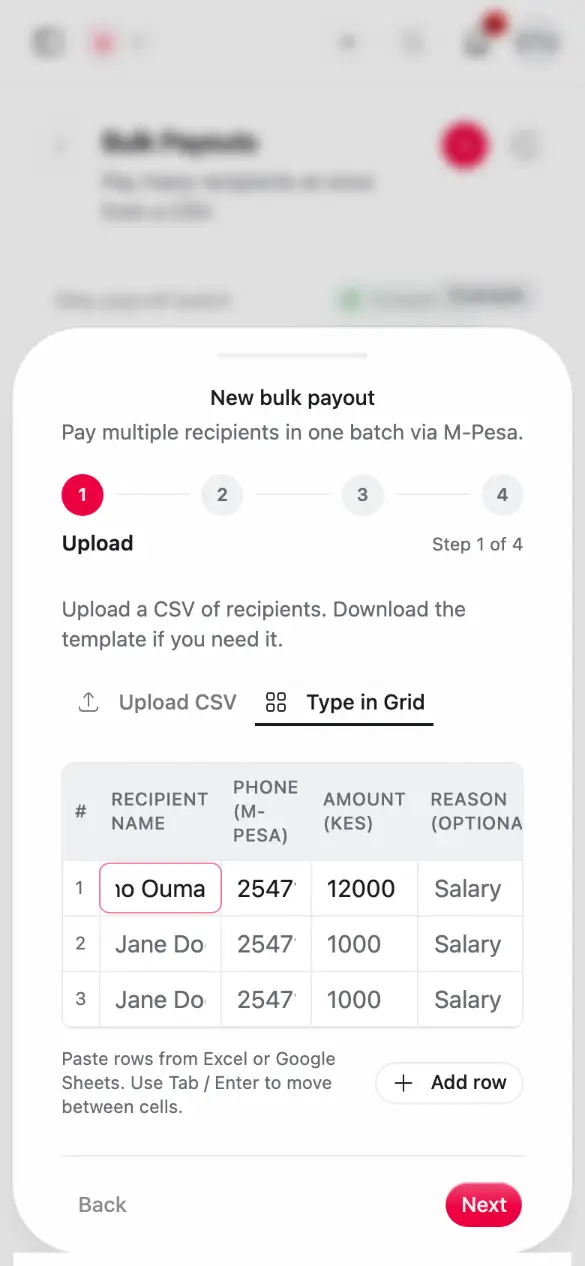
Type the first person's name
Type in Recipient name row 1, for example Otieno Ouma
- Step 6.
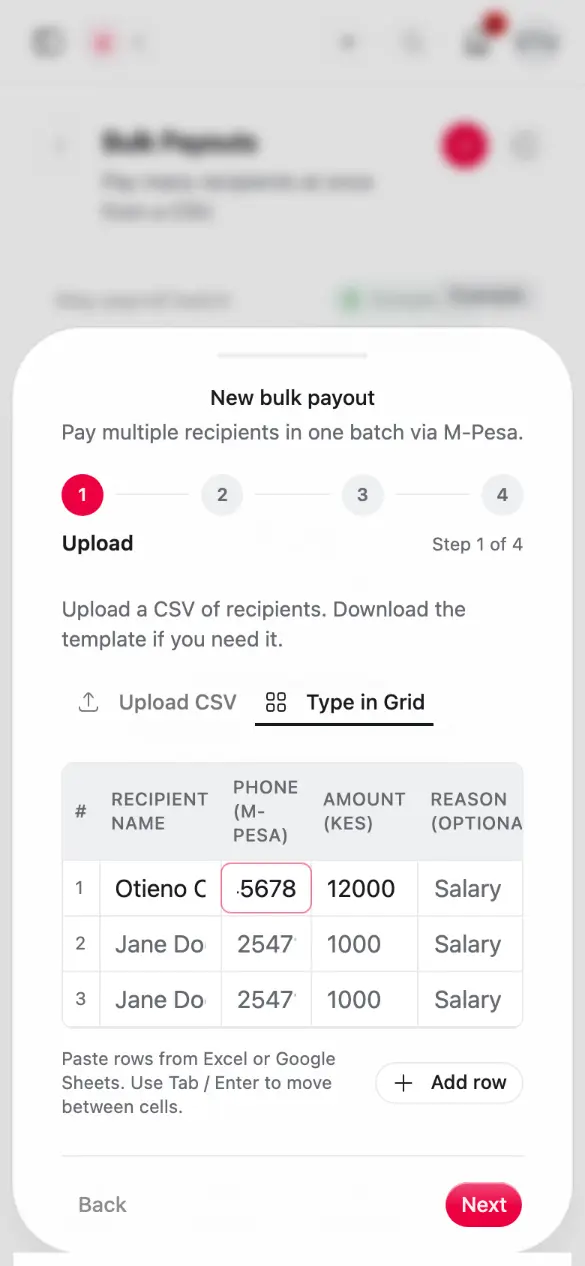
Type their M-Pesa number
Start with 254, such as 254712345678.
Type in Phone (M-Pesa) row 1, for example 254712345678
- Step 7.
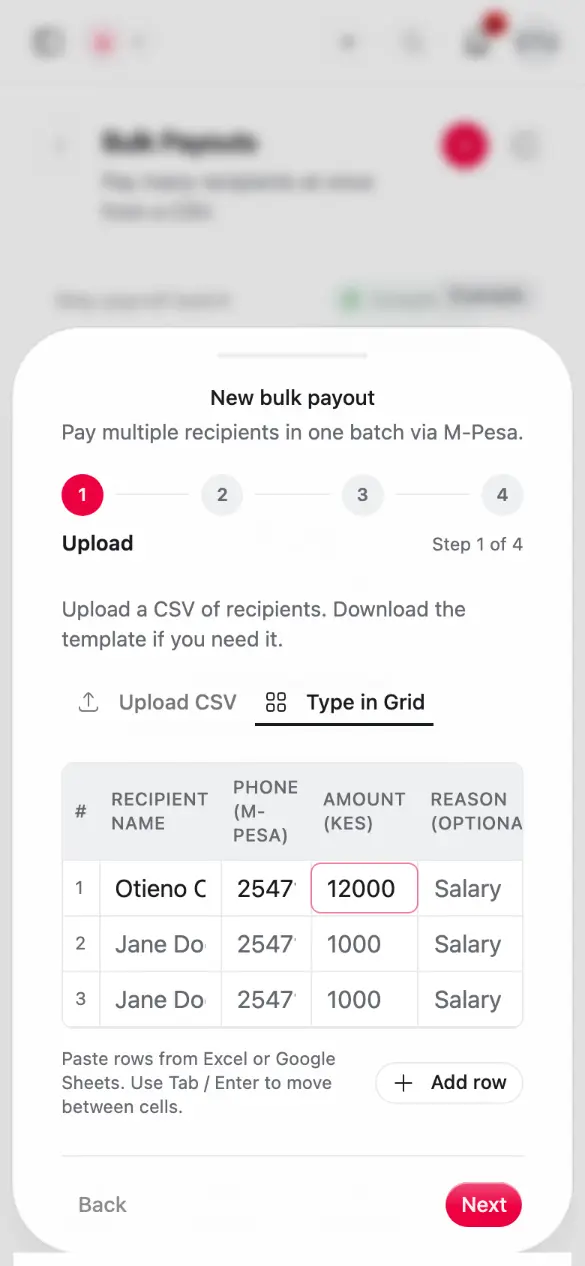
Type the amount
Fill in a row for everyone you are paying. A reason, such as Salary, is optional.
Type in Amount (KES) row 1, for example 12000
- Step 8.
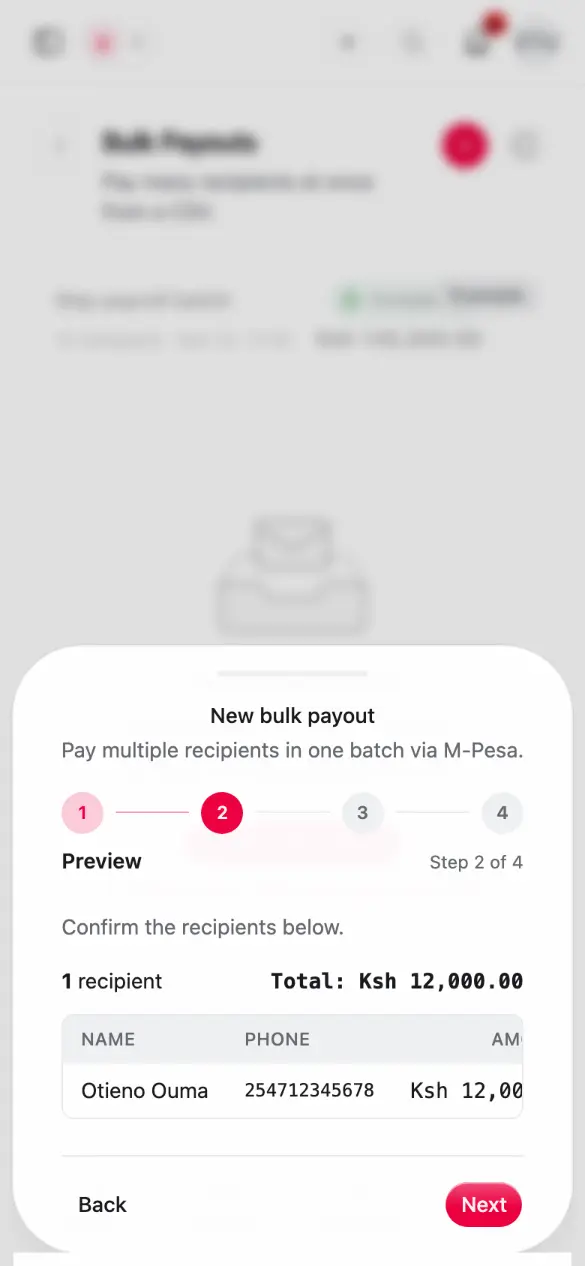
Tap Next
A preview flags any row with a problem, such as a wrong number.
- Step 9.
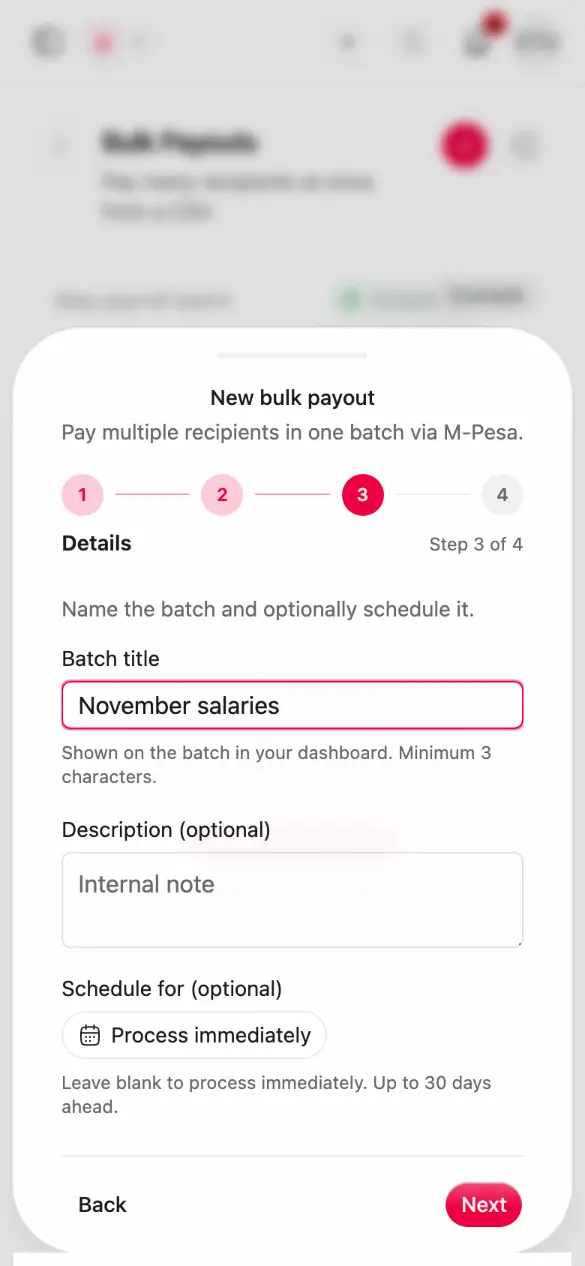
Tap Next
You name the batch and can schedule it for later.
- Step 10.
Name the batch
Type in Batch title, for example November salaries
- Step 11.
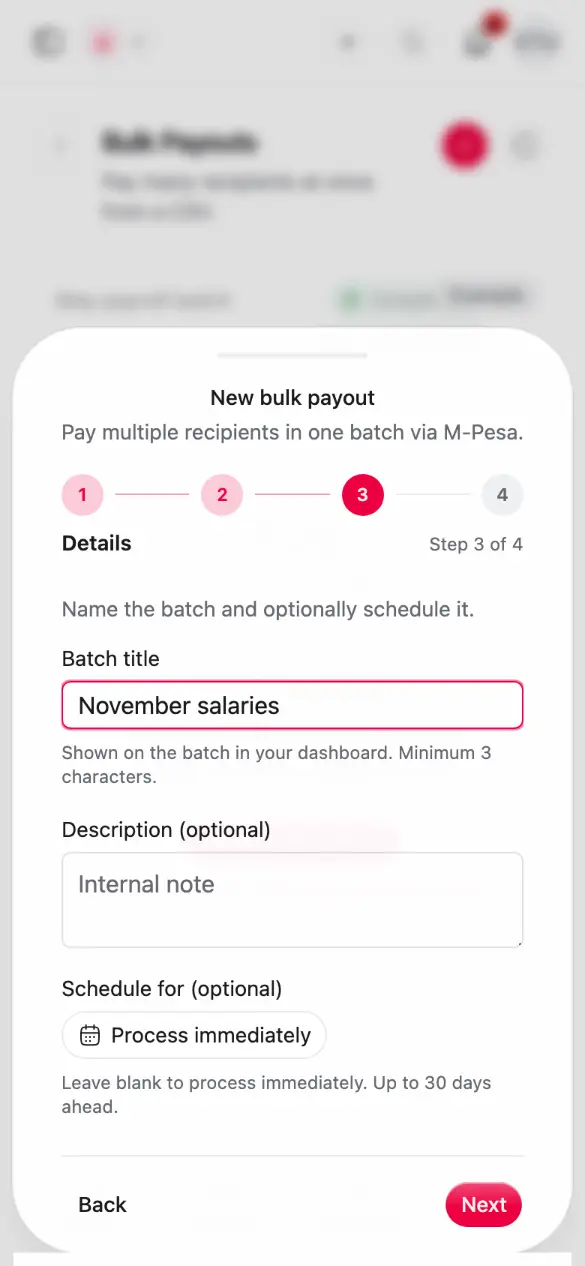
Tap Next
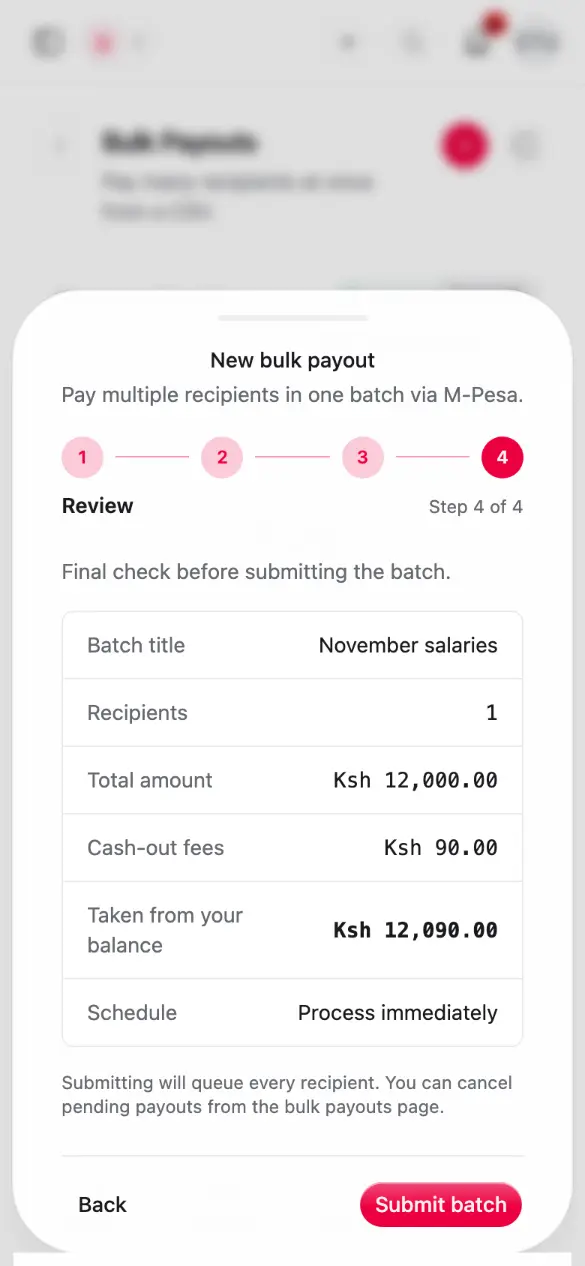
A summary shows how many people, the total and the fees.
- Step 12.
Tap Submit batch
Everyone is paid to M-Pesa. Open the batch to see who was paid and who was not.