Your first integration, step 4 of 5
Take payments from your app
Charge a customer by M-Pesa with one request and follow it to the end.
- Step 1.
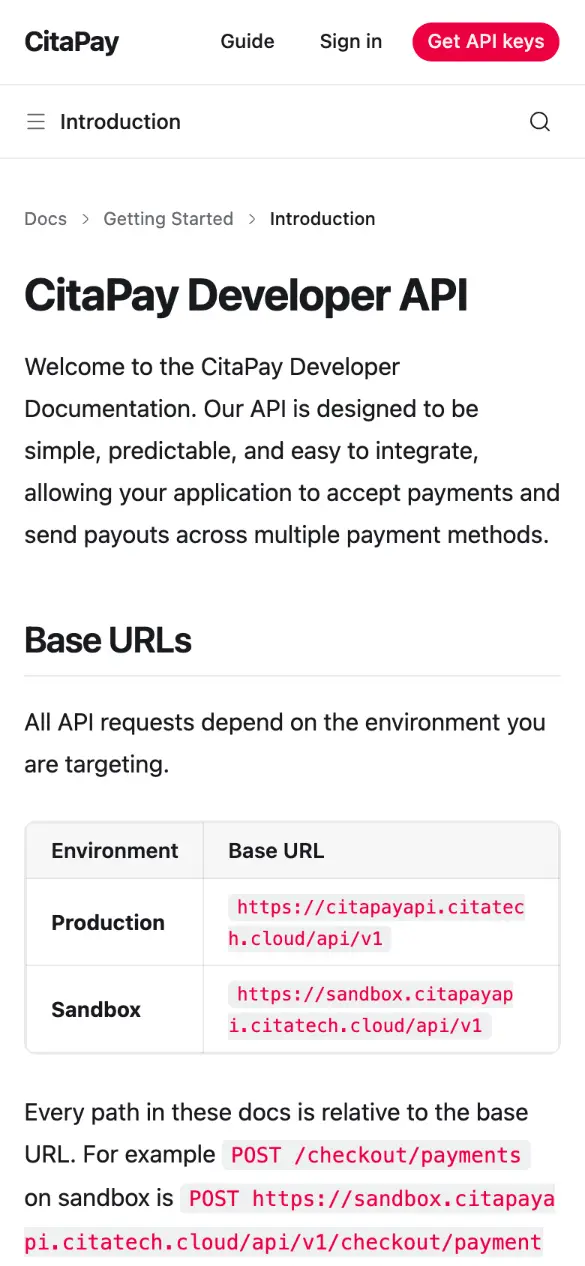
Tap Introduction to open the menu
The developer guide is open. The menu lists every topic.
- Step 2.
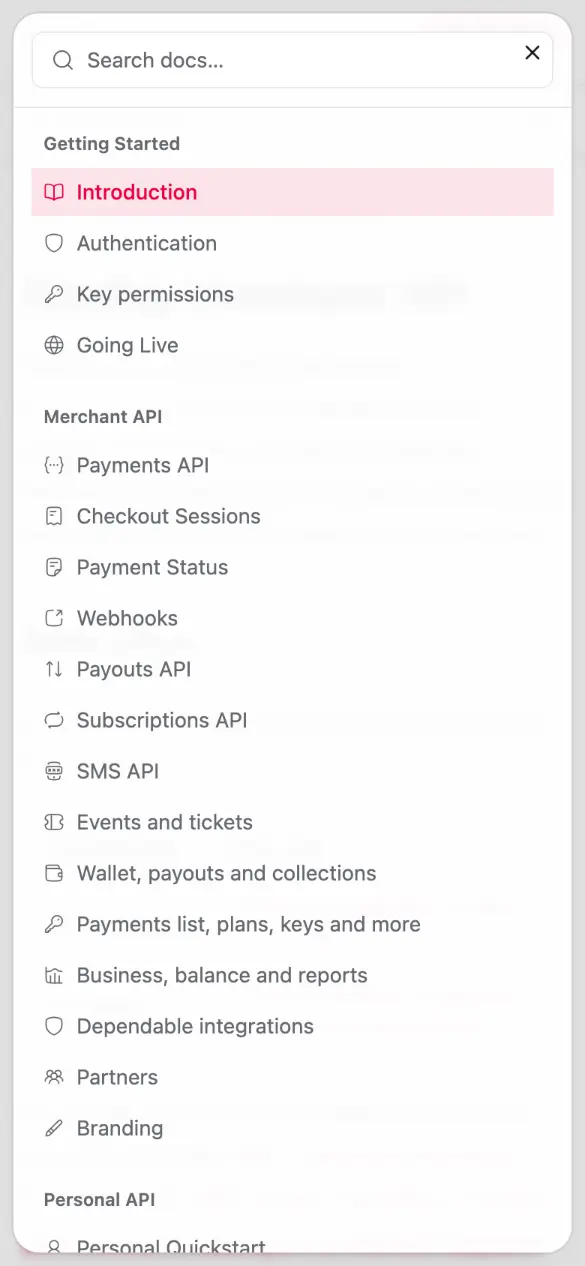
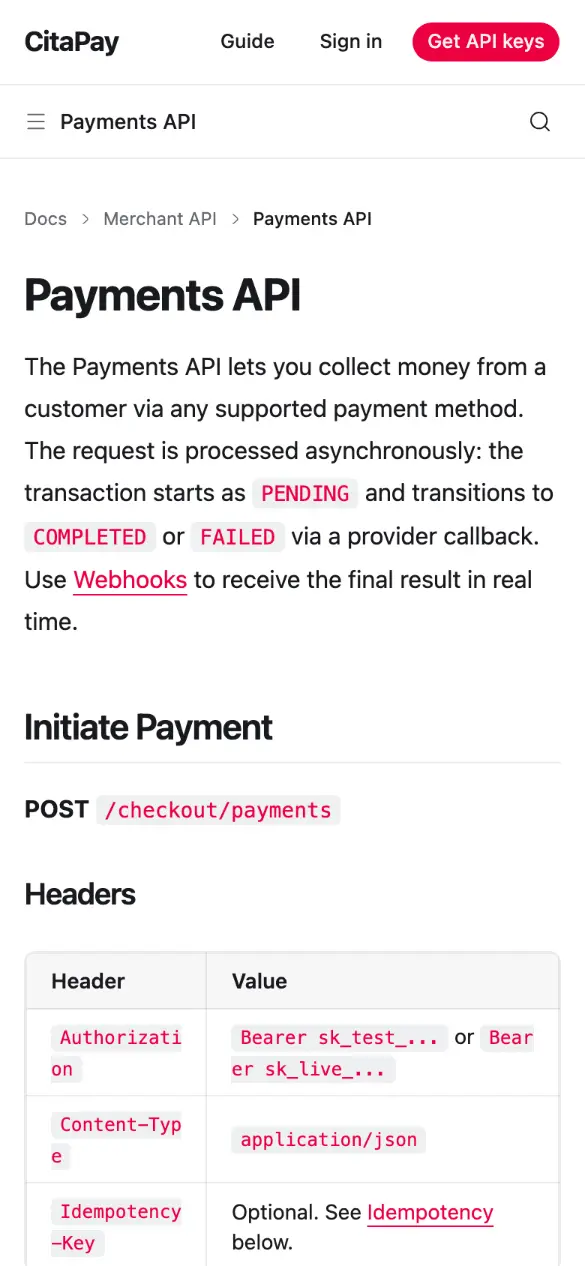
Tap Payments API
The request that charges a customer by M-Pesa.
- Step 3.
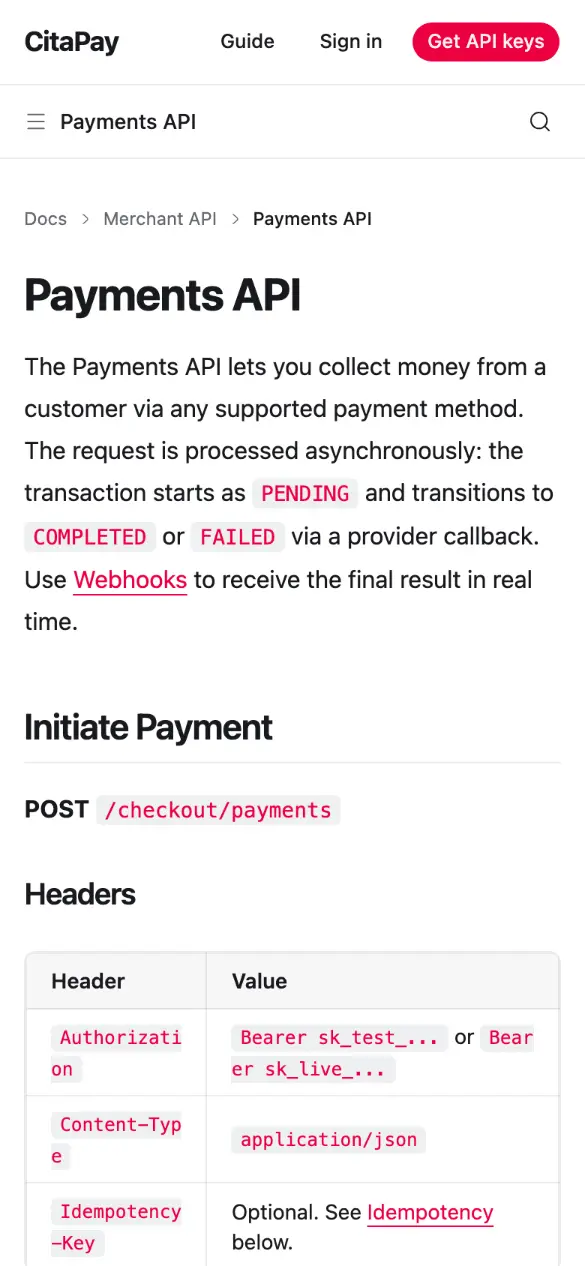
Send the amount, the customer's phone and your own reference
Your server posts them to the payments endpoint with your secret key. The customer gets an M-Pesa prompt.
Tap Initiate Payment
- Step 4.
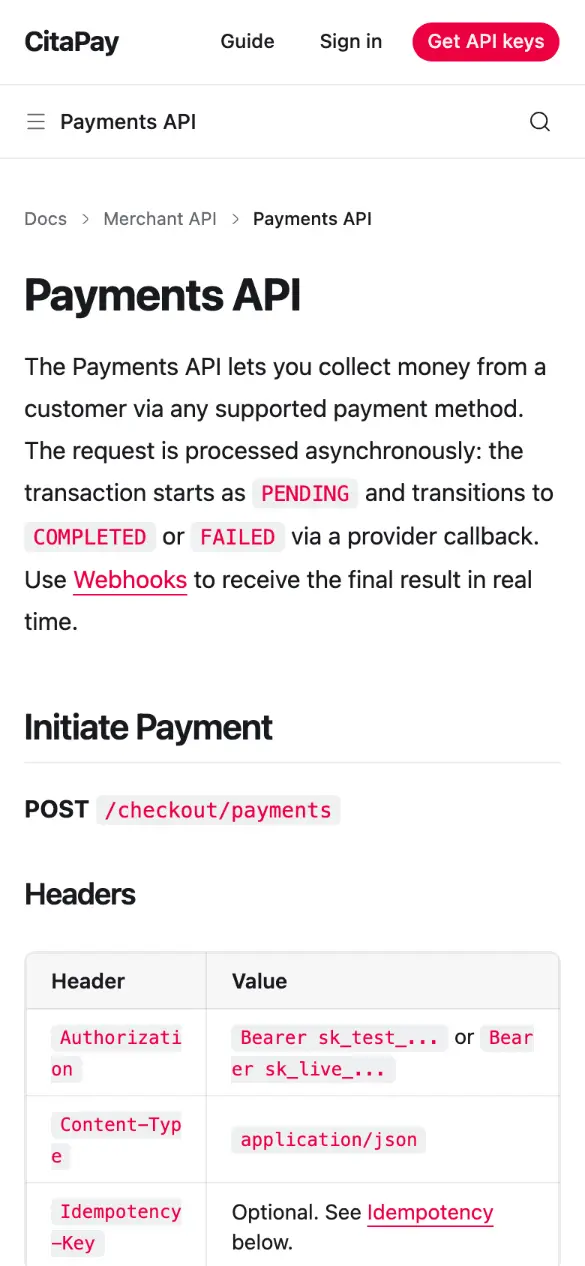
Add an Idempotency-Key header
Send a new unique value with each payment. A retry after a network drop then never charges twice.
Tap Headers
- Step 5.
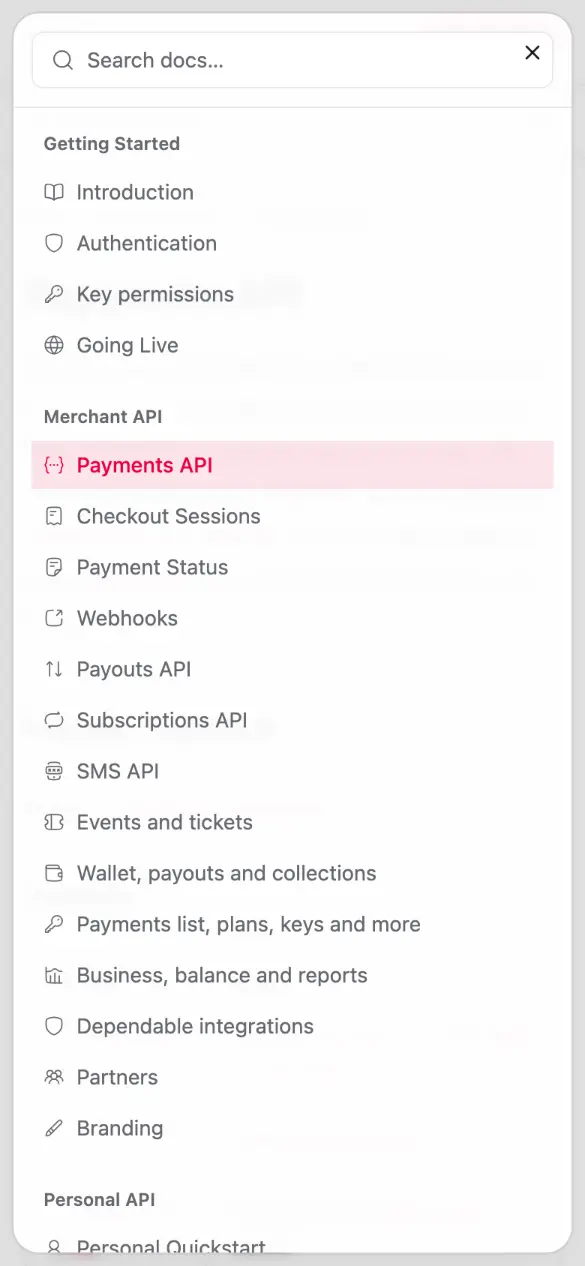
Tap Payments API at the top to open the menu
- Step 6.
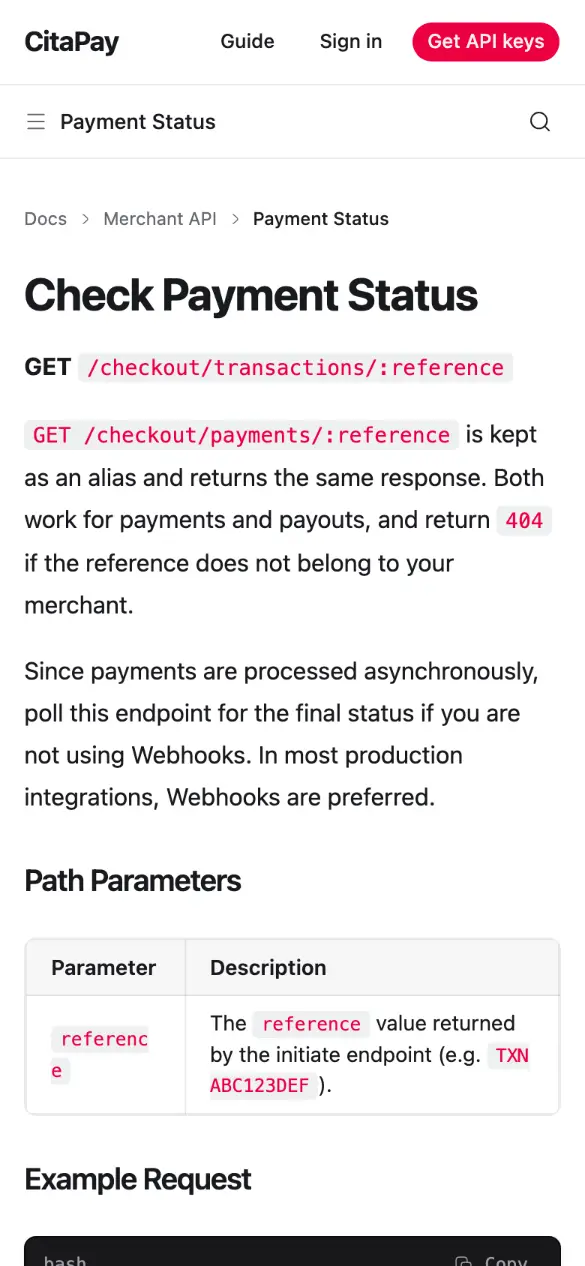
Tap Payment Status to follow the payment
Read the status with the reference you got back, or wait for a webhook.
- Step 7.
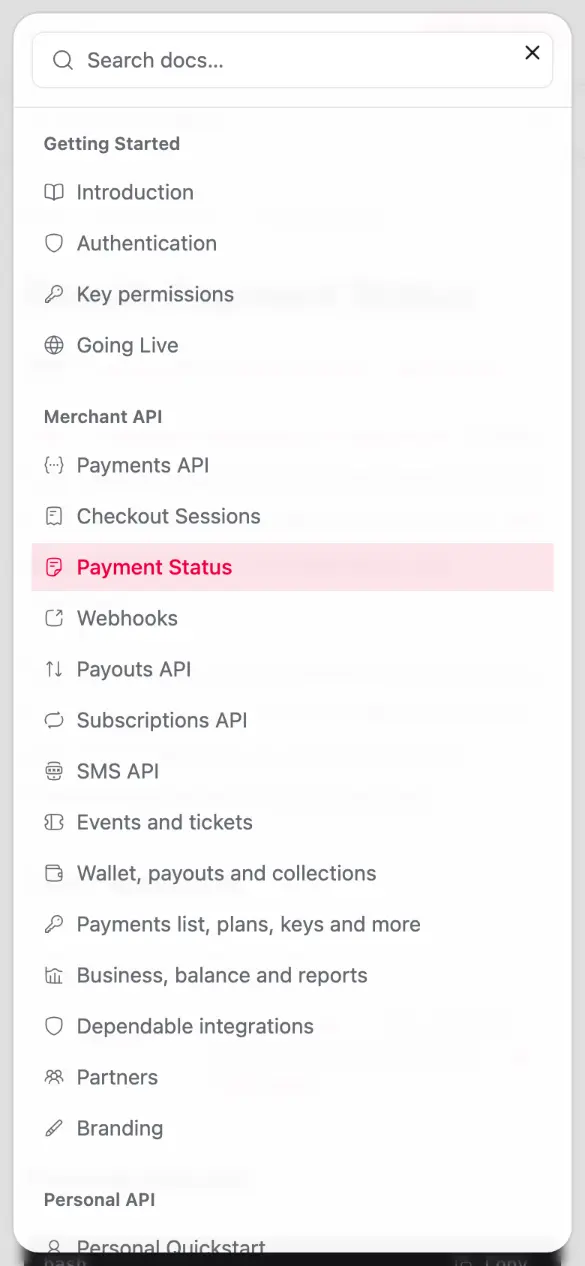
Tap Payment Status at the top to open the menu
- Step 8.
Or tap Checkout Sessions for a hosted page
Send the customer to a CitaPay payment page instead, and they choose how to pay.
Next in your first integration
Webhooks
Hear about every payment as it happens.