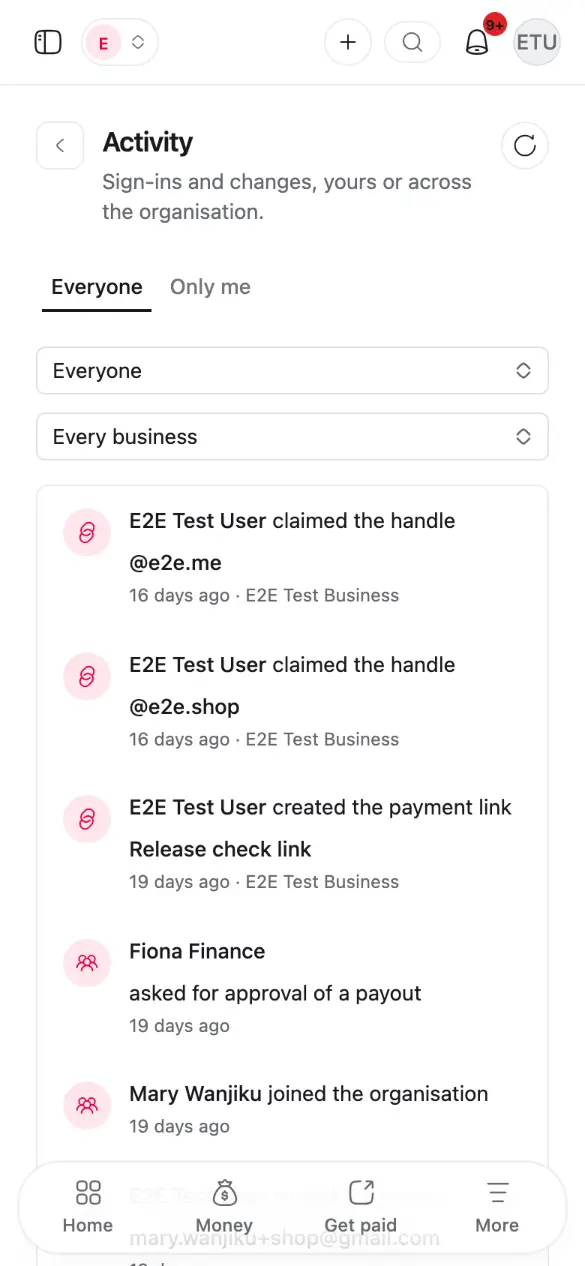
Set up your team, step 4 of 4
Who did what
A record of every important action, by person and time.
- Step 1.
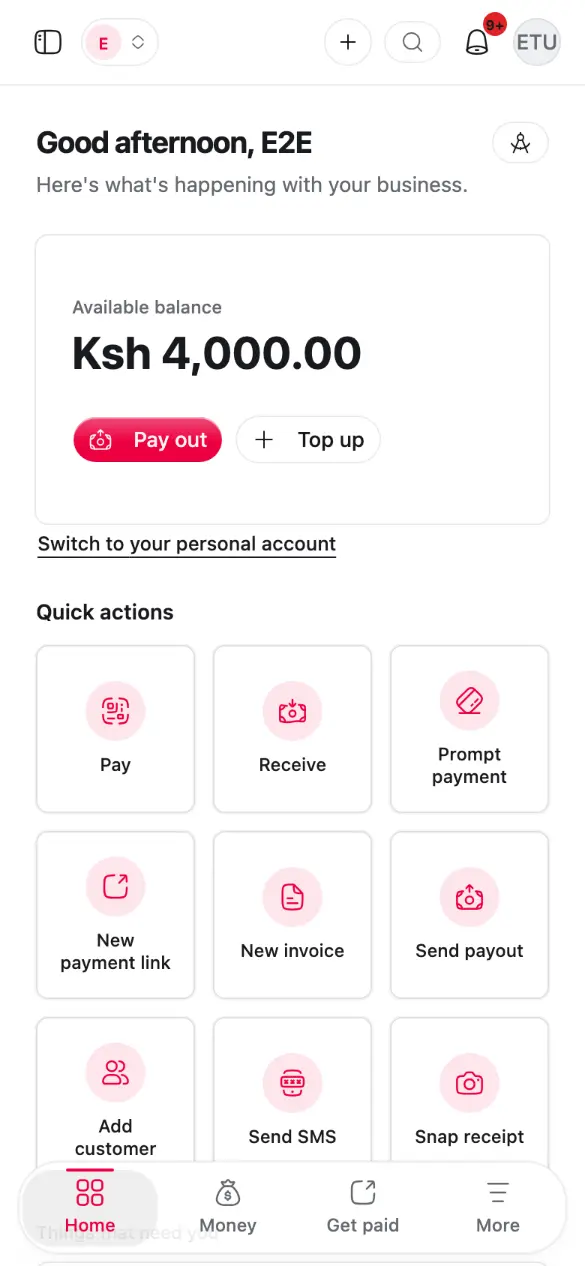
Tap More
It is at the right of the bar at the bottom of the screen.
- Step 2.
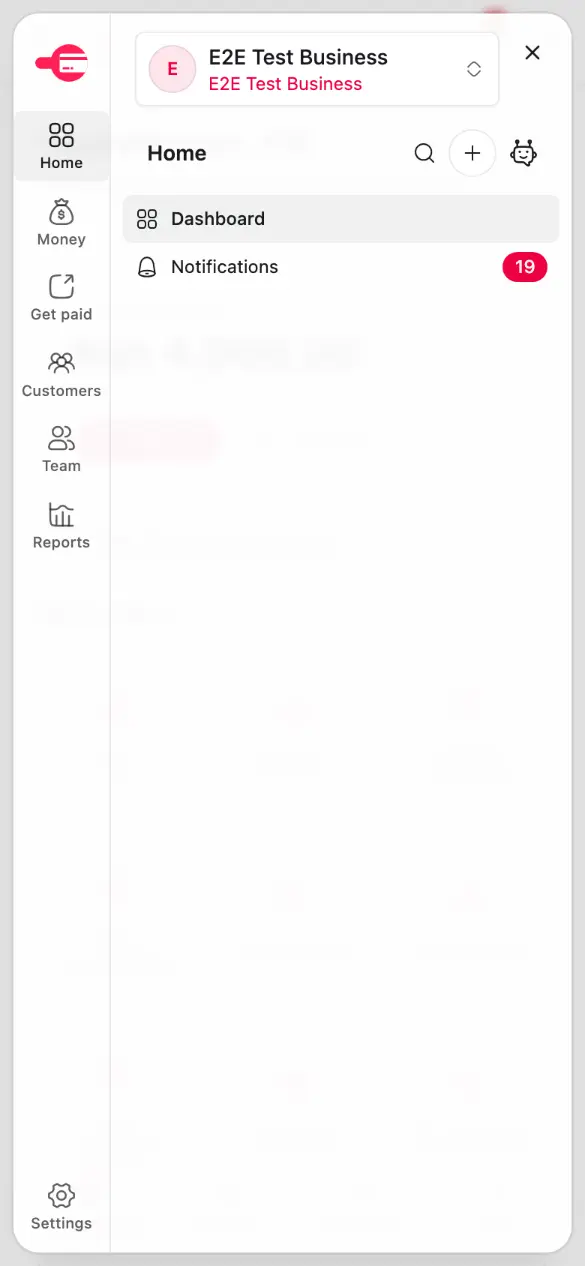
Tap Team
- Step 3.
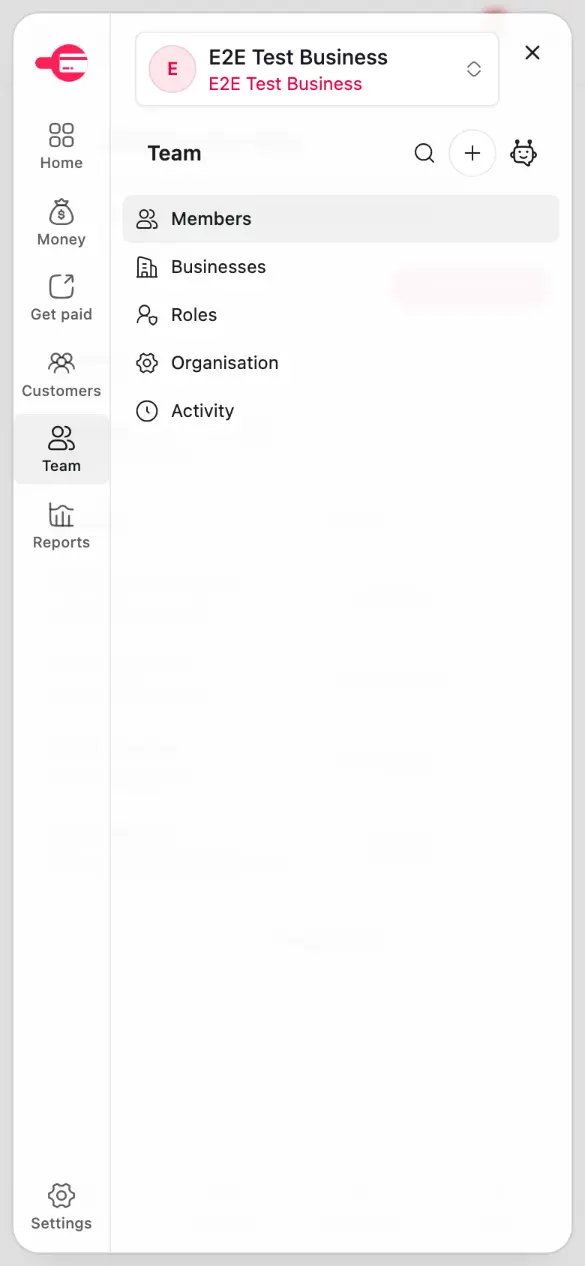
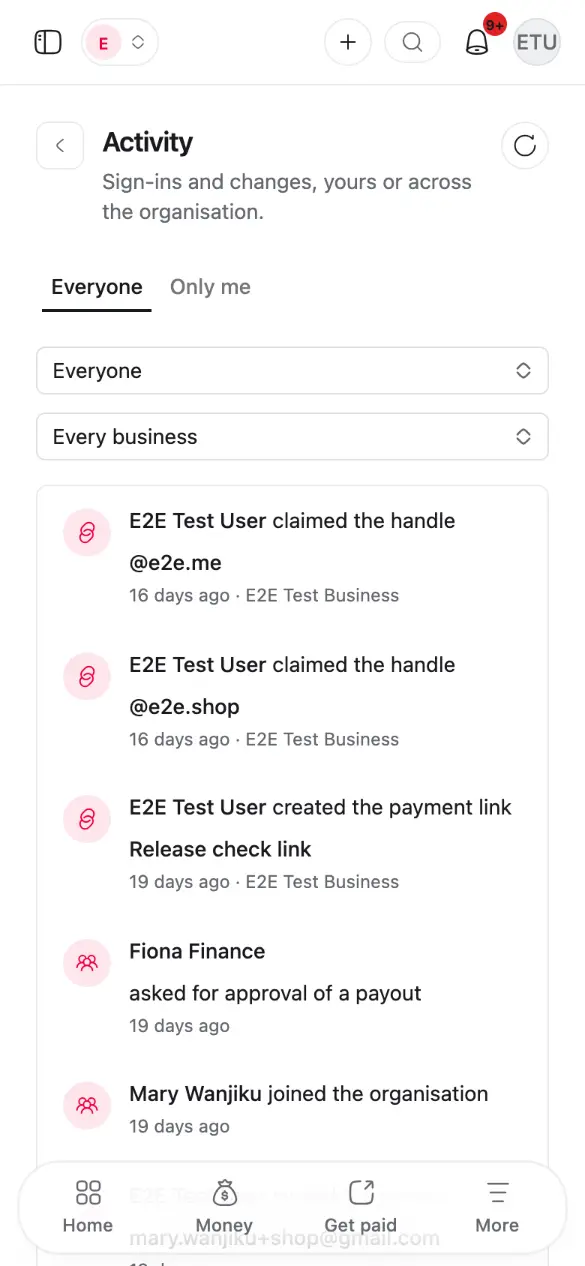
Tap Activity
Sign-ins and changes across the organisation, newest first.
- Step 4.
Pick a person
Pick a business beside it to see only what happened there. Tap Older at the bottom to go further back.
Tap Member
- Step 5.
Tap Only me for your own actions