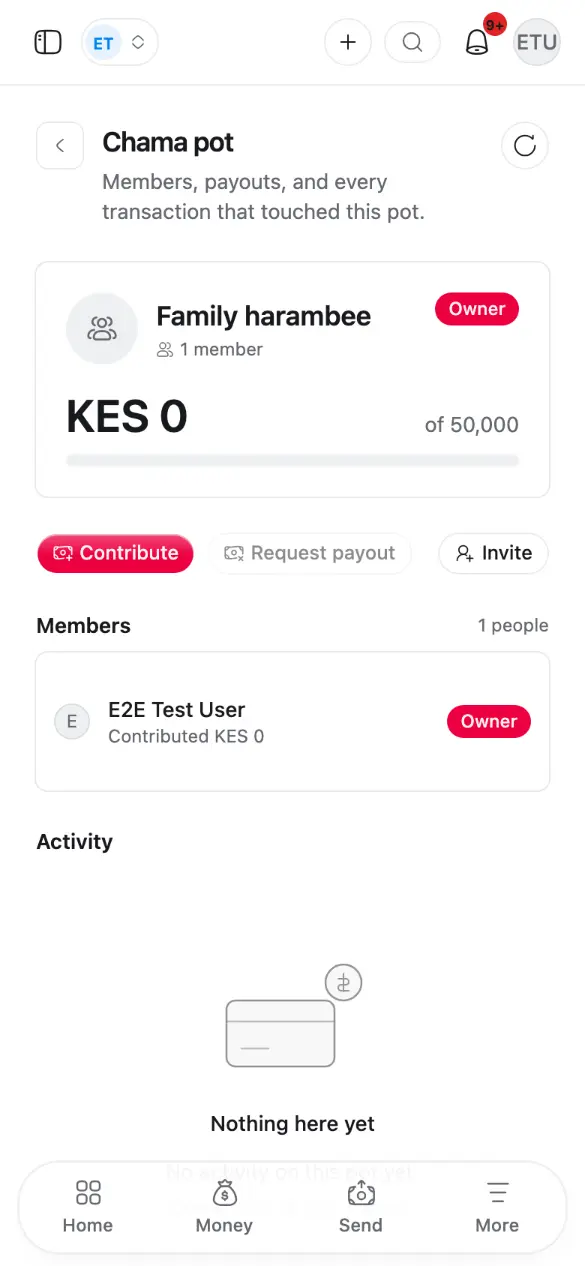
Chamas
Save together as a group, with contributions everyone can see.
- Step 1.
Tap More
It is at the right of the bar at the bottom of the screen.
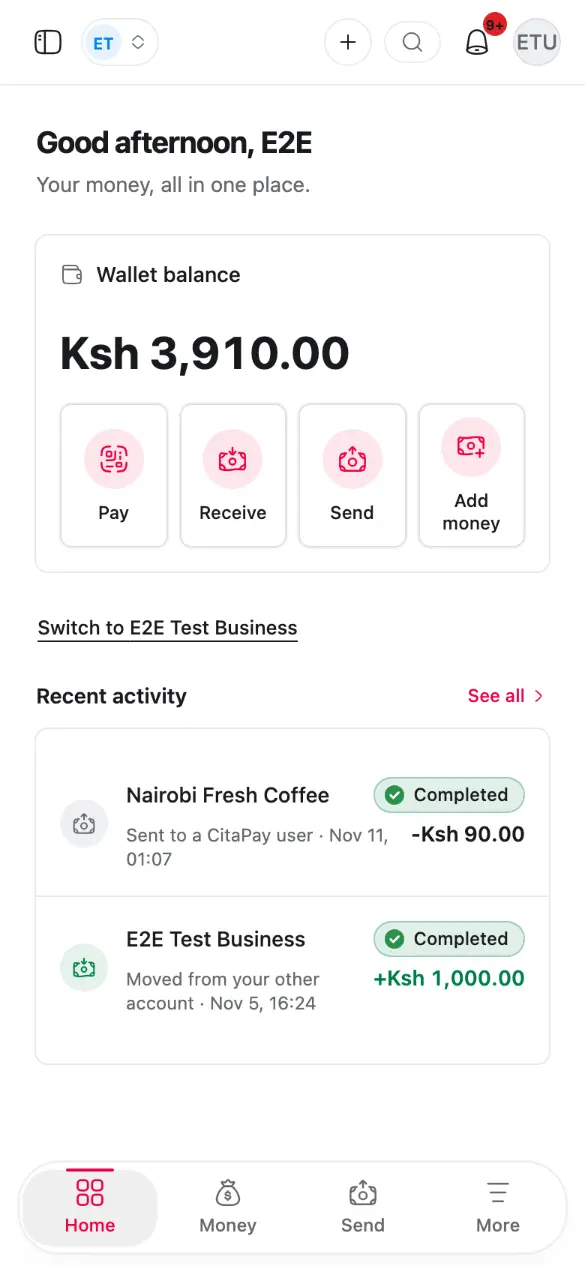
- Step 2.
Tap Savings
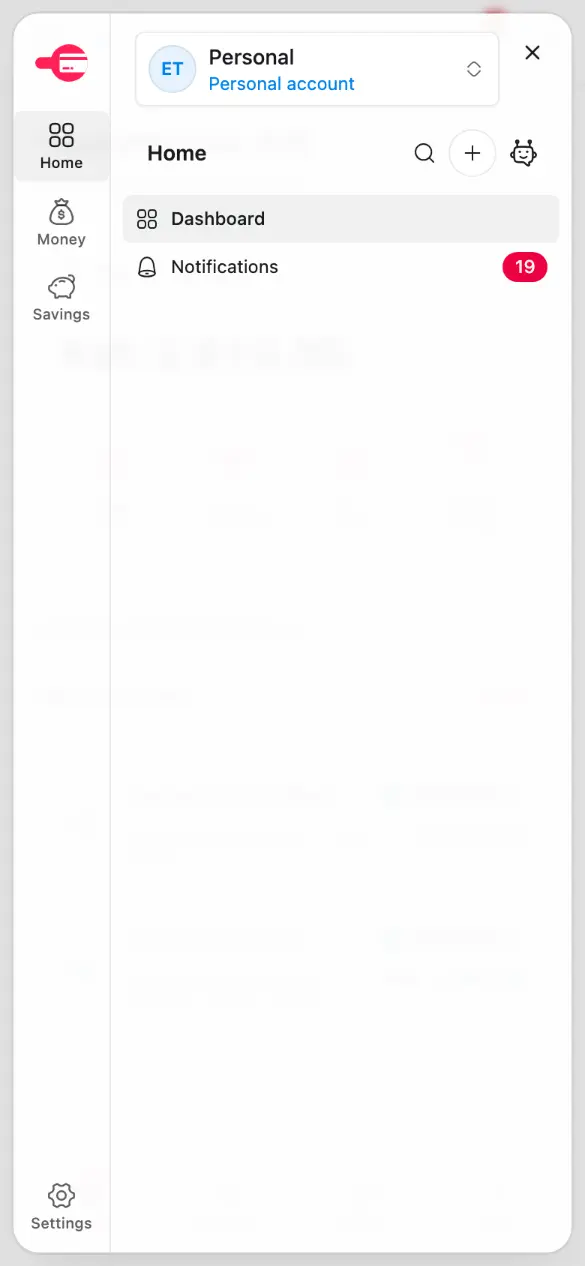
- Step 3.
Tap Chamas
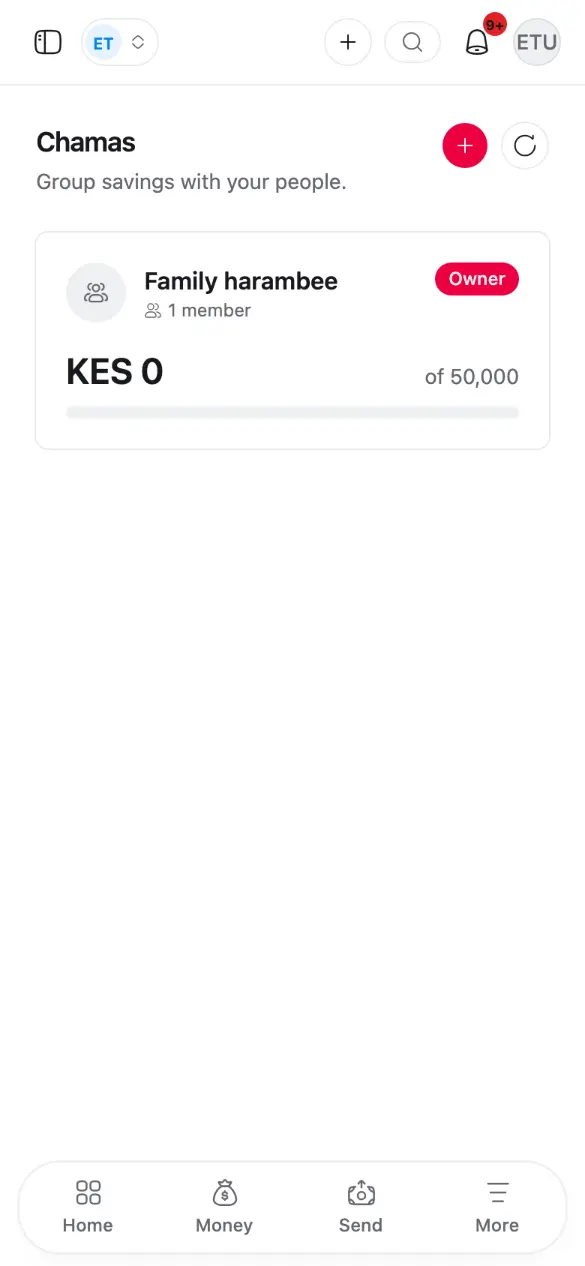
Every chama you belong to is listed, with what it holds.
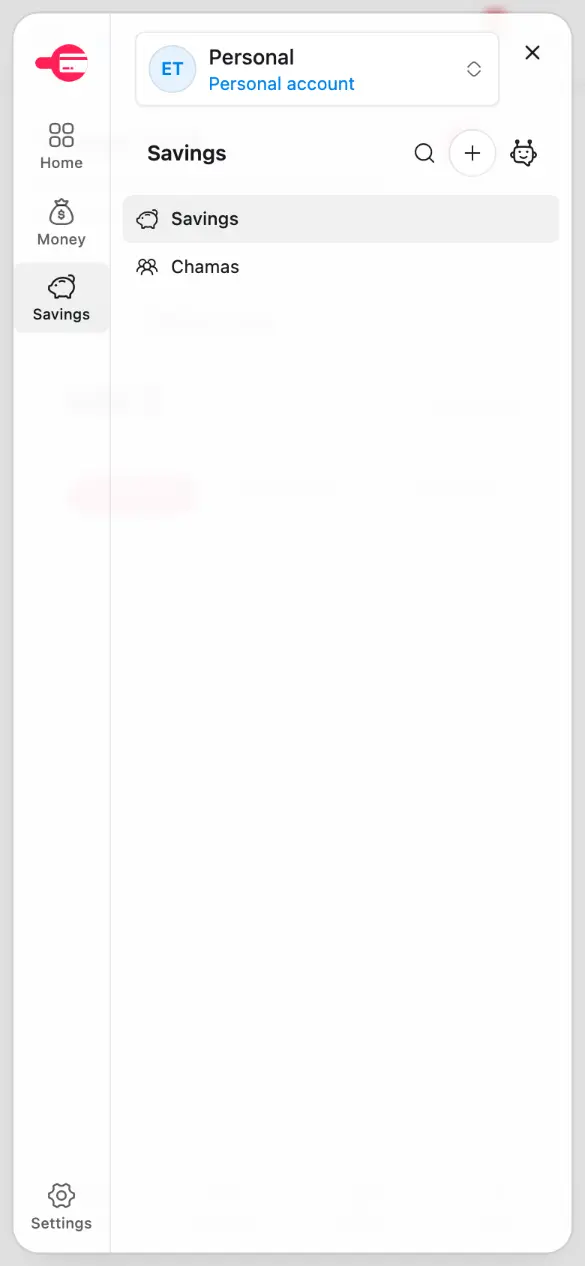
- Step 4.
Tap New pot
A short form opens.
- Step 5.
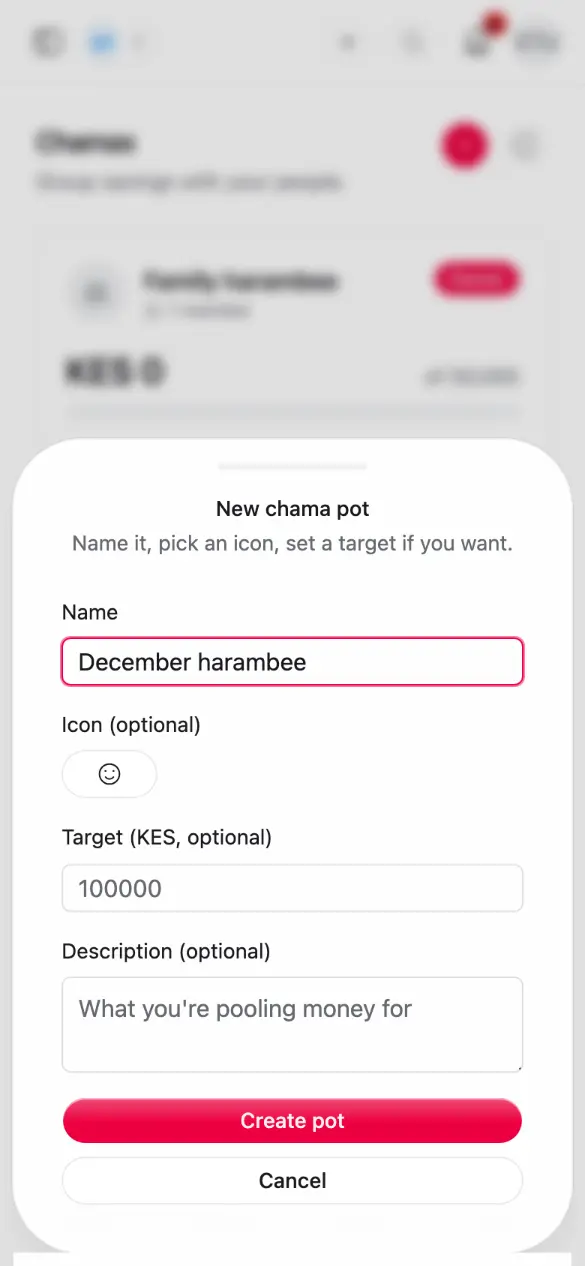
Name the pot
Type in Name, for example December harambee
- Step 6.
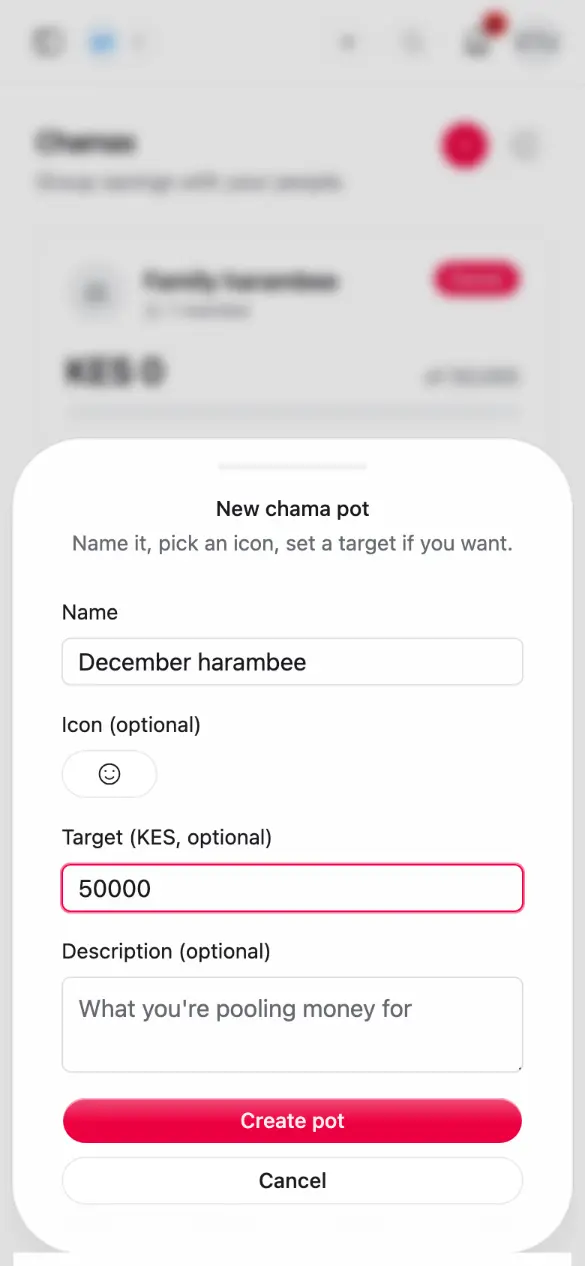
Type a target, if you have one
Everyone in the chama sees the pot fill towards it.
Type in Target (KES, optional), for example 50000
- Step 7.
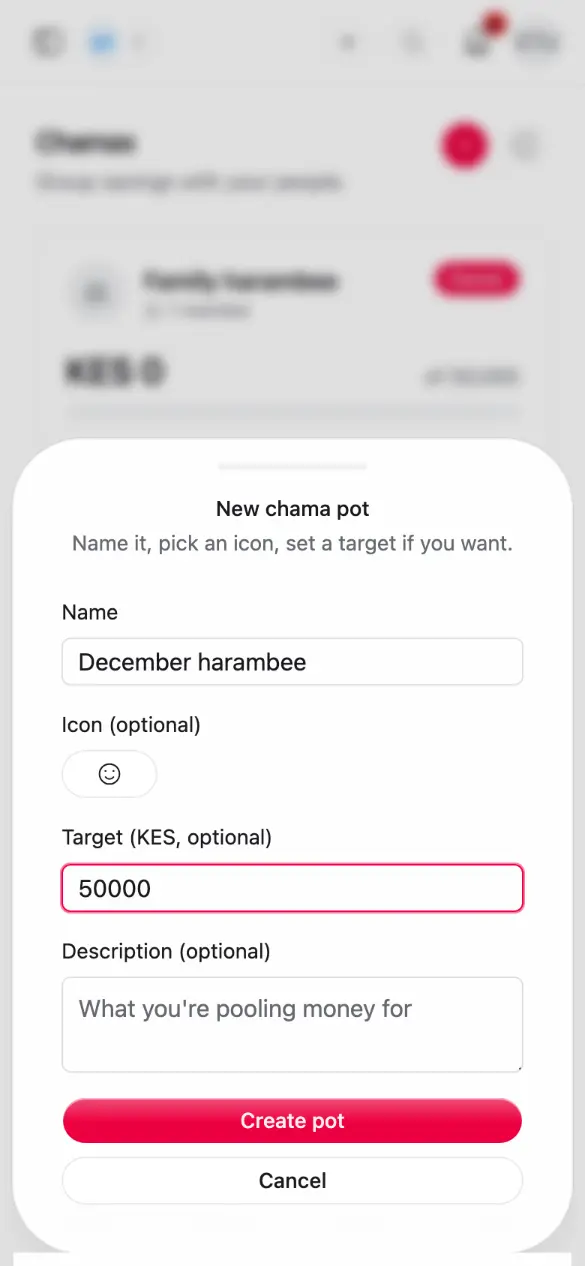
Tap Create pot
The pot opens, with you as its owner.
- Step 8.
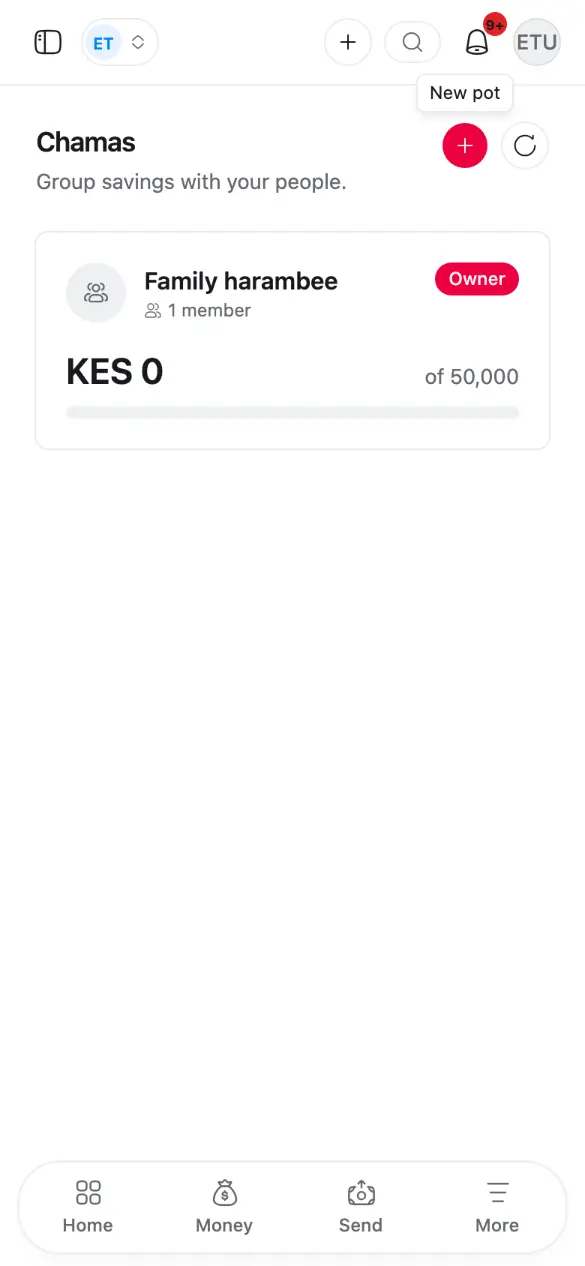
Open the pot
Tap Open Family harambee
You see the members, what each has put in, and every movement.
- Step 9.
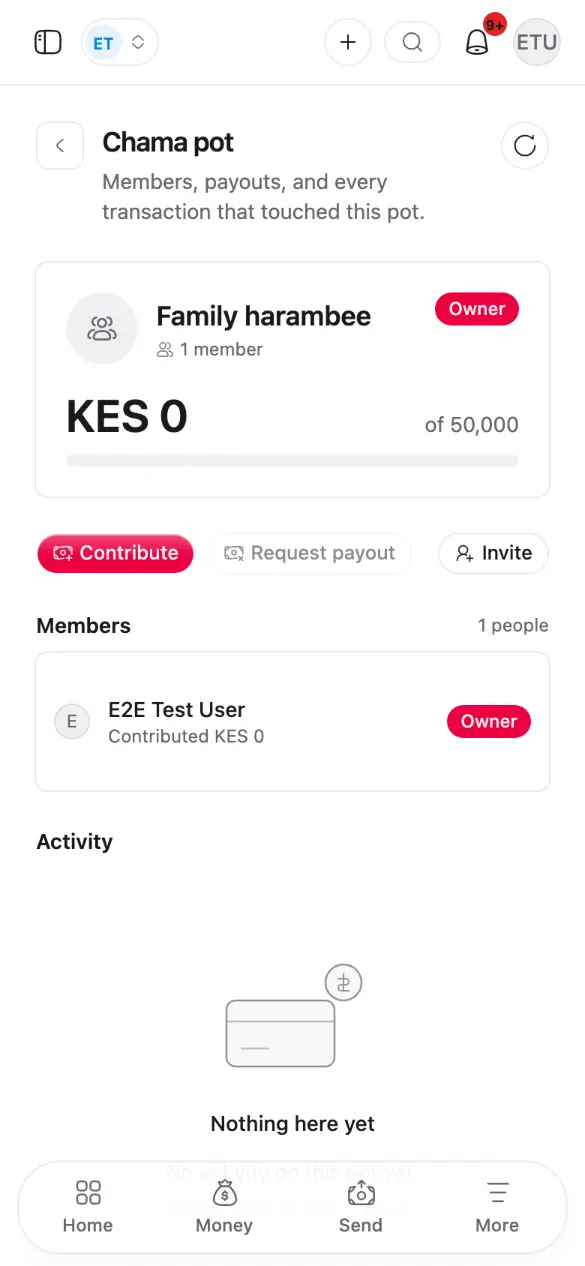
Tap Invite
A form opens for the person's email.
- Step 10.
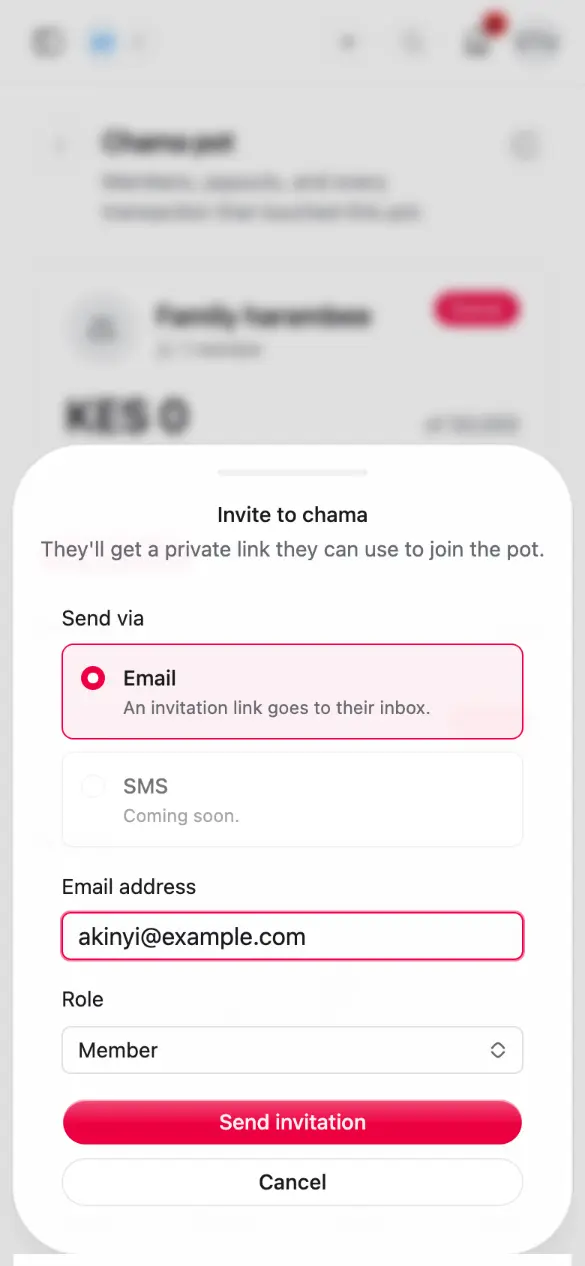
Type their email
Pick their role too: a member contributes, an admin can also approve payouts.
Type in Email address, for example akinyi@example.com
- Step 11.
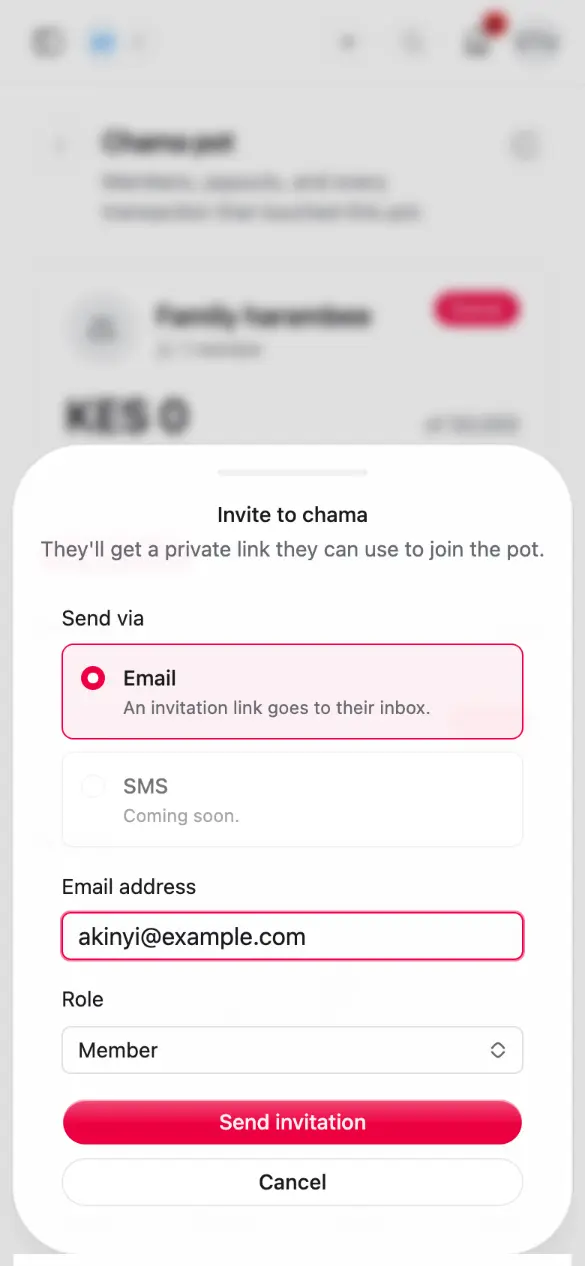
Tap Send invitation
They get a private link by email and join from it.
- Step 12.
Tap Contribute to put money in
Pay from your wallet or straight from M-Pesa. Every member sees the pot grow.