Pay requests from businesses
See and pay the bills businesses send you, such as a clinic or a school.
- Step 1.
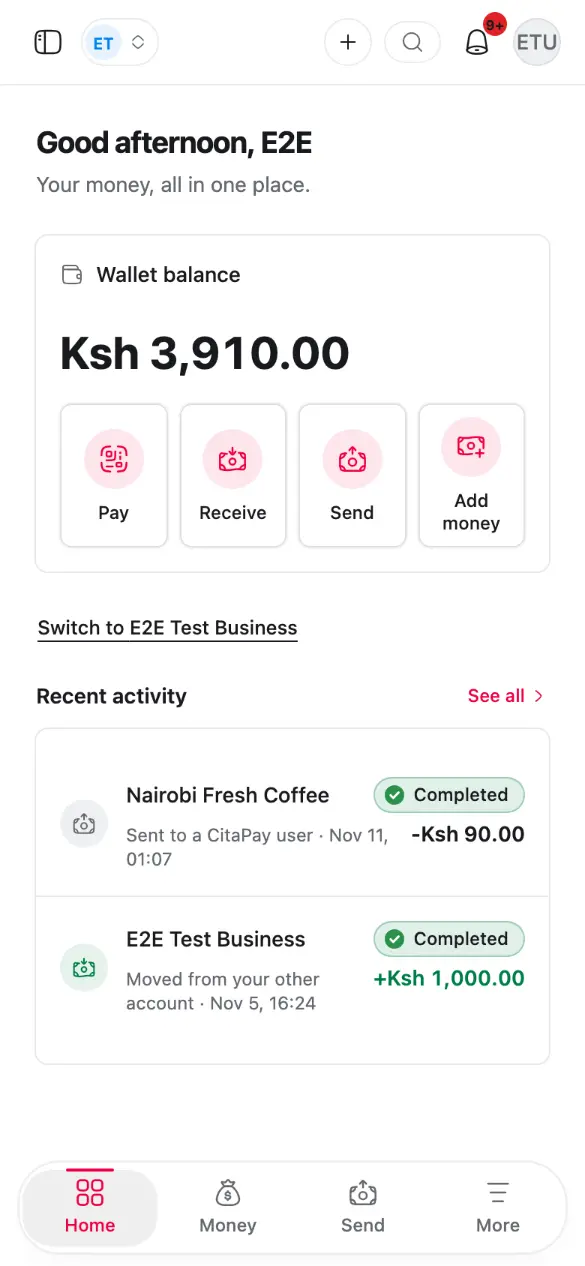
Tap More
When a business asks you to pay, you also get a notification that opens the request directly.
- Step 2.
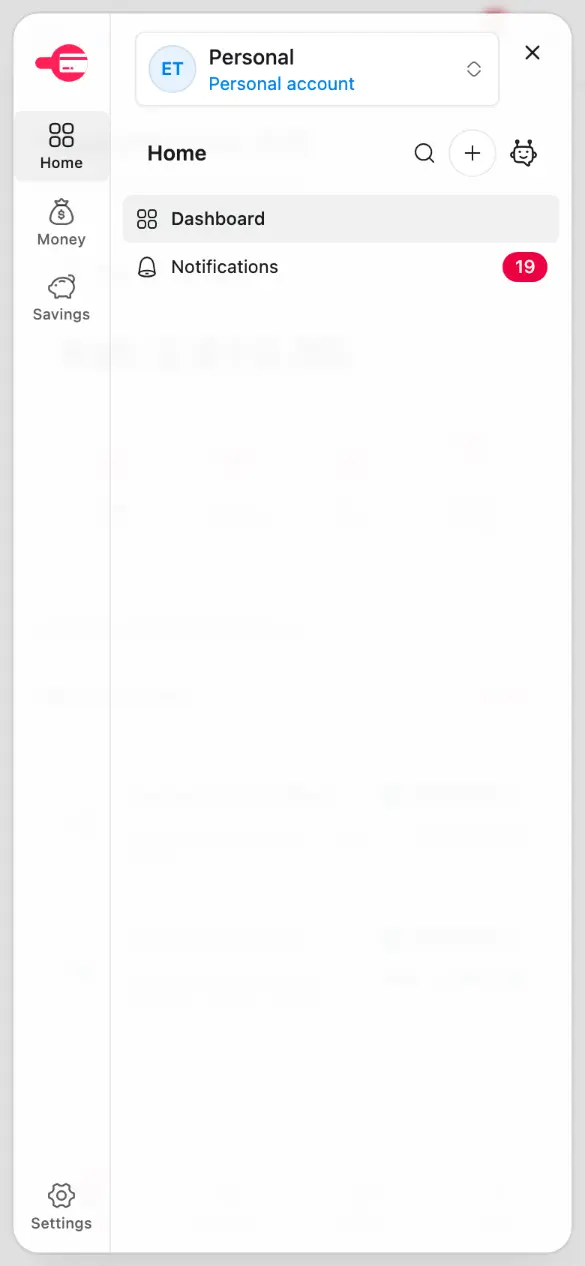
Tap Money
- Step 3.
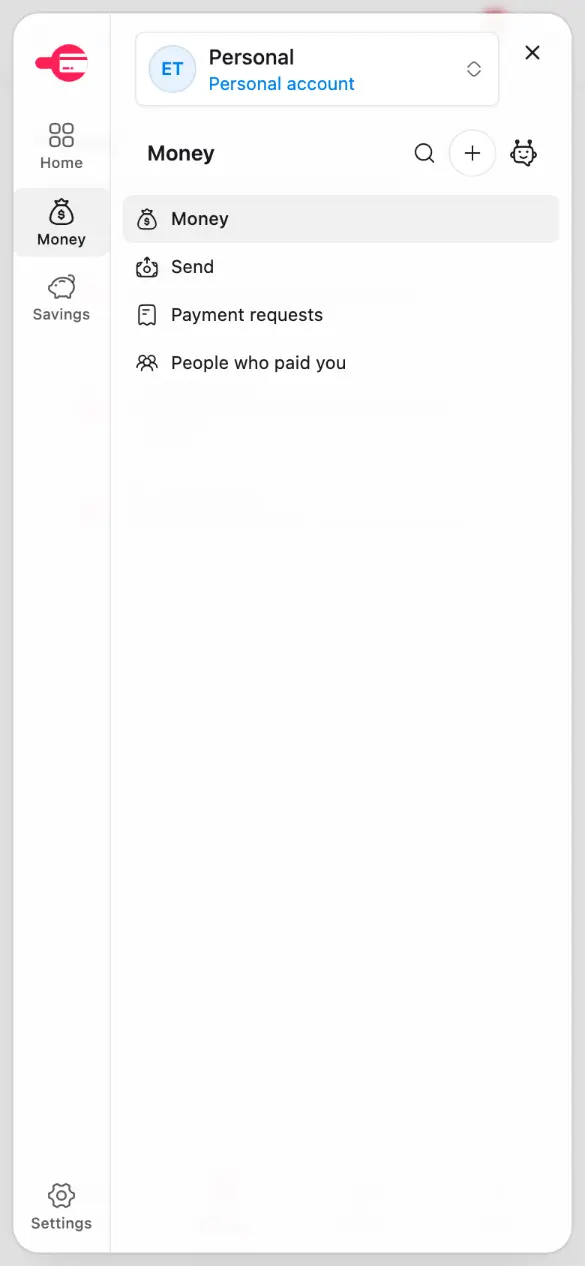
Tap Payment requests
Requests waiting for you are at the top, under Waiting. Ones you paid or declined are under Earlier.
- Step 4.
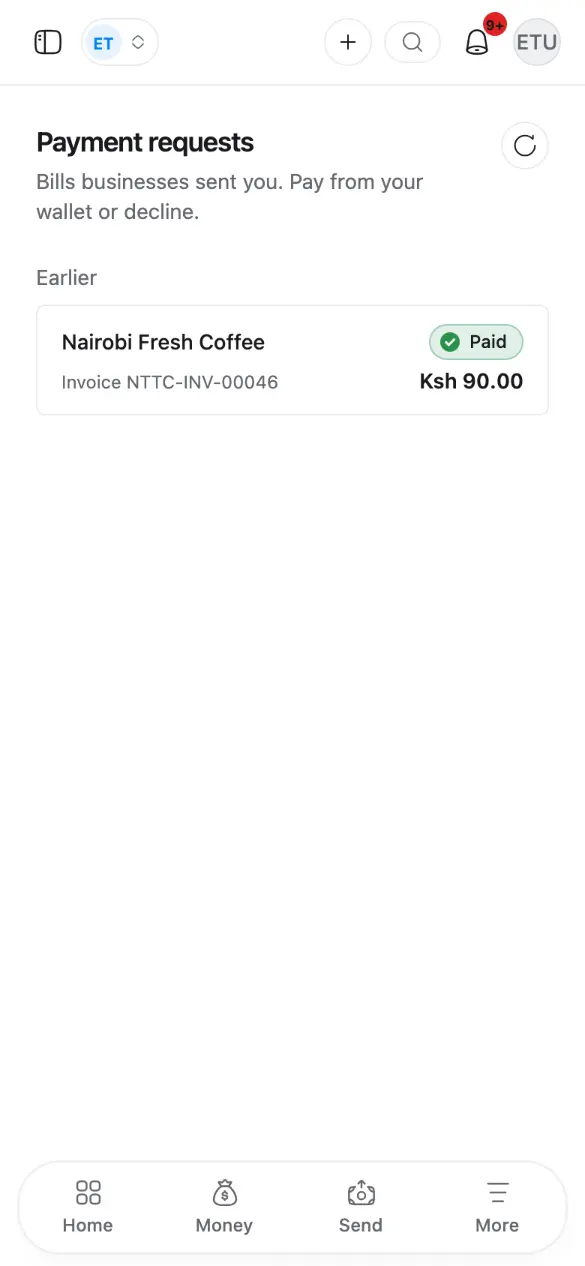
Tap a request
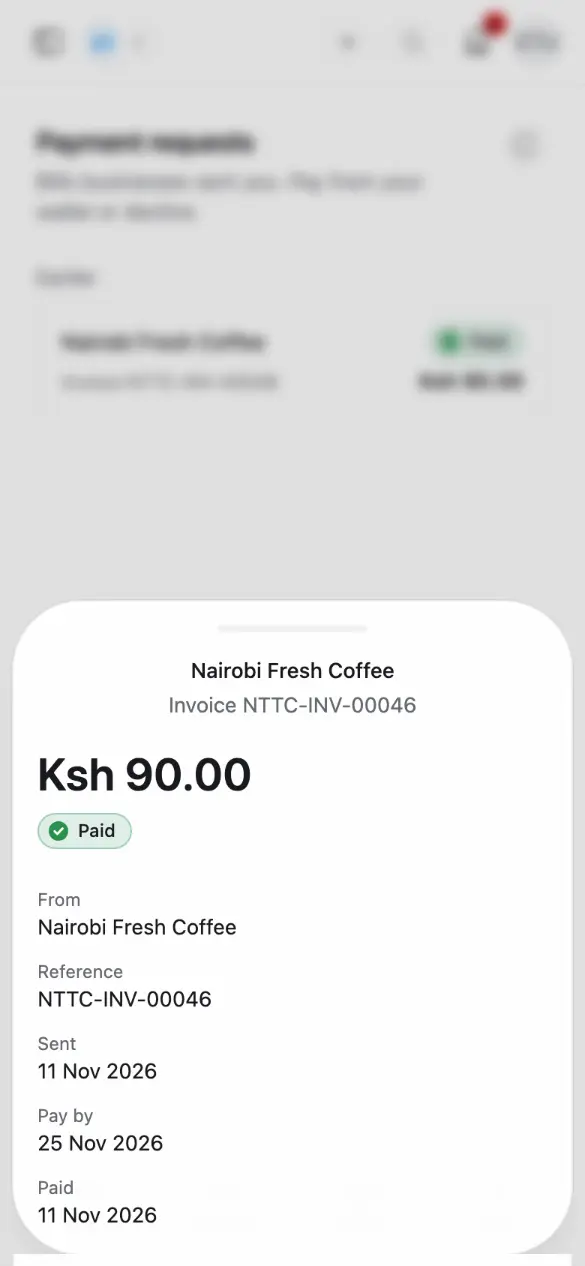
Tap Nairobi Fresh Coffee
The request opens.
- Step 5.
Check who it is from and the amount
It shows the business, what it is for, the amount and the date to pay by. Ask the business if anything looks wrong before you pay.
Tap From
- Step 6.
Tap Pay from wallet
It is at the bottom of a request that is waiting. The money leaves your wallet at once and the business sees it paid straight away. Tap Decline instead if you do not owe it.