Your first day, step 2 of 4
Your wallet and home screen
See your balance, add money from M-Pesa and find everything you can do.
- Step 1.
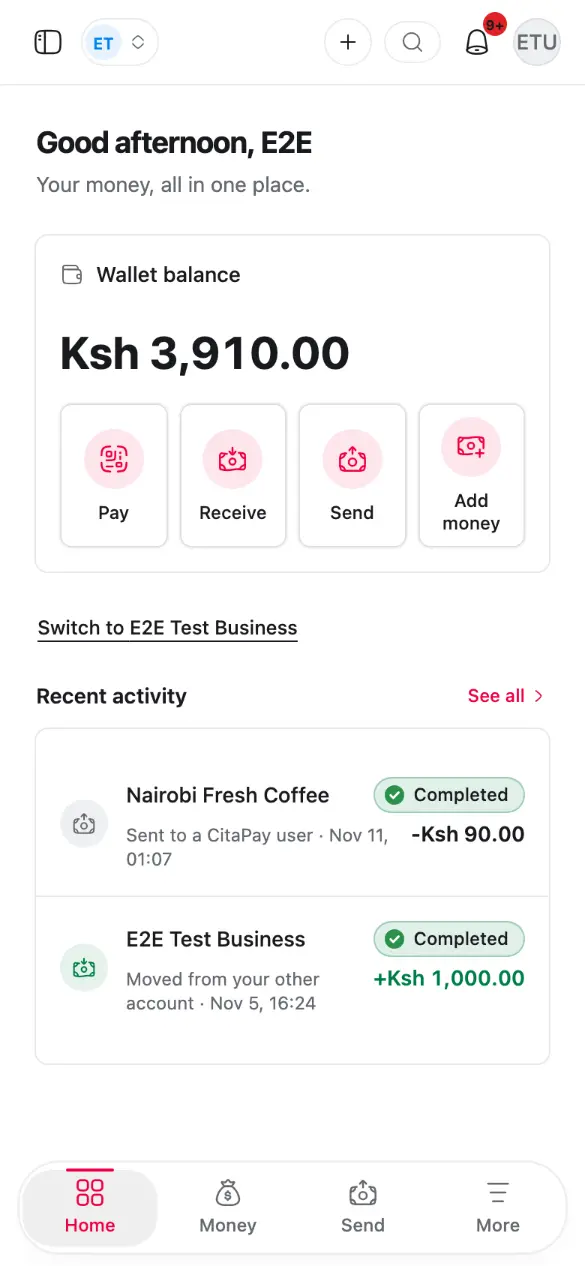
Check your balance on Home
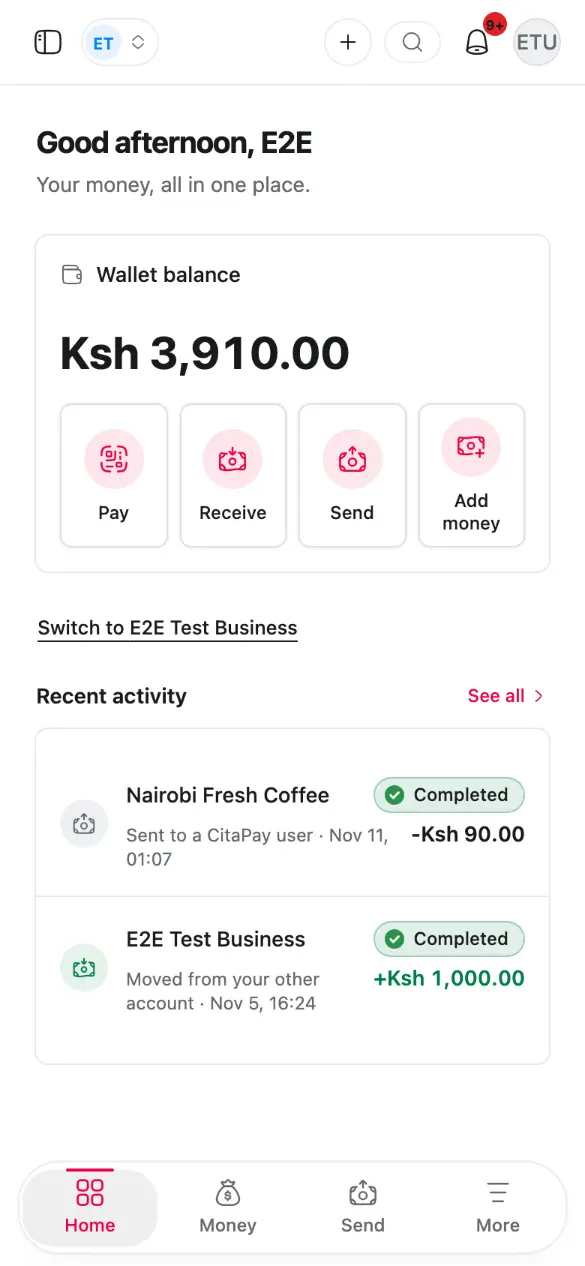
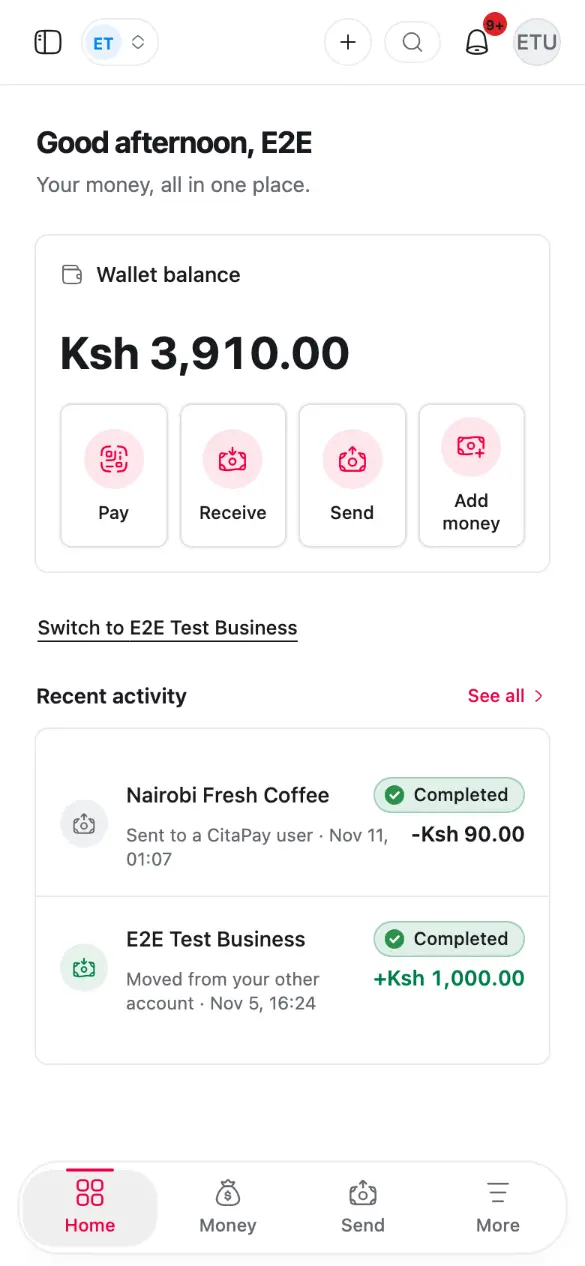
Home is the first screen after you sign in. Wallet balance is the money you can spend or send right now. Pay, Receive, Send and Add money sit just under it.
Tap Wallet balance
- Step 2.
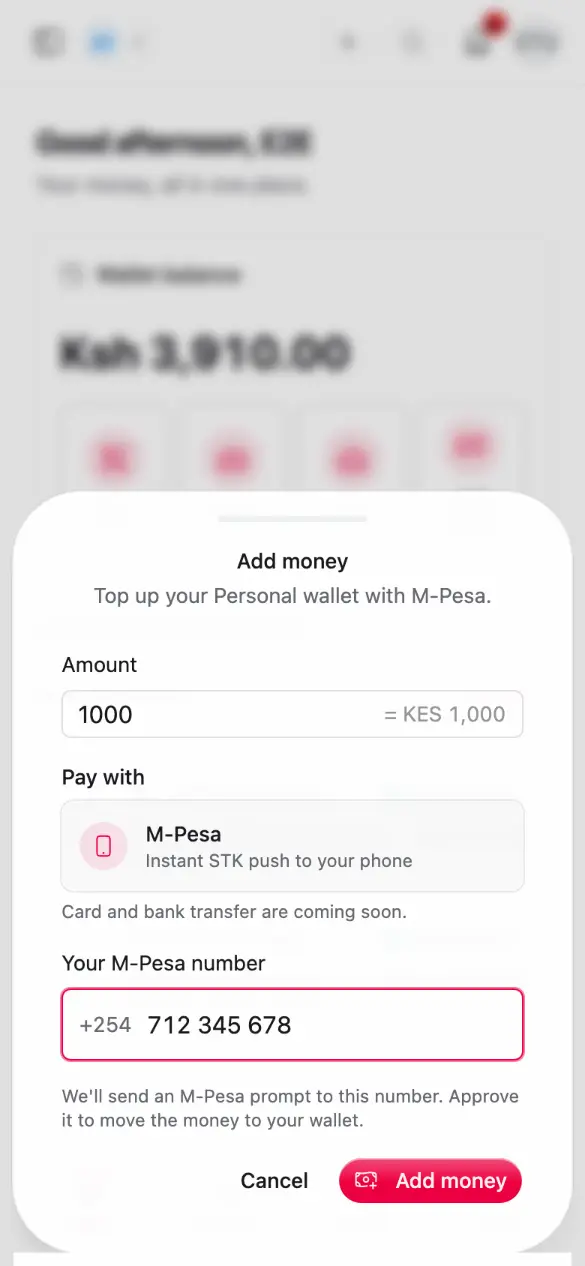
Tap Add money
A short form opens for an M-Pesa top-up.
- Step 3.
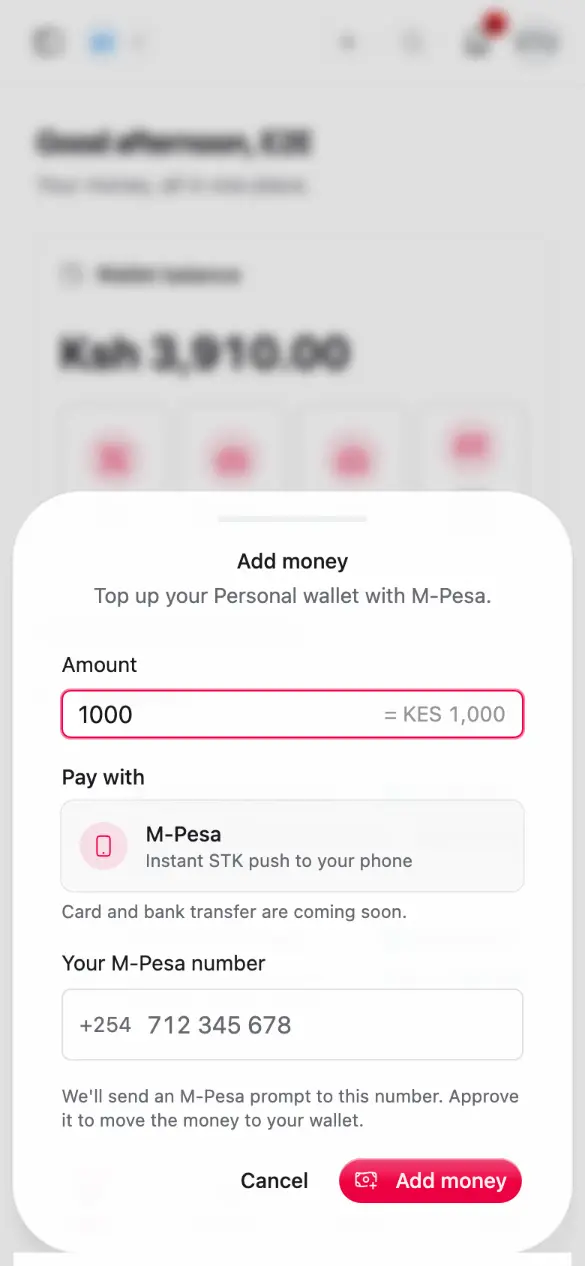
Type the amount
You can type it in full or short, such as 1k for 1,000.
Type in Amount, for example 1000
- Step 4.
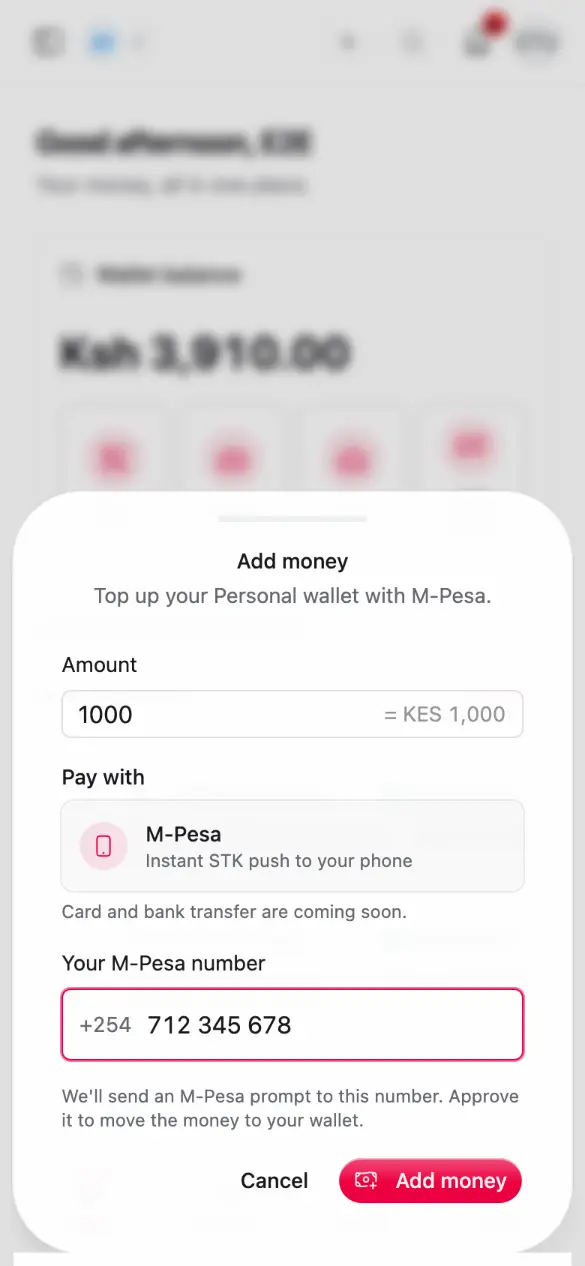
Type your M-Pesa number
Type it without the first 0. This is the phone that gets the M-Pesa prompt.
Type in Your M-Pesa number, for example 712 345 678
- Step 5.
Tap Add money, then approve the prompt on your phone
An M-Pesa prompt appears on that phone. Enter your M-Pesa PIN to approve it.
The balance goes up as soon as M-Pesa confirms, usually within seconds.
- Step 6.
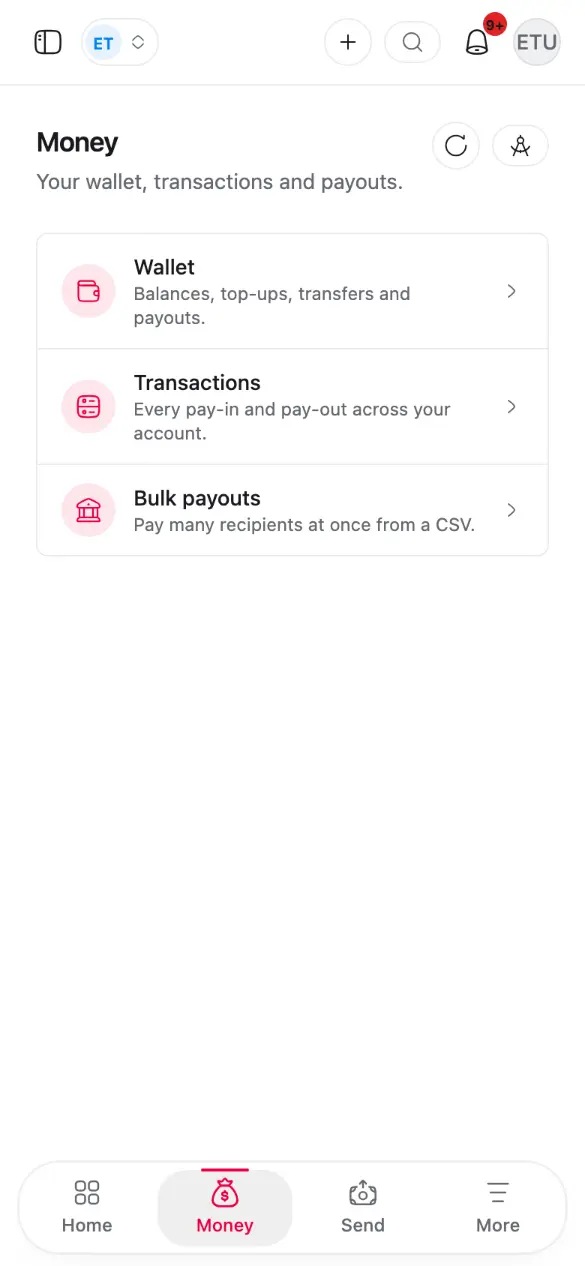
Tap Money
It is in the bar at the bottom of the screen.
The pages for your money are listed.
- Step 7.
Tap Wallet
Tap Wallet Balances
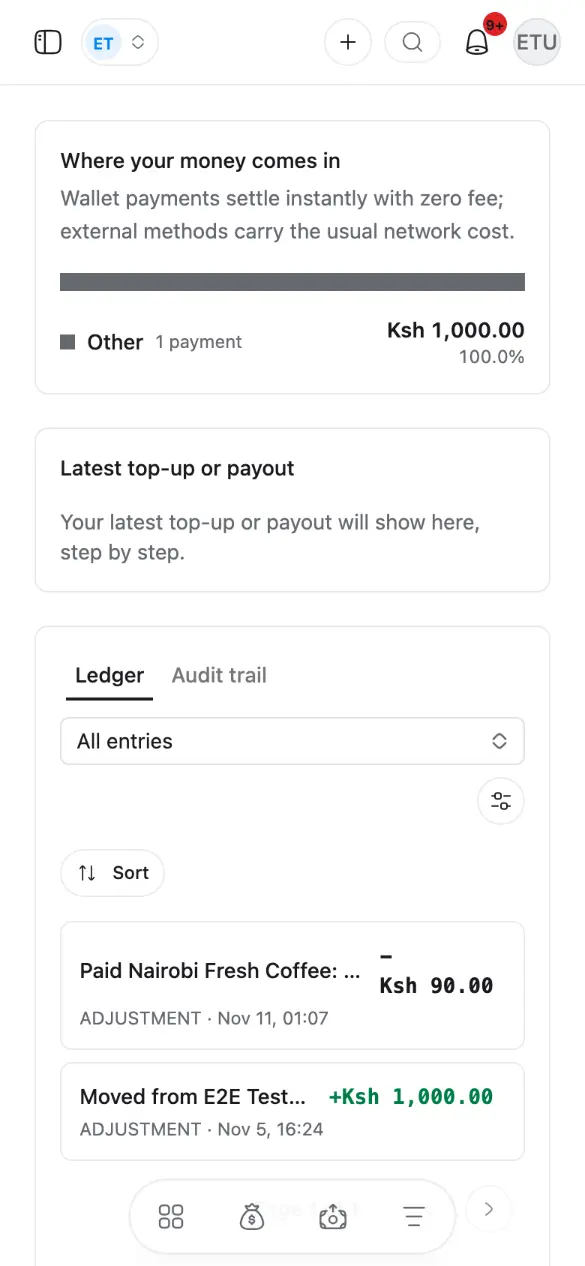
Your wallet shows what is available, what is on hold, and every movement in and out.
- Step 8.
Read your history
Each line shows what the money was for, the date and the amount. Money in is shown with a plus.
Tap Ledger
Next in your first day
Send to a phone number or another CitaPay user.