Your first day, step 3 of 4
Send money
Send to any M-Pesa number, or instantly and free to another CitaPay user.
- Step 1.
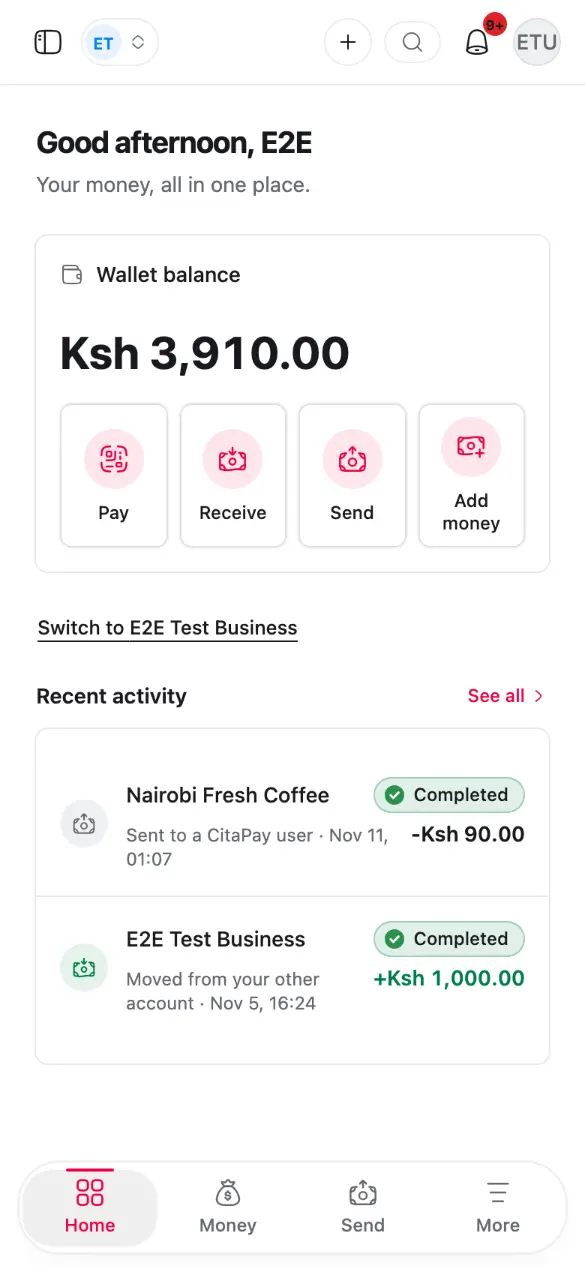
Tap Send on Home
Home is the first screen you see after signing in. Send sits under your wallet balance.
The Send screen opens and shows how much you can send.
- Step 2.
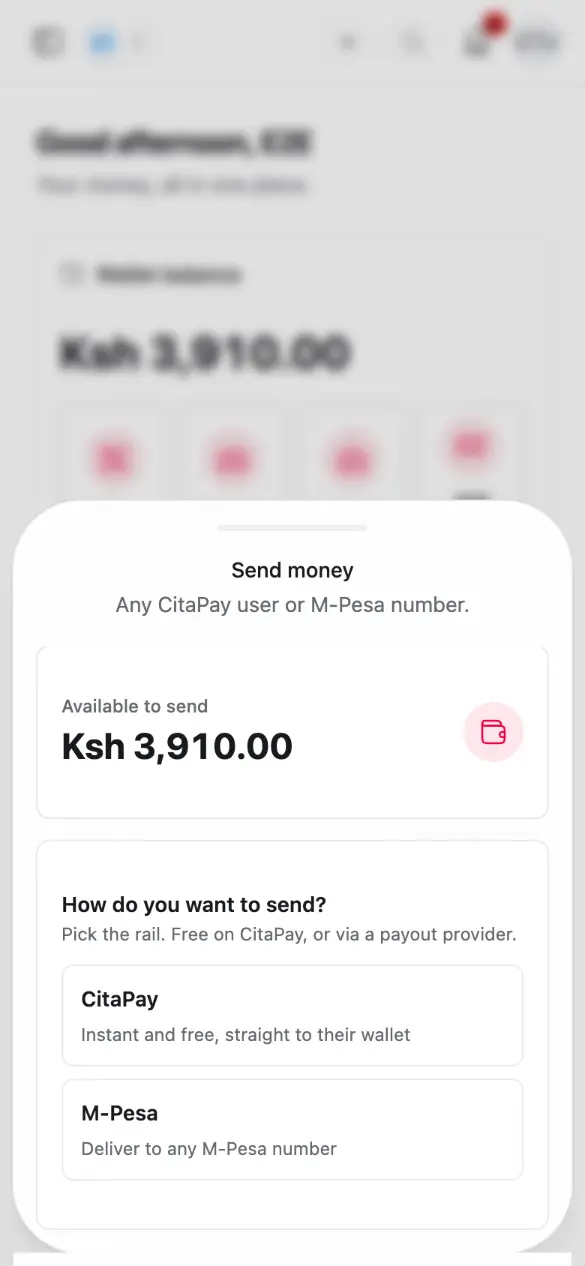
Choose M-Pesa or CitaPay
M-Pesa sends to any M-Pesa number for a small fee. CitaPay sends to another CitaPay user's wallet, instantly and free. This guide follows M-Pesa; CitaPay works the same way.
A box for their phone number appears.
- Step 3.
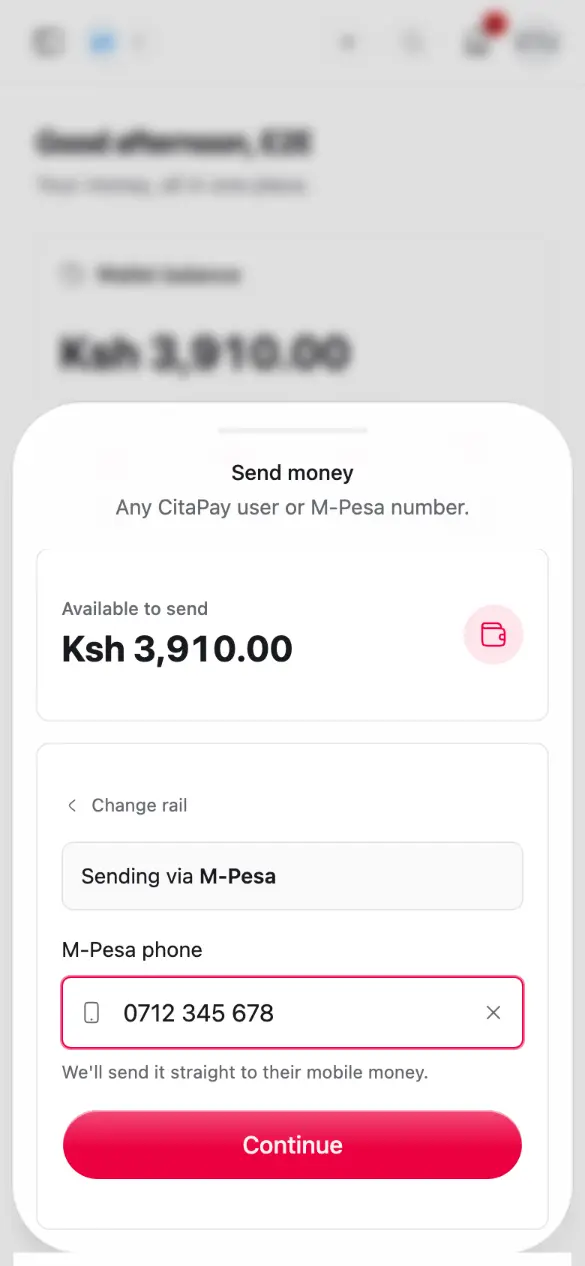
Type their M-Pesa number
Use the number registered for M-Pesa, starting 07 or 01.
Type in M-Pesa phone, for example 0712 345 678
- Step 4.
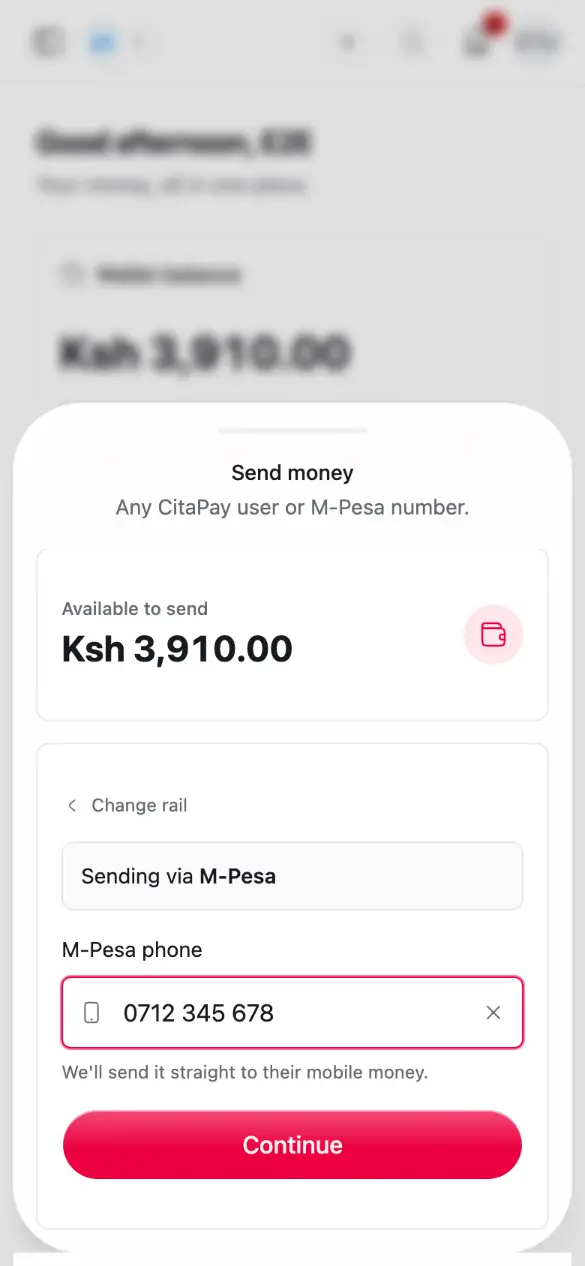
Tap Continue
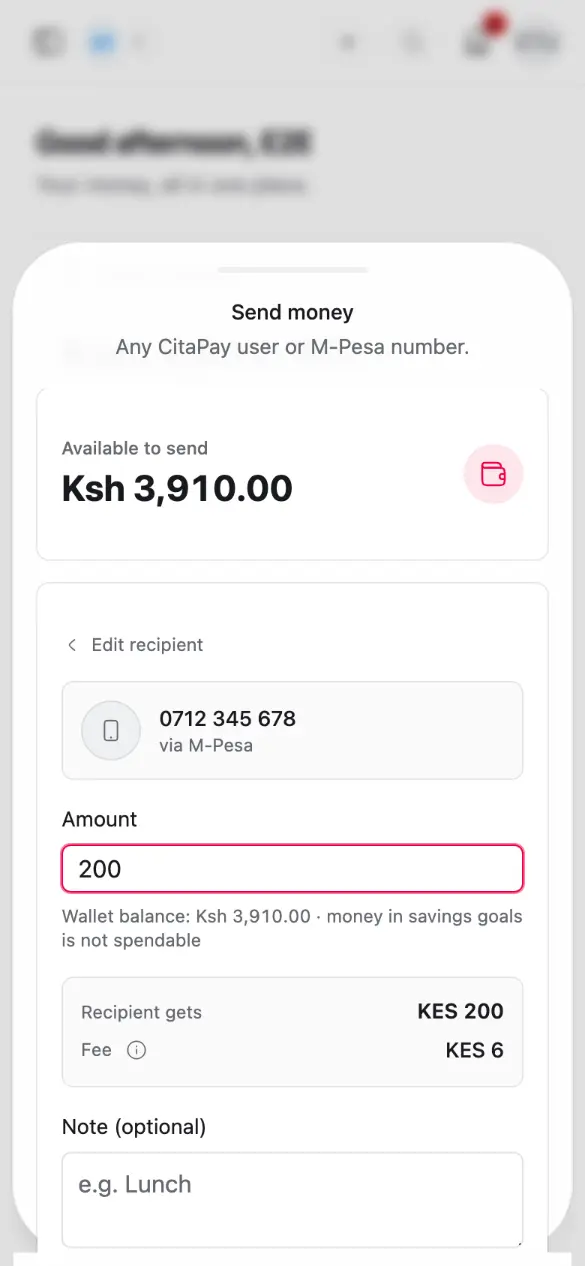
The number is shown at the top, with a box for the amount.
- Step 5.
Type the amount
You can type it in full or short, such as 5k for 5,000. The fee shows under the box as soon as you type. Add a note if you like; they see it with the money.
Type in Amount, for example 200
- Step 6.
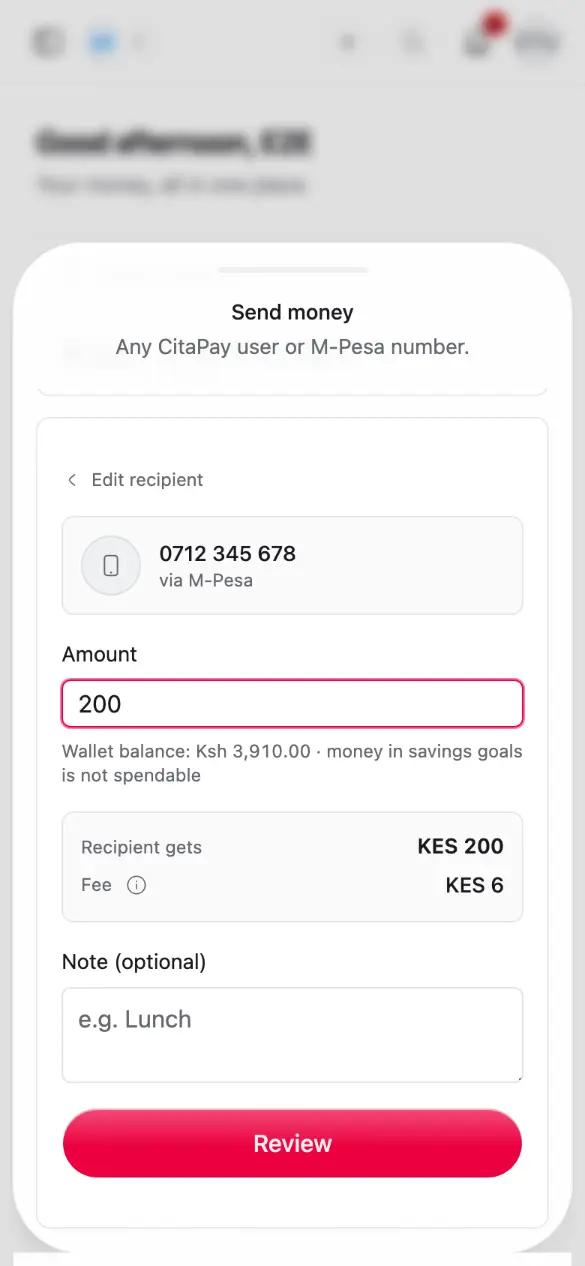
Tap Review
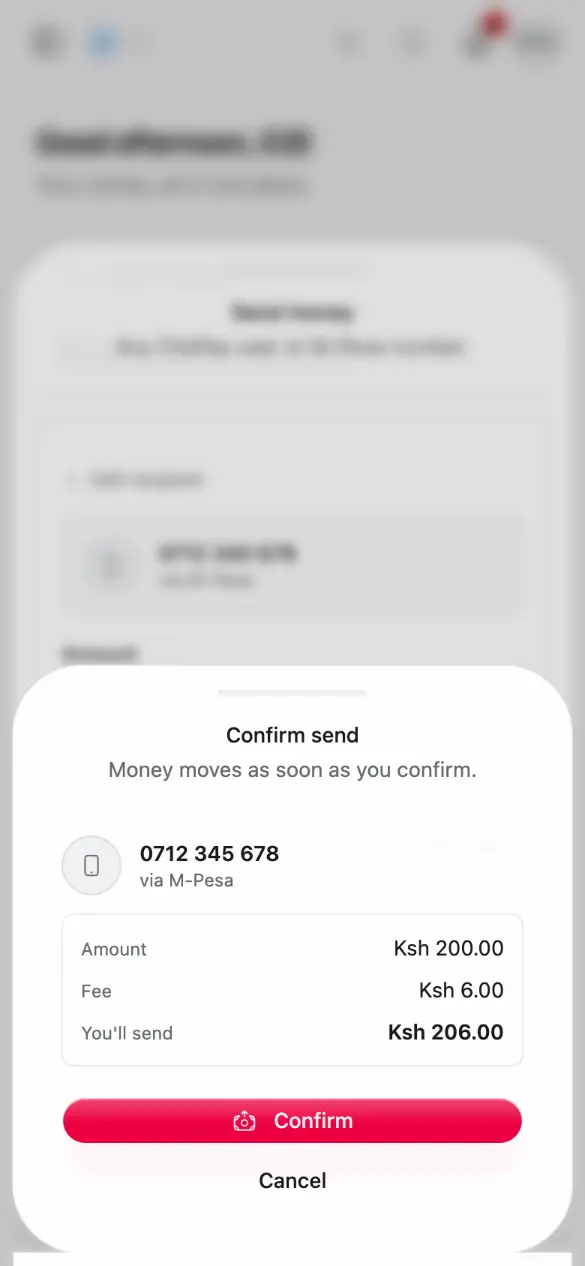
A summary shows the amount, the fee and the total that leaves your wallet.
- Step 7.
Check it, then tap Confirm
Make sure the number is right. Money moves as soon as you confirm.
The money leaves your wallet and arrives on their phone within moments. You get a notification when it lands.
Next in your first day
Pick your @name so anyone can pay you.