The AI assistant
Ask about your business or have it do the work, with your approval.
- Step 1.
Tap More
It is at the right of the bar at the bottom of the screen.
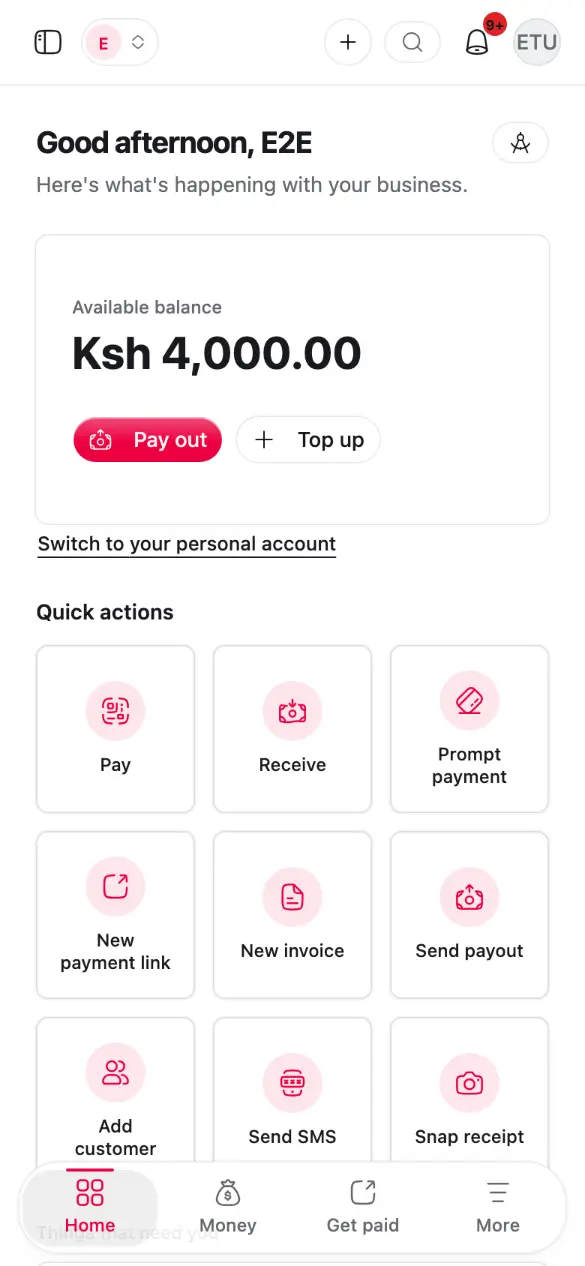
- Step 2.
Tap Open AI Assistant
It is the chat button at the top of the menu.
The assistant opens beside the page. The first time, it asks you to turn it on.
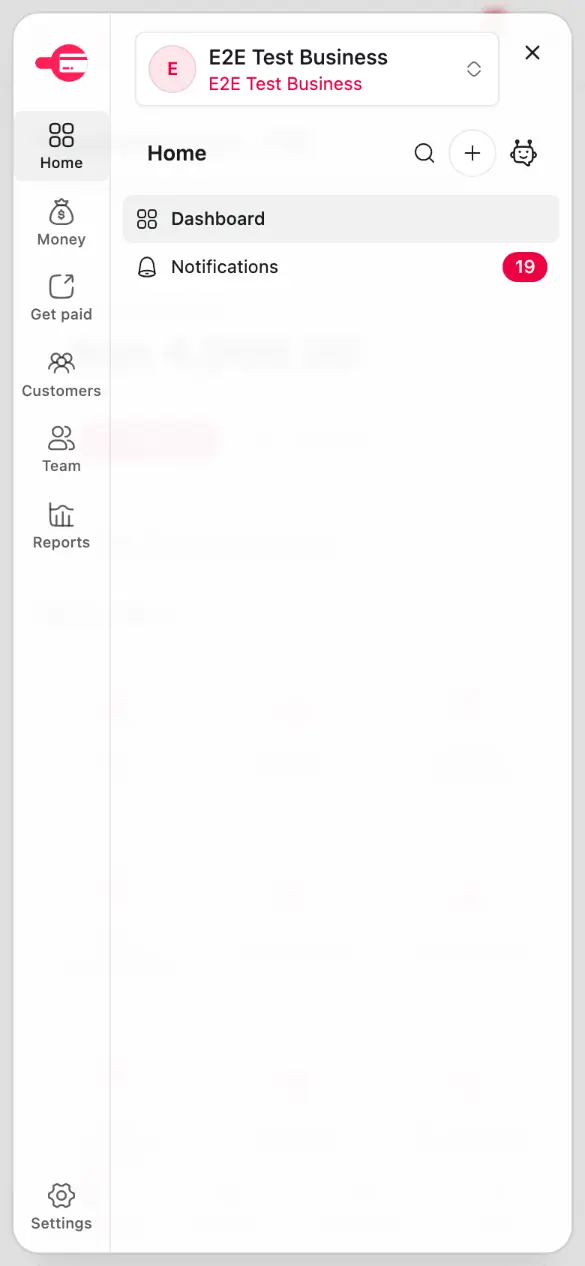
- Step 3.
Tap Go to Settings to turn it on
AI assistant settings open, with your credits and how it helps.

- Step 4.
Ask in plain words
Once it is on, open it again and type a question, such as "How much did I take this week?" or "Who owes me money?"
- Step 5.
Ask it to do something, then approve
Such as "Create an invoice for Kamau Hardware for 18,000". It drafts the action and waits. Nothing happens until you tap Approve.