Request money from another business
Ask another CitaPay business to pay you, and pay their requests.
- Step 1.
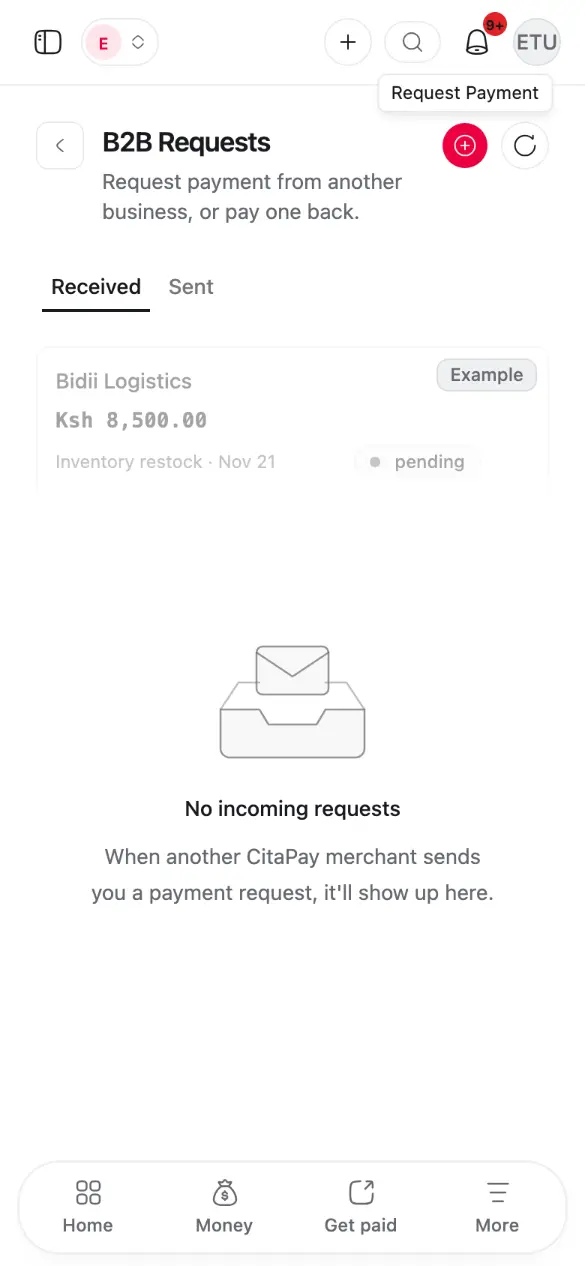
Tap Get paid
It is in the bar at the bottom of the screen.
- Step 2.
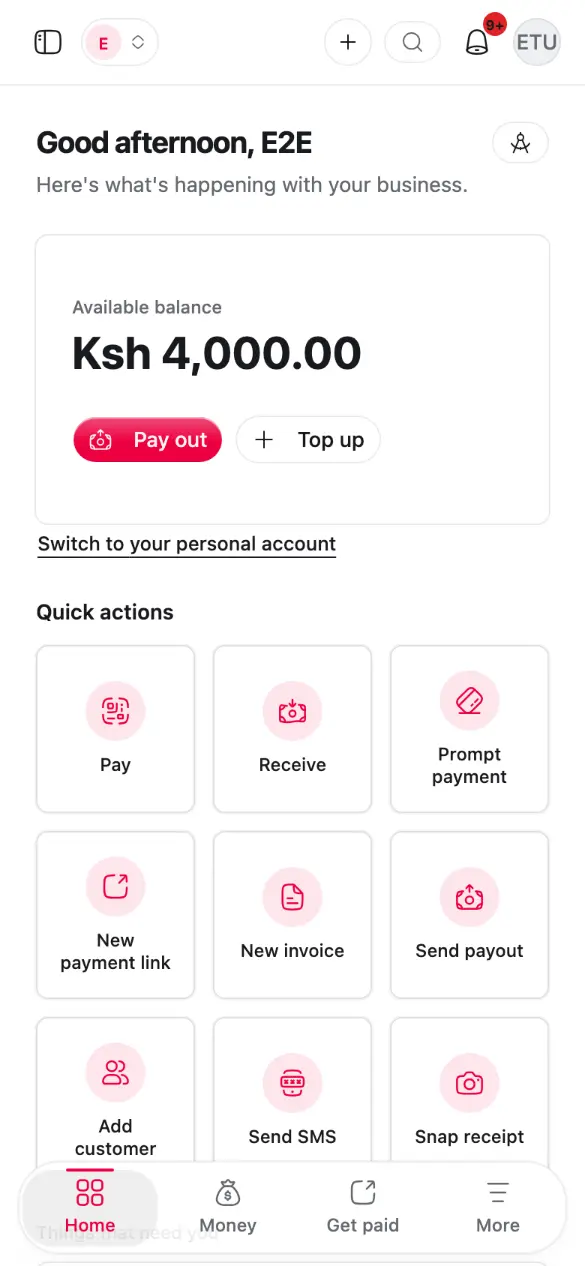
Tap B2B Requests
Received shows requests other businesses sent you. Sent shows yours.
- Step 3.
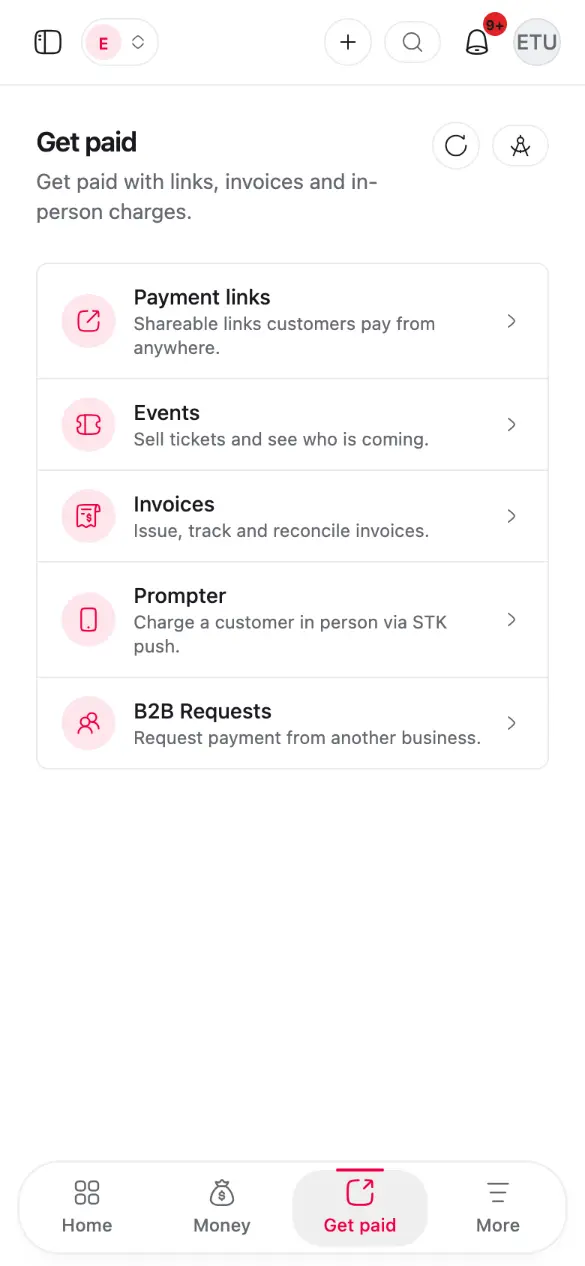
Tap Request Payment
A short form opens.
- Step 4.
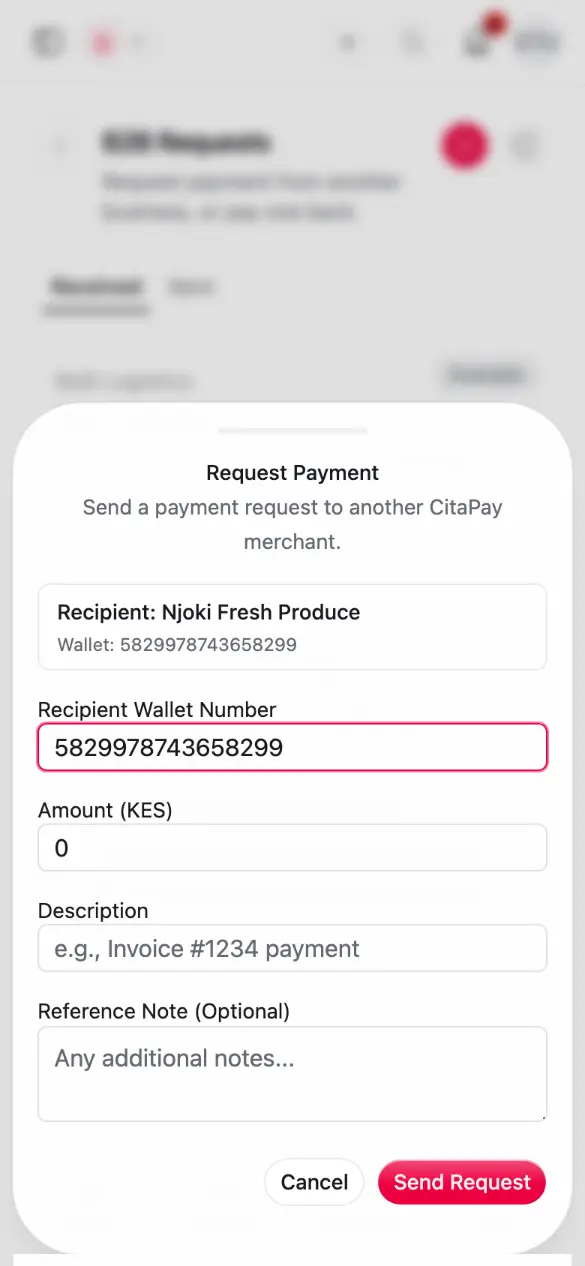
Type their wallet number
Their business name appears above it, so you can check you have the right one.
Type in Recipient Wallet Number, for example 5829978743658299
- Step 5.
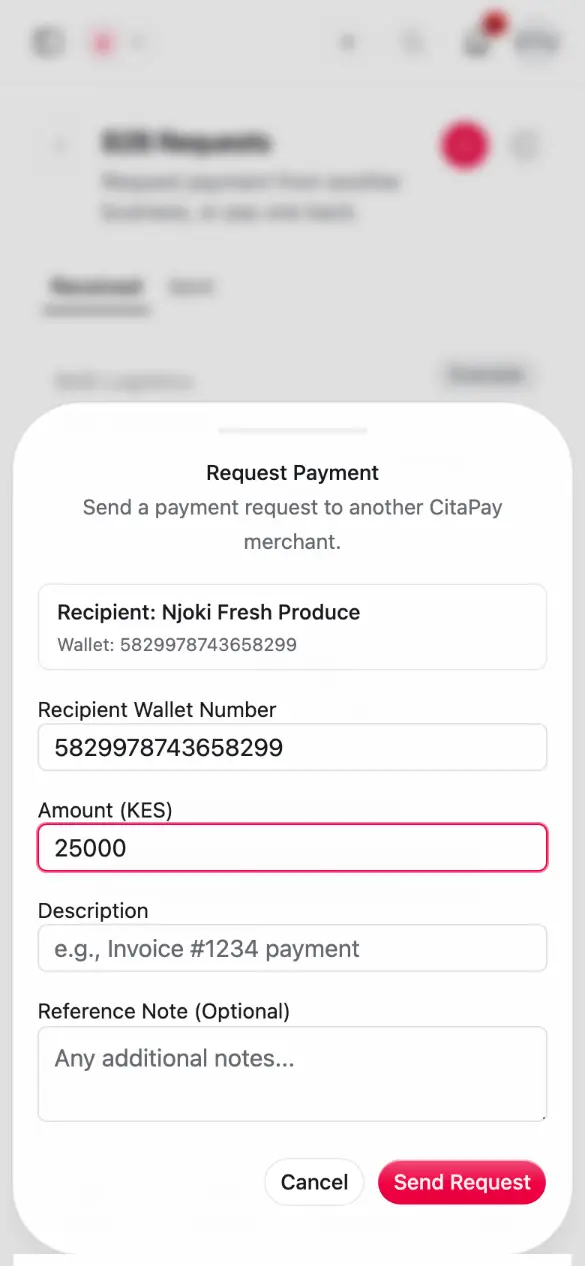
Type the amount
Type in Amount (KES), for example 25000
- Step 6.
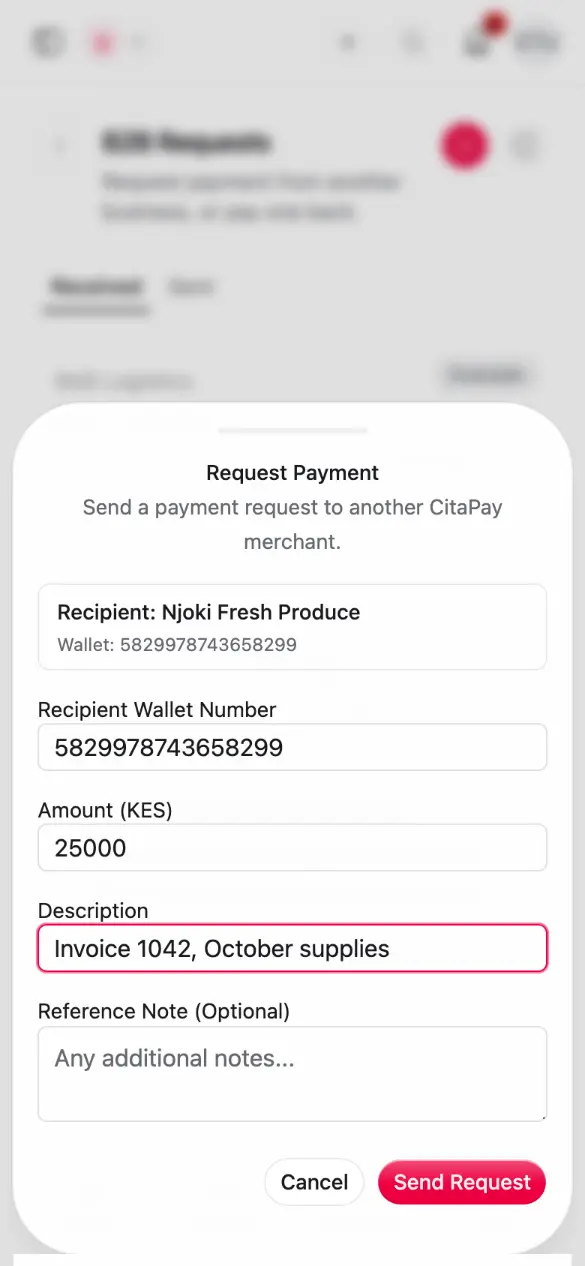
Say what it is for
They see this on the request, so use your invoice number if you have one.
Type in Description, for example Invoice 1042, October supplies
- Step 7.
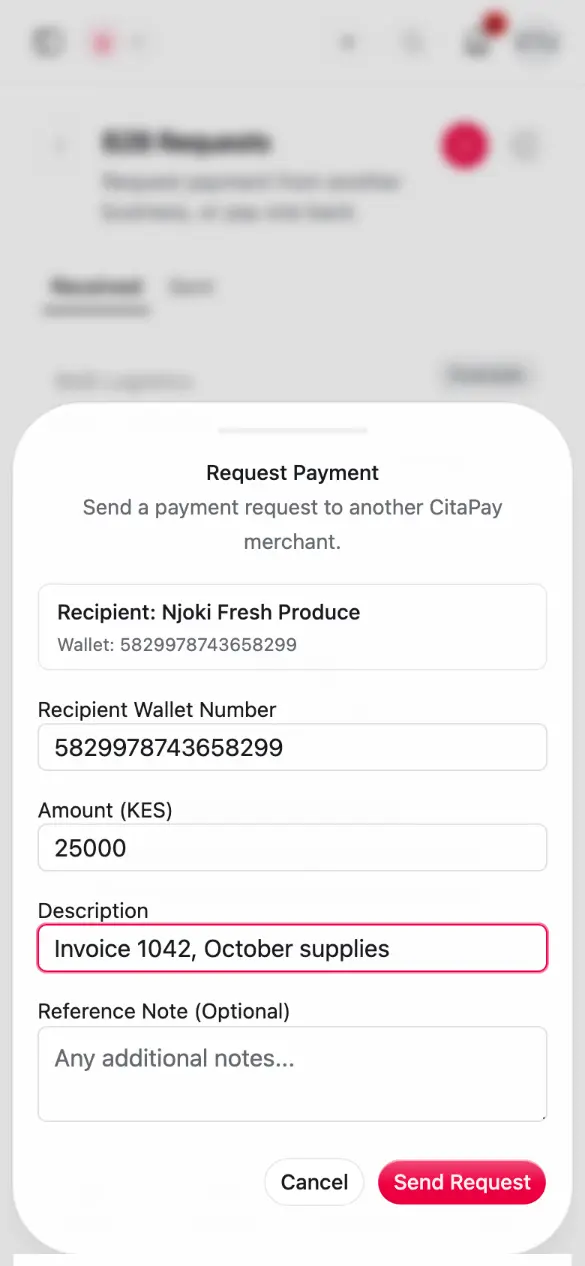
Tap Send Request
They see it under Received and can pay, decline or let it expire. You get a notification either way.
- Step 8.
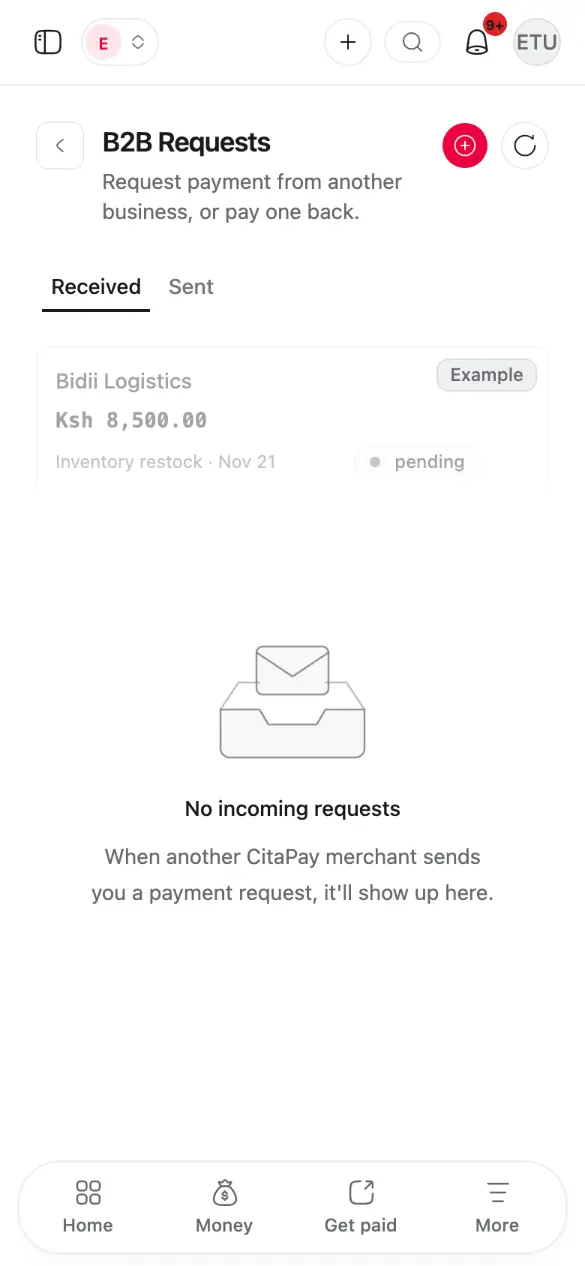
Tap Received to pay requests sent to you
Open a request to pay it from your wallet or decline it.