Reports and insights
See how money comes in and download any report you need.
- Step 1.
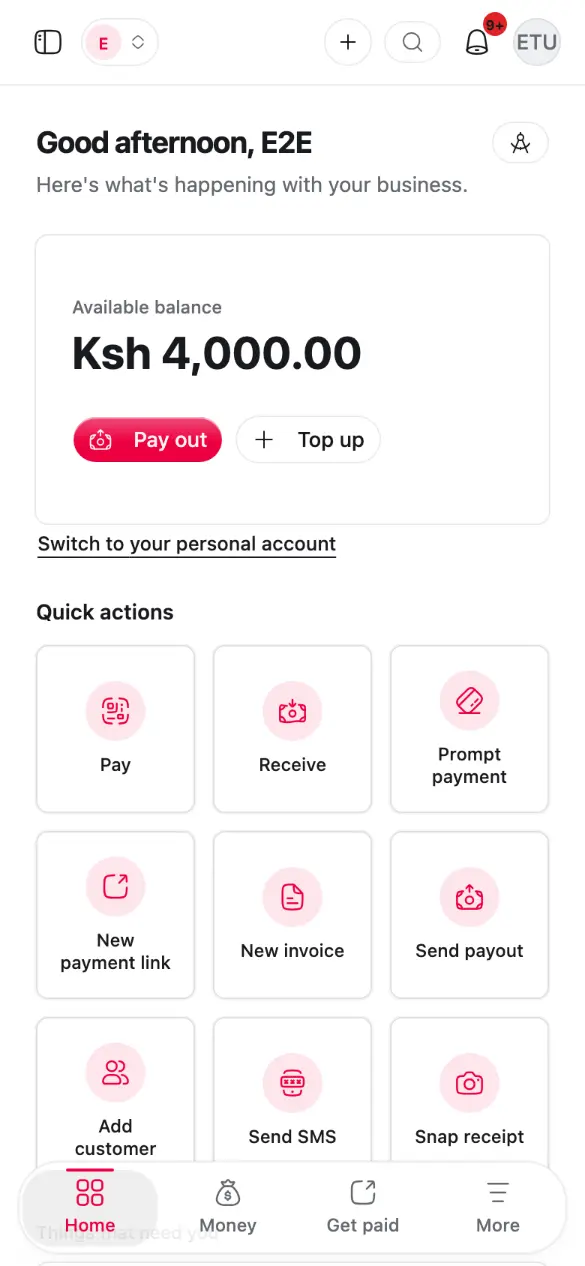
Tap More
It is at the right of the bar at the bottom of the screen.
- Step 2.
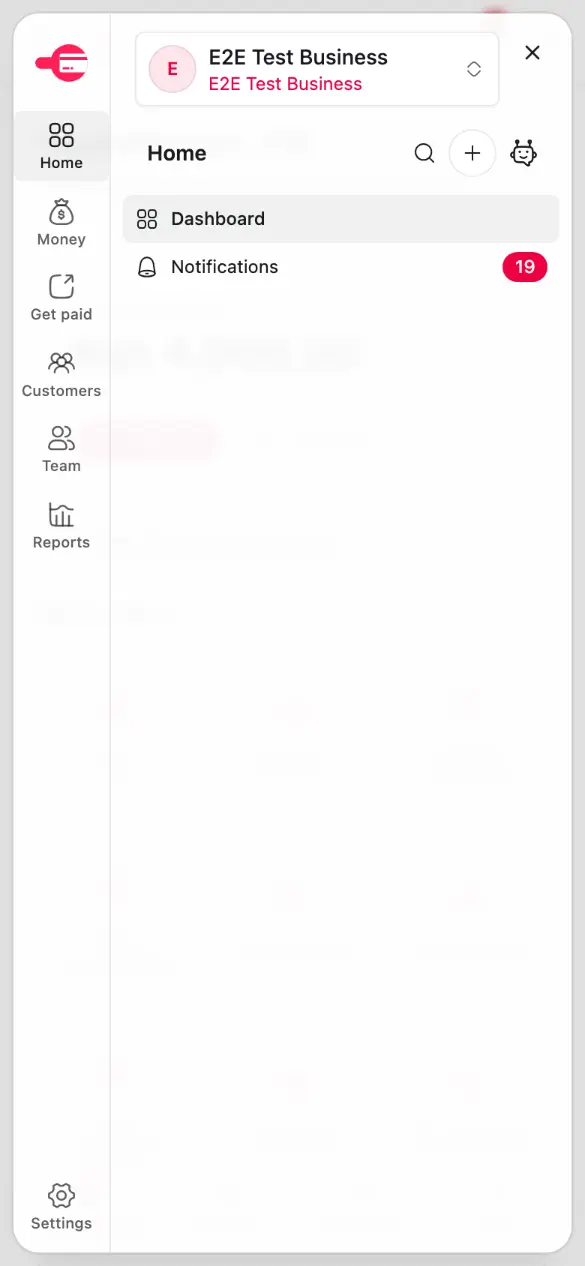
Tap Reports
Insights, Reports and eTIMS are listed.
- Step 3.
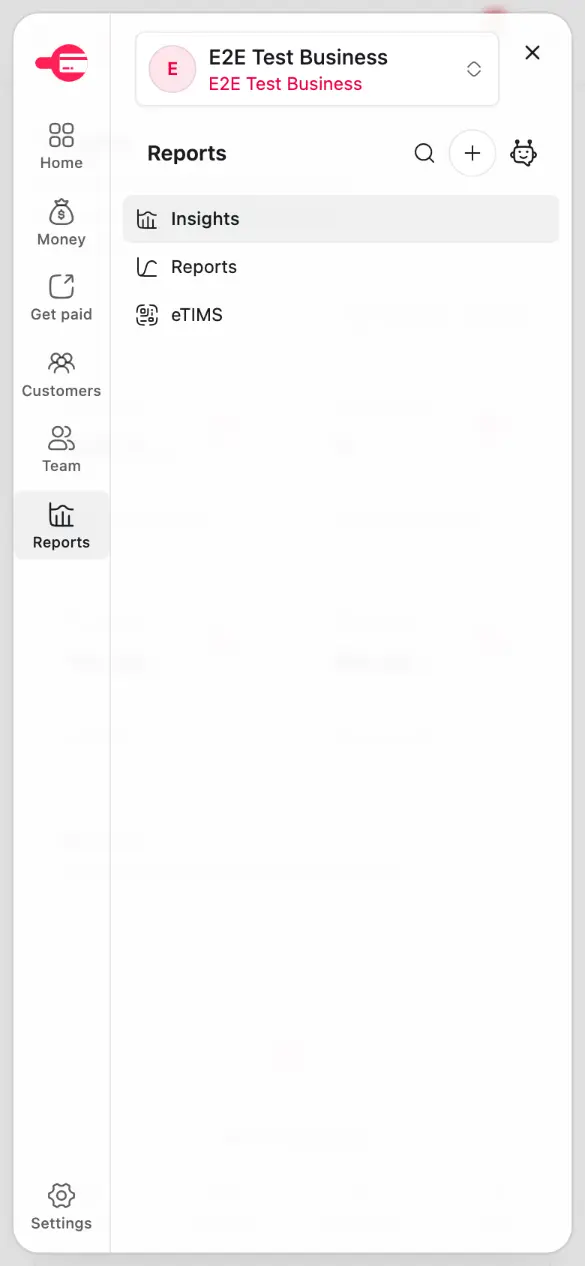
Tap Reports again to download a file
Insights, the first page, shows revenue over time, payment methods, your top customers and when money comes in.
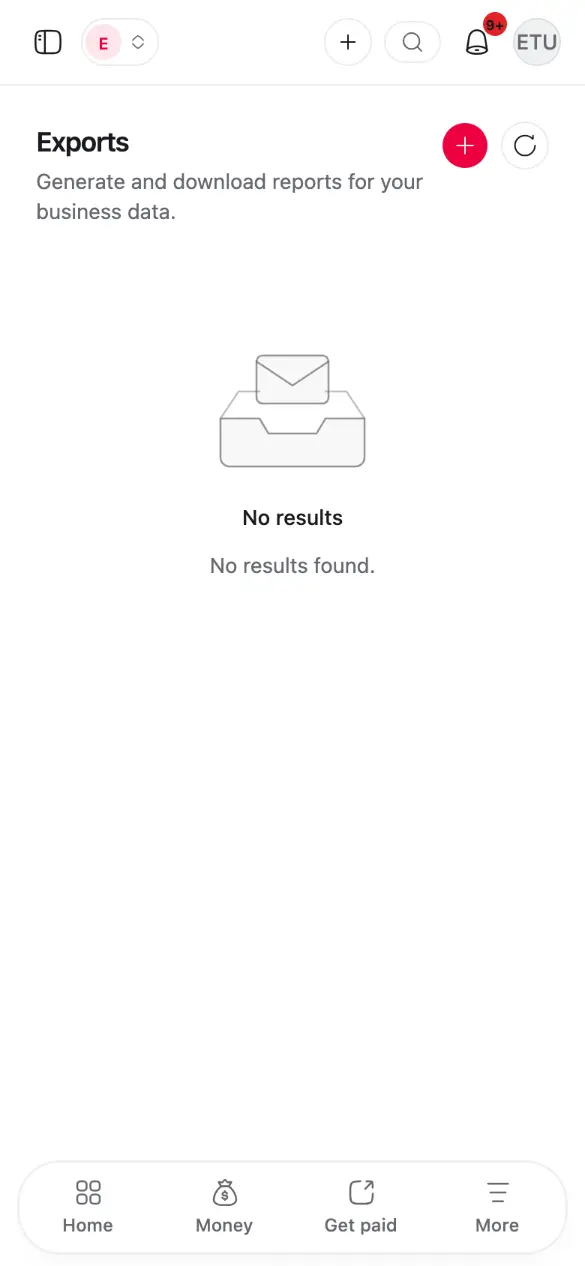
Your past downloads are listed.
- Step 4.
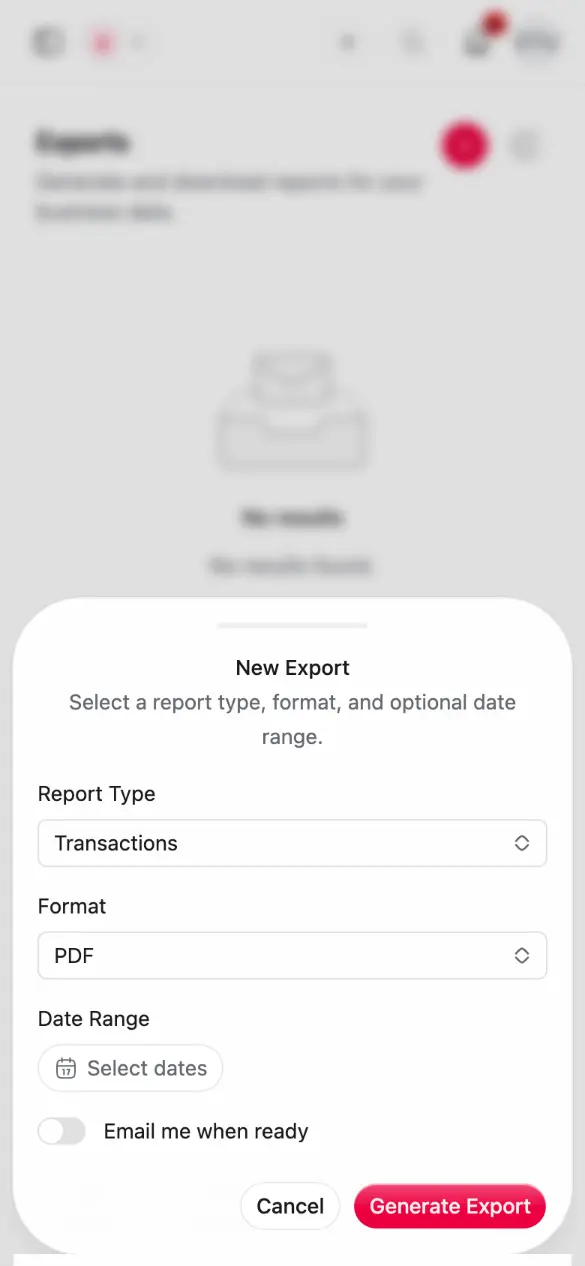
Tap New Export
You pick the report, the format and the dates.
- Step 5.
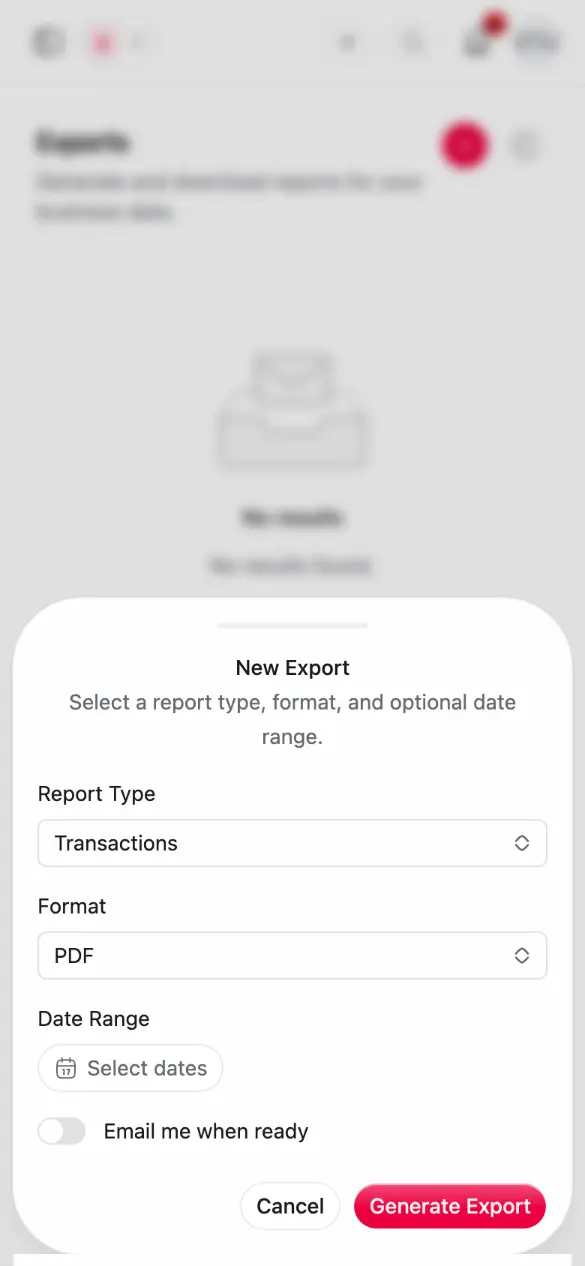
Choose the report and format
Transactions, payouts, invoices and more, as PDF, CSV or Excel. Turn on Email me when ready to get it by email.
Tap Report Type
- Step 6.
Tap Generate Export
The file is built in the background and shows in the list when ready. Download links last seven days.