Your first day, step 6 of 6
Pay out your money
Move money from your business wallet to M-Pesa.
- Step 1.
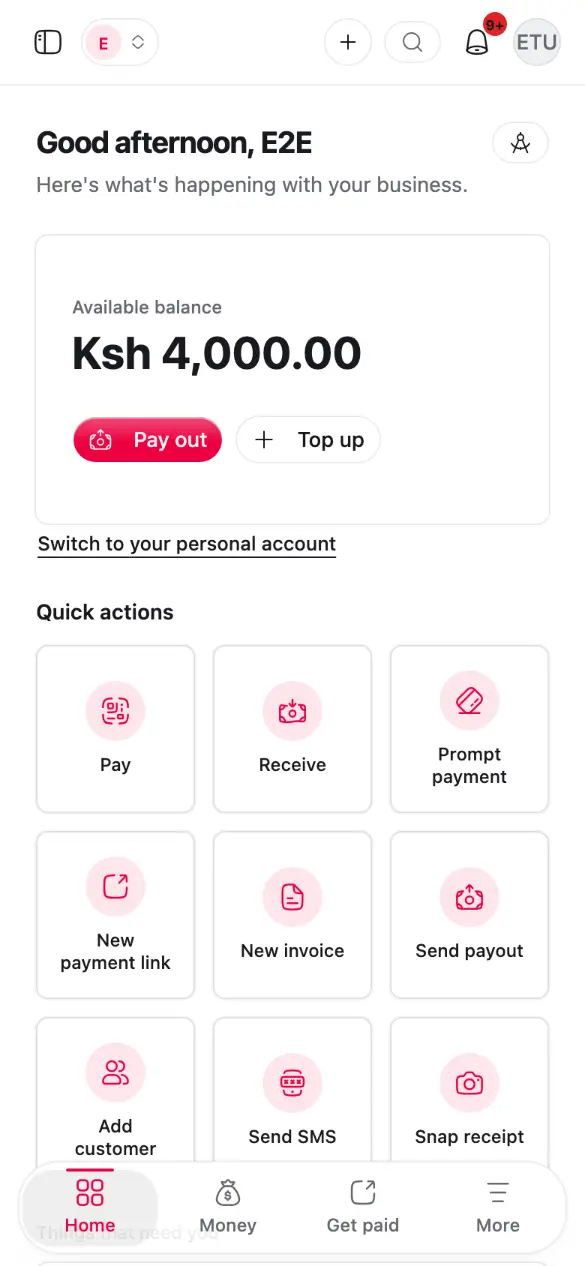
Tap Pay out on Home
It sits beside your balance at the top of Home.
A short form opens in three steps, showing your available balance.
- Step 2.
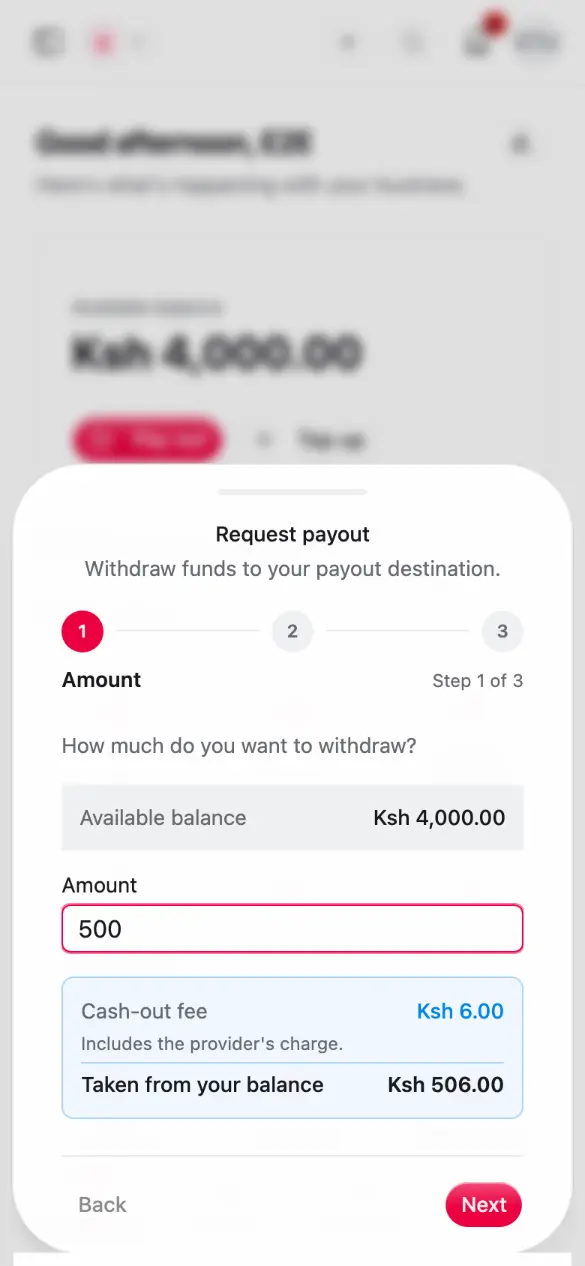
Type how much to pay out
Type in Amount, for example 500
- Step 3.
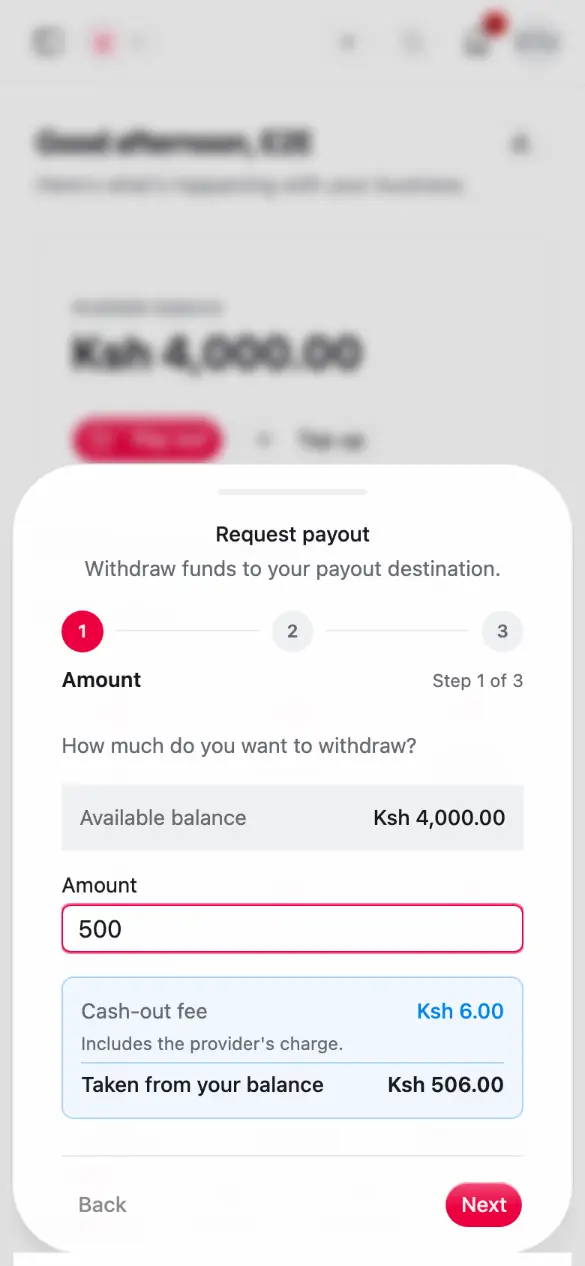
Tap Next
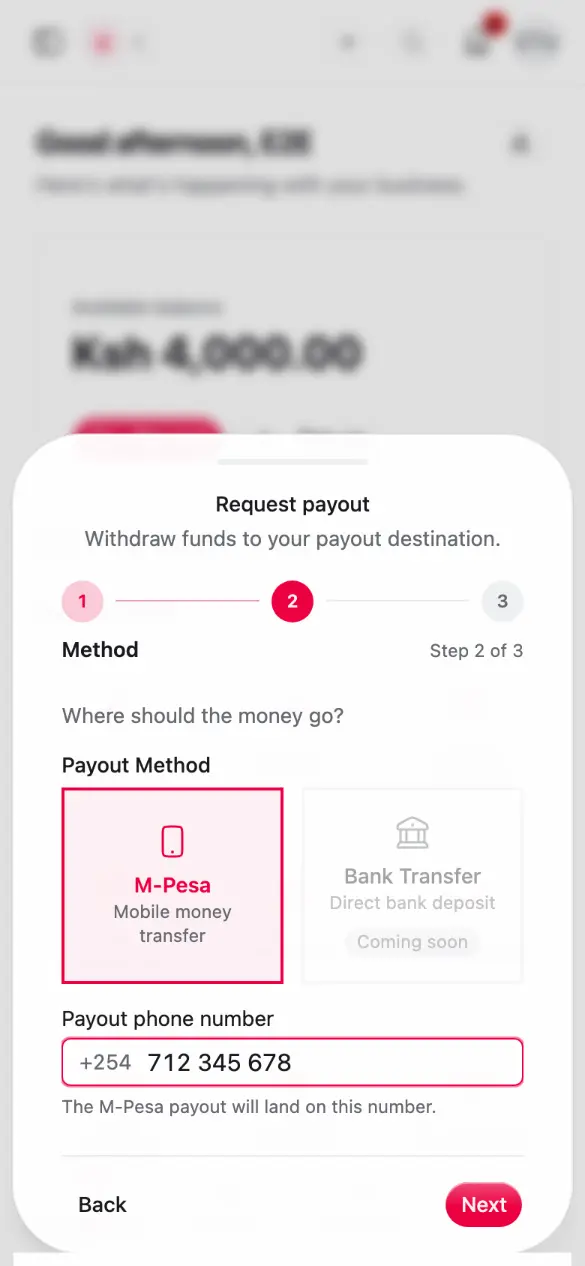
You choose where the money goes. M-Pesa is picked for you.
- Step 4.
Type the M-Pesa number
Type it without the first 0. If you saved a default payout number, it is filled in for you.
Type in Payout phone number, for example 712 345 678
- Step 5.
Tap Next
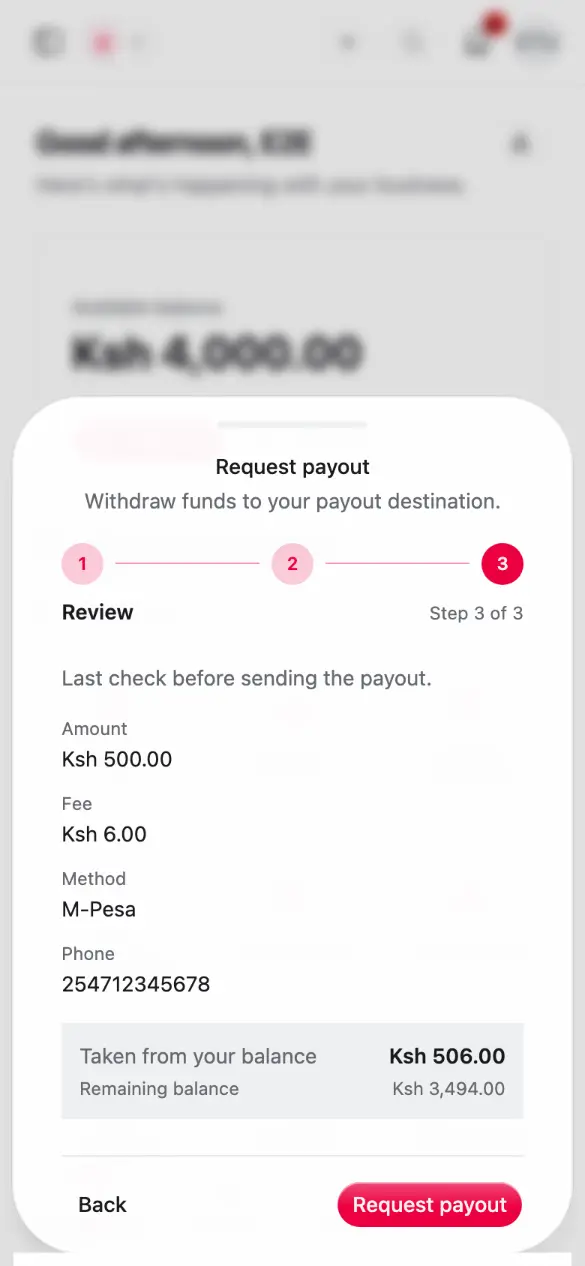
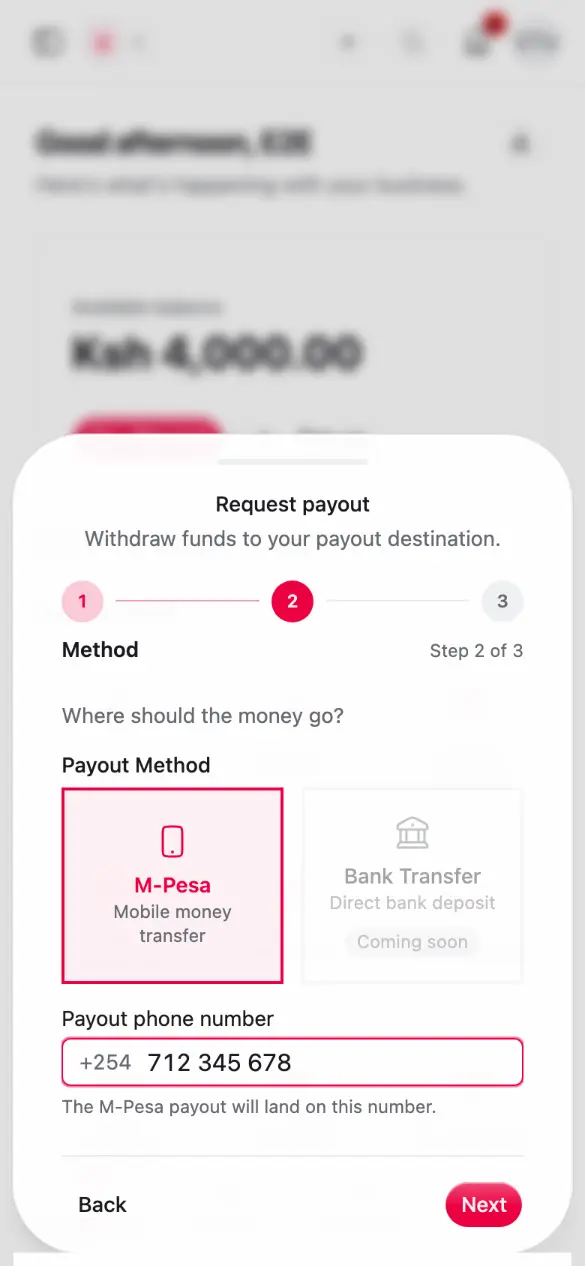
A summary shows the amount, the fee, the total taken from your balance and what remains.
- Step 6.
Check it, then tap Request payout
The money is sent to M-Pesa and arrives within moments. You get a notification when it lands.