Subscriptions and memberships
Charge the same customers on a repeat cycle, automatically.
- Step 1.
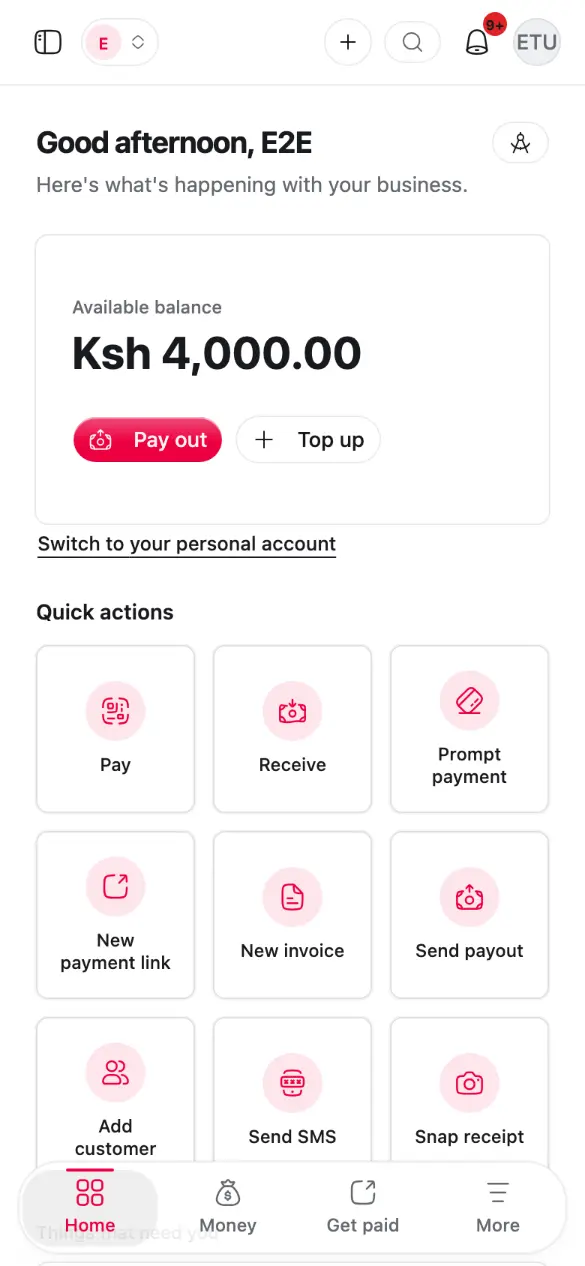
Tap More
It is at the right of the bar at the bottom of the screen.
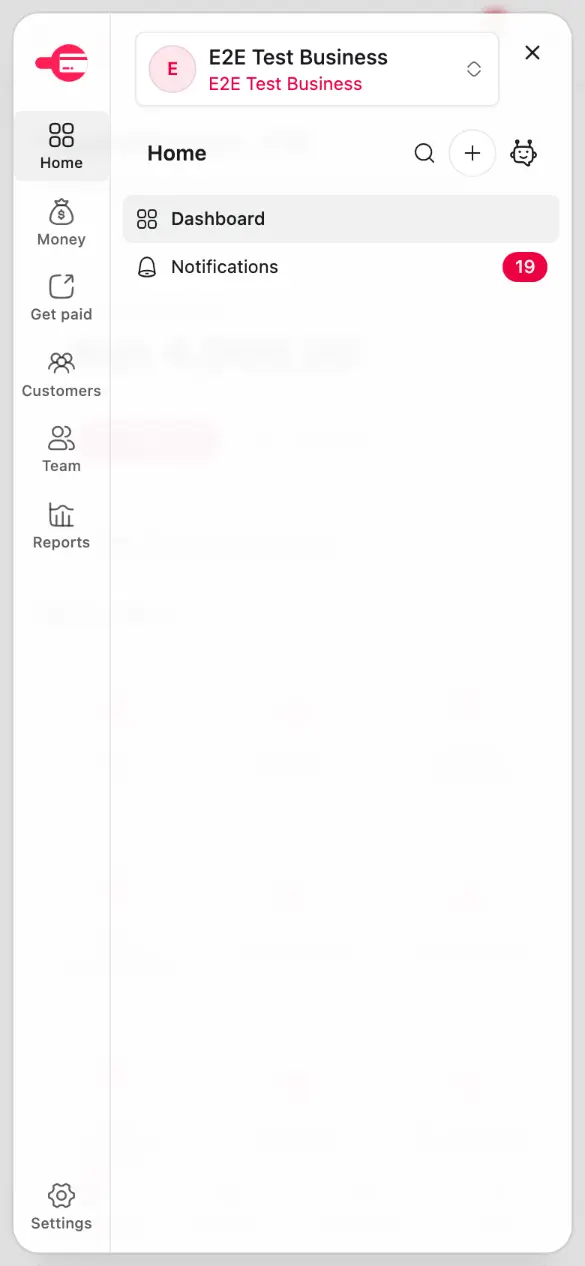
- Step 2.
Tap Customers
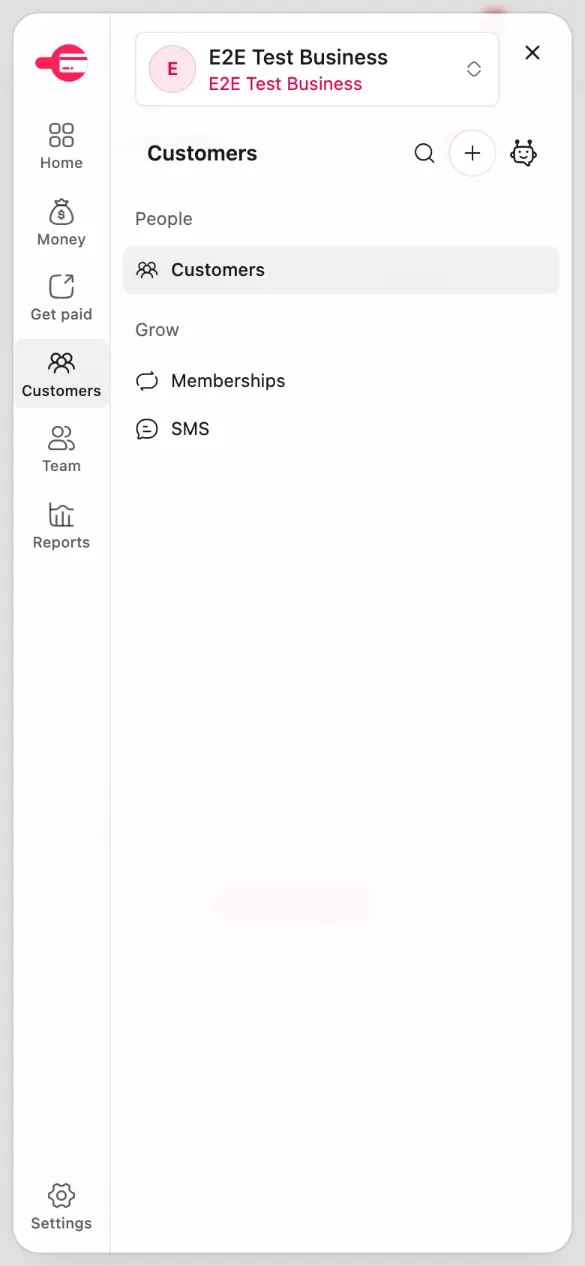
- Step 3.
Tap Memberships
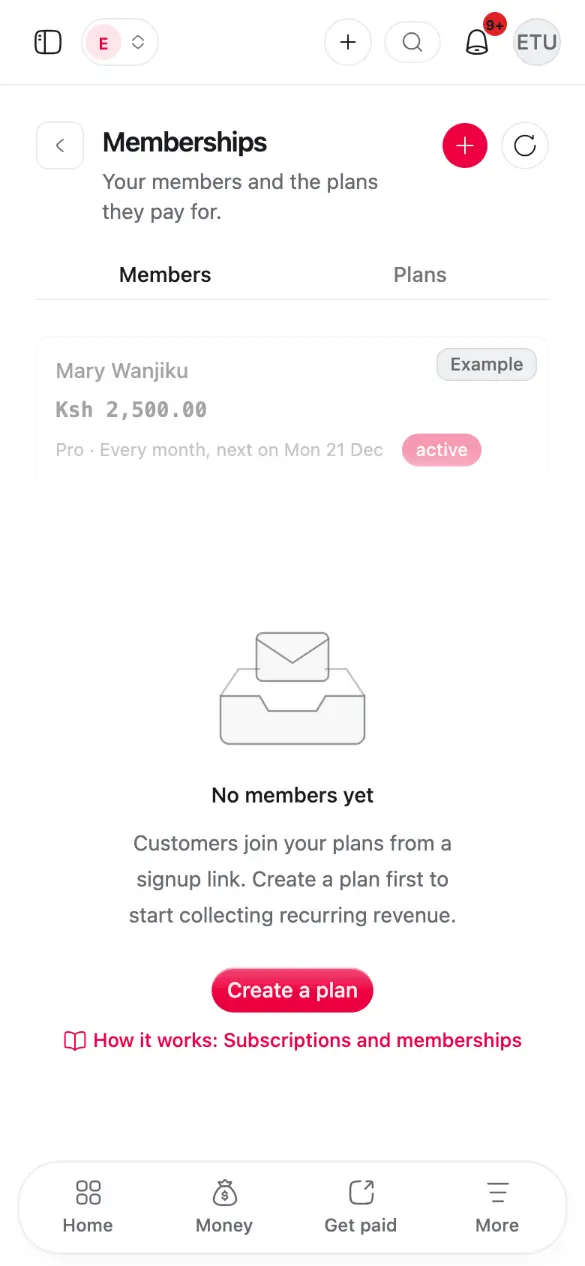
Members is open, with a Plans tab beside it.
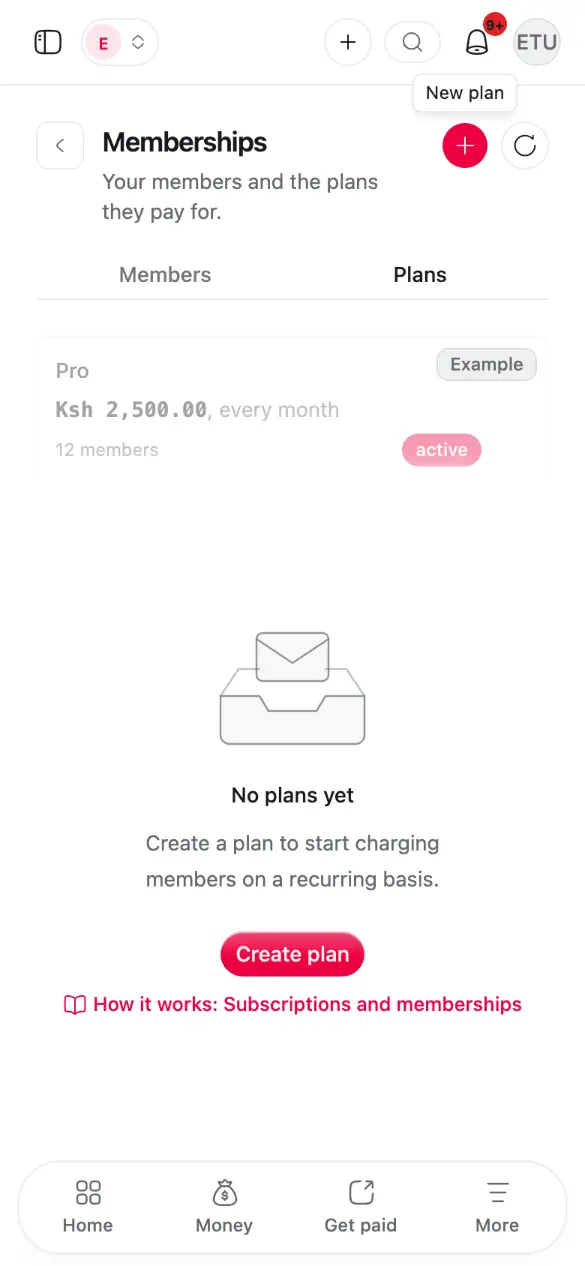
- Step 4.
Tap New plan
A form opens for the plan.
- Step 5.
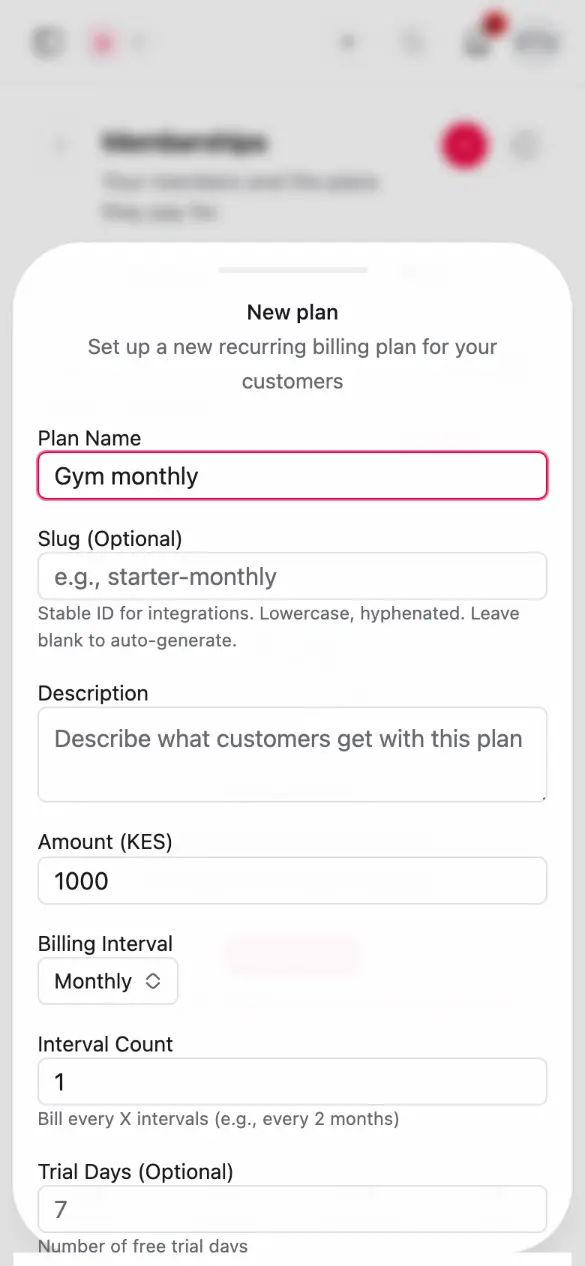
Name the plan
Customers see it when they join and on every receipt.
Type in Plan Name, for example Gym monthly
- Step 6.
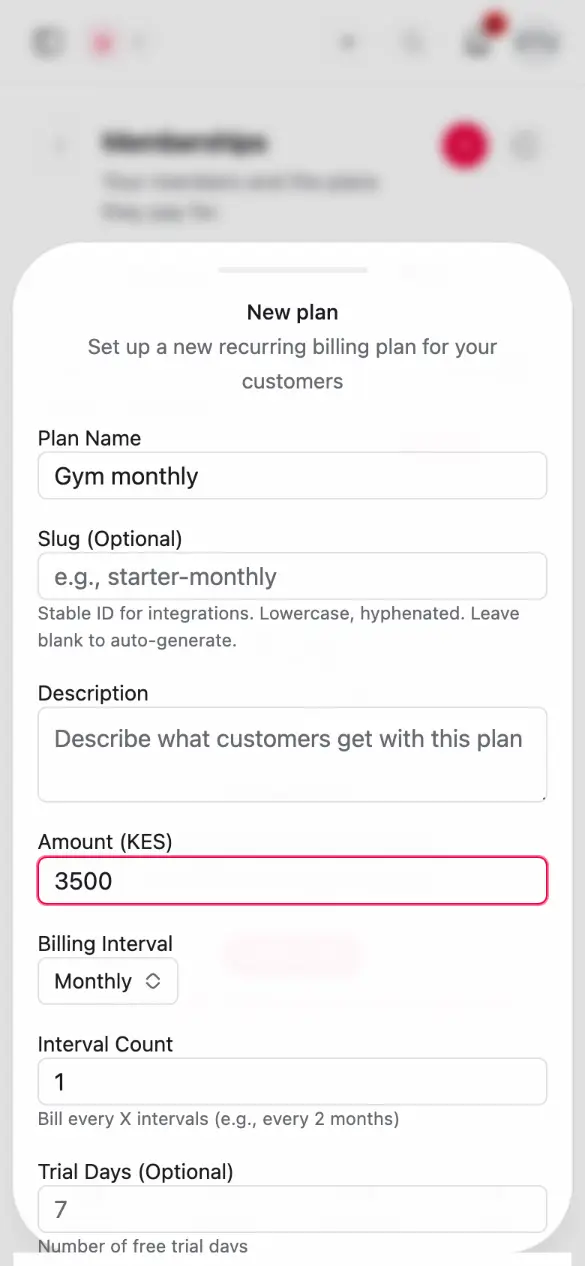
Type the amount
Under it, choose how often it charges, such as monthly. A free trial and a joining fee are optional.
Type in Amount (KES), for example 3500
- Step 7.
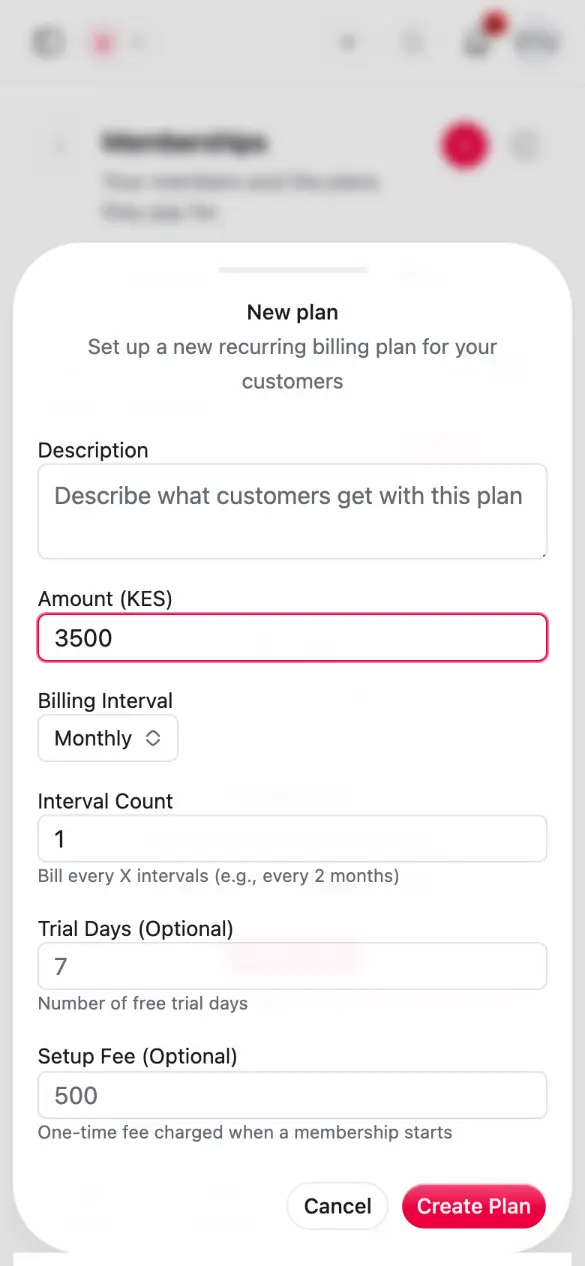
Tap Create Plan
The plan gets a sign-up link. Share it, and each customer who joins is charged when it falls due.
- Step 8.
Tap Members to follow who pays
Open a member to pause, resume, change plan or cancel. Failed charges are retried for you.