Your first day, step 3 of 6
Payment links
A page you share so customers can pay you. No website needed.
- Step 1.
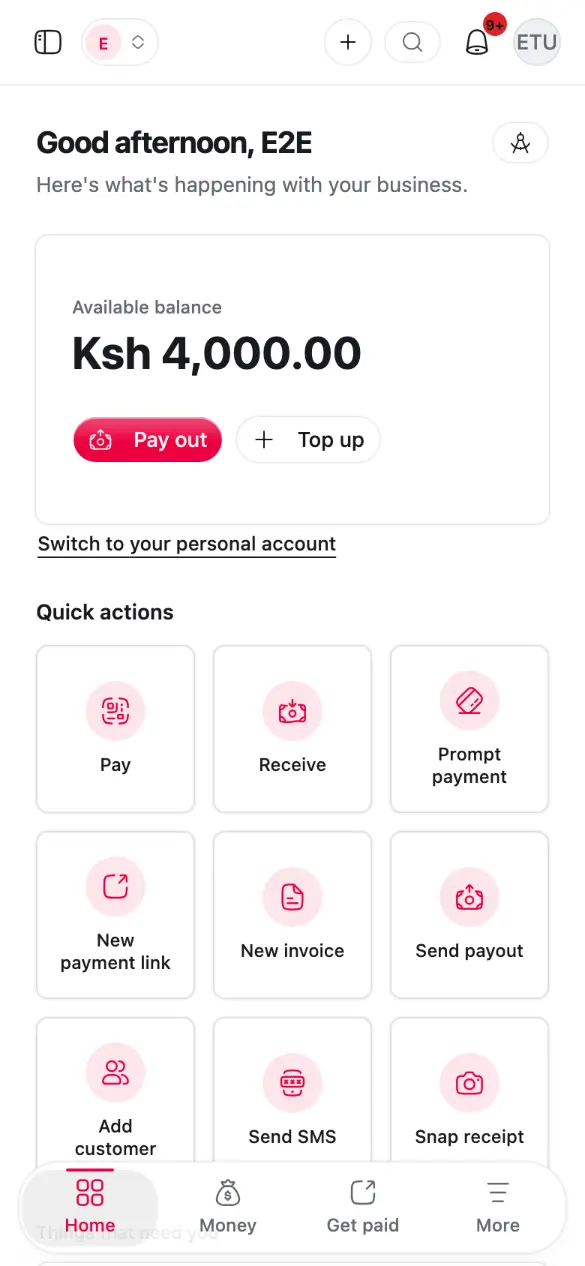
Tap Get paid
It is in the bar at the bottom of the screen.
Get paid lists every way to take a payment.
- Step 2.
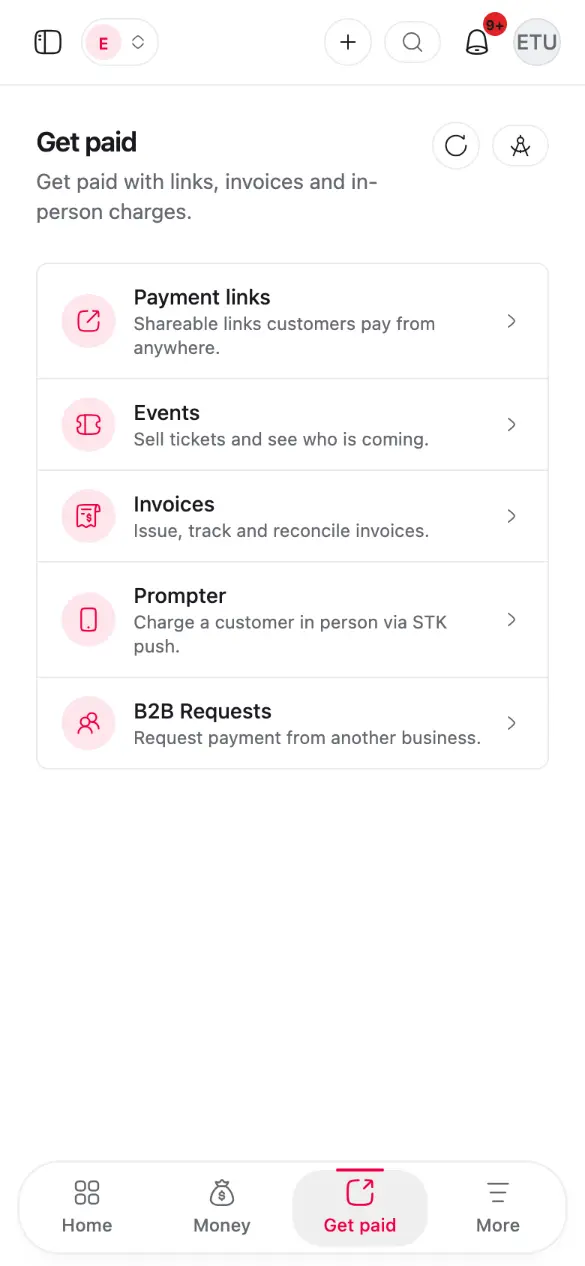
Tap Payment links
Your links are listed, newest first.
- Step 3.
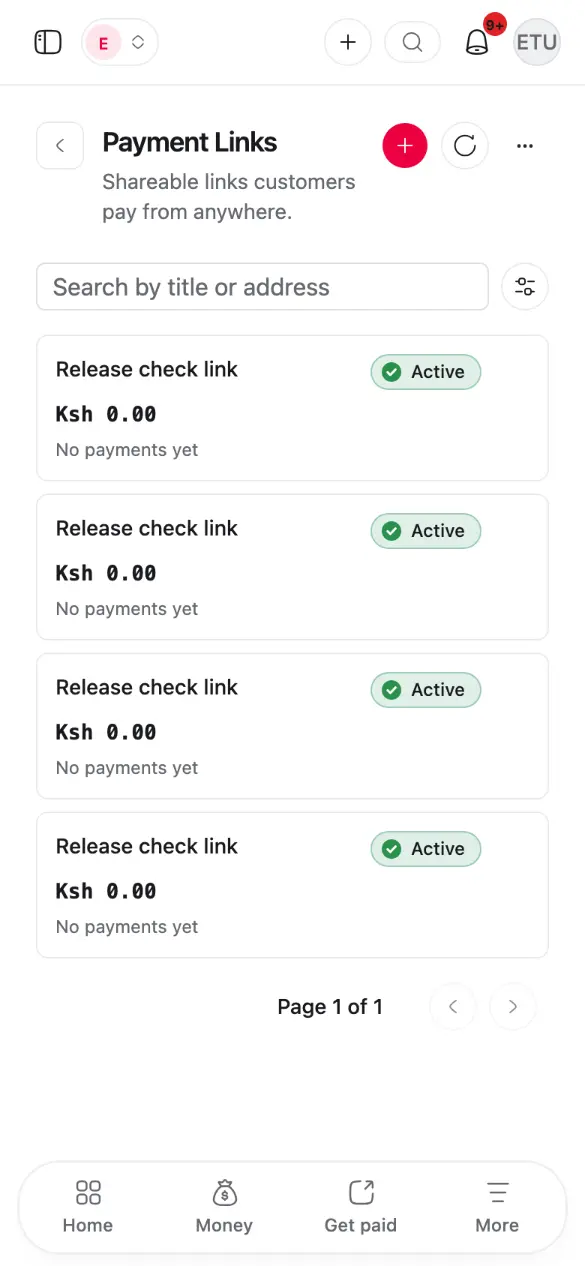
Tap Create Link
A short form opens in four steps.
- Step 4.
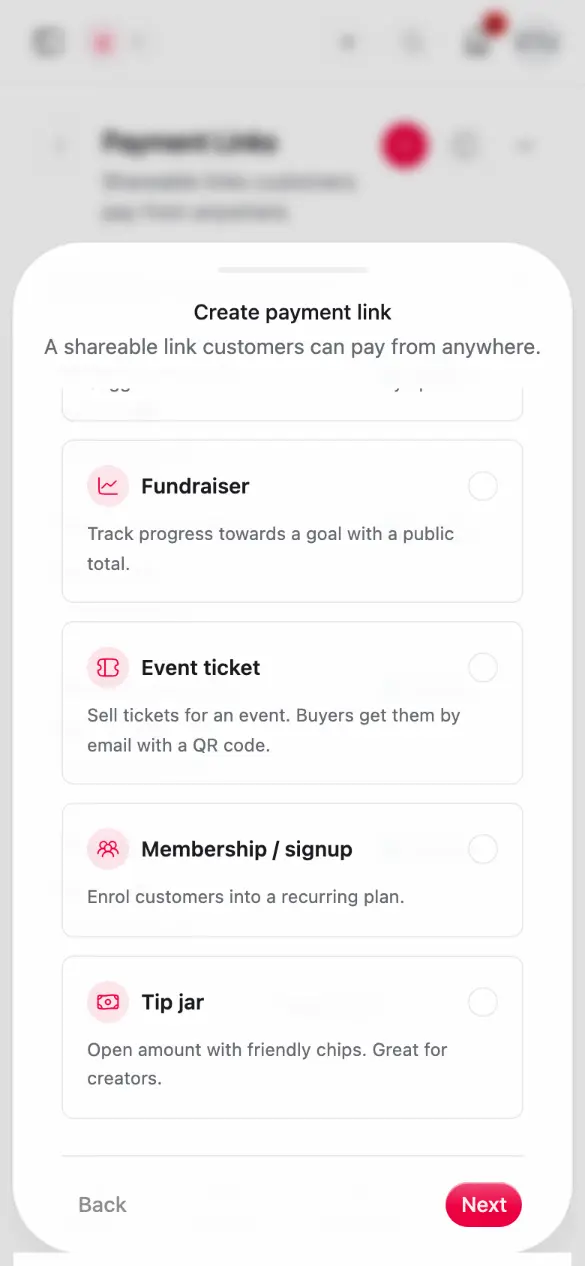
Pick a starting point, then tap Next
Start blank suits most one-off charges and is picked for you. The others set the page up for selling a product, donations, a fundraiser, tickets, memberships or tips. You can change anything later.
- Step 5.
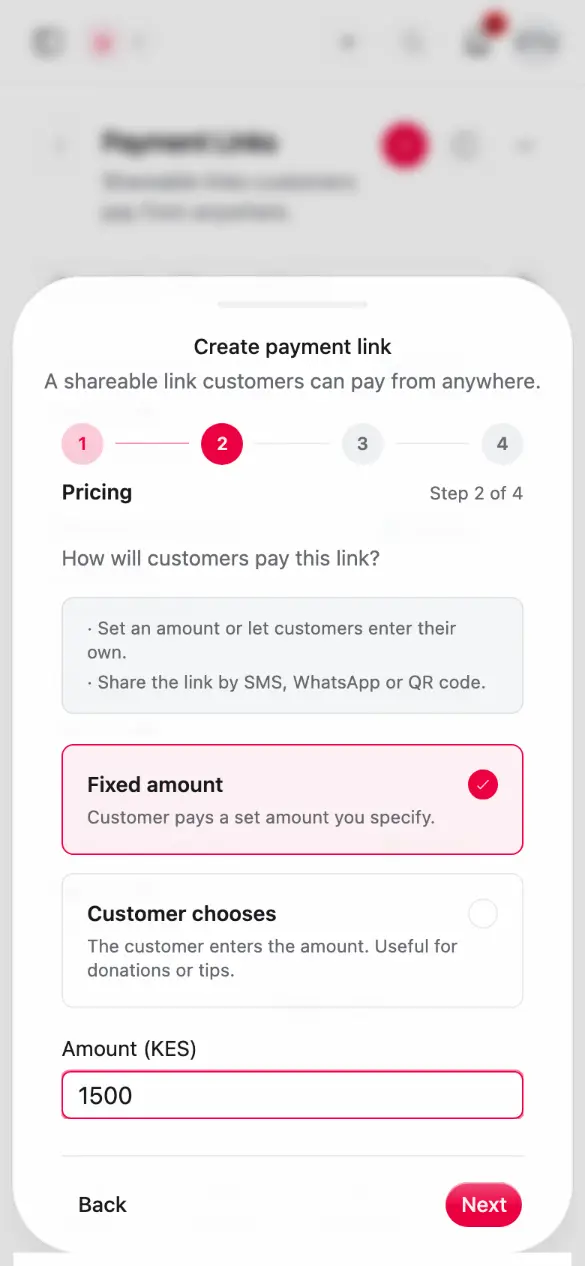
Type the price
Fixed amount is picked for you. Choose Customer chooses instead if they should type their own amount, such as for tips or donations.
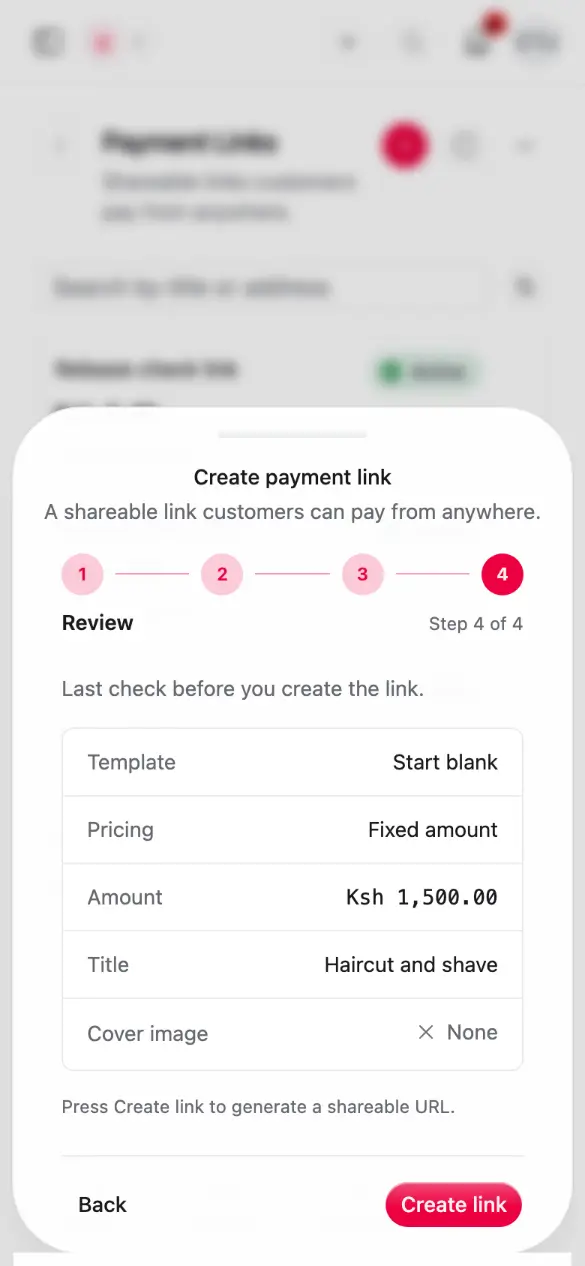
Type in Amount (KES), for example 1500
- Step 6.
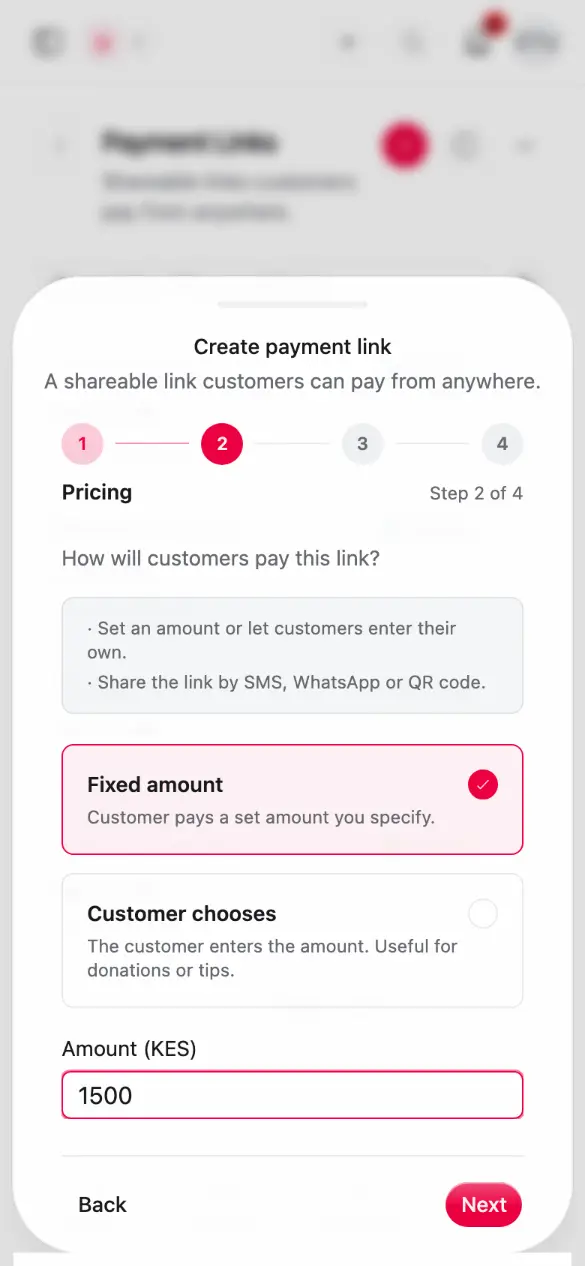
Tap Next
- Step 7.
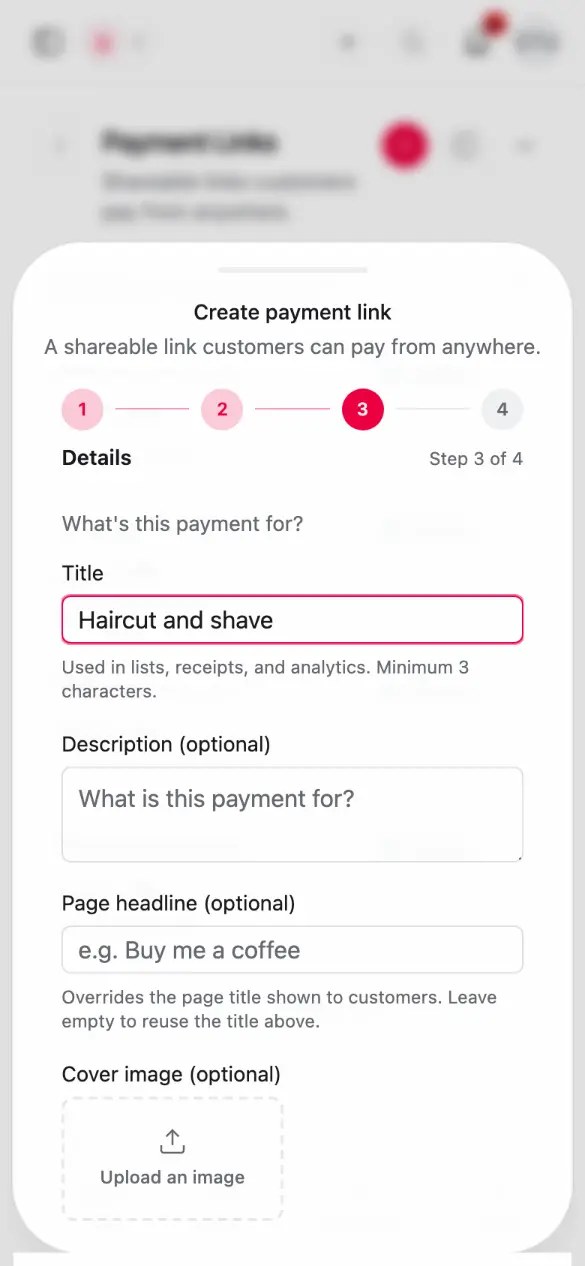
Give the link a title
Customers see it on the payment page and their receipt, so name what they are paying for. You can also add a description and a cover picture here.
Type in Title, for example Haircut and shave
- Step 8.
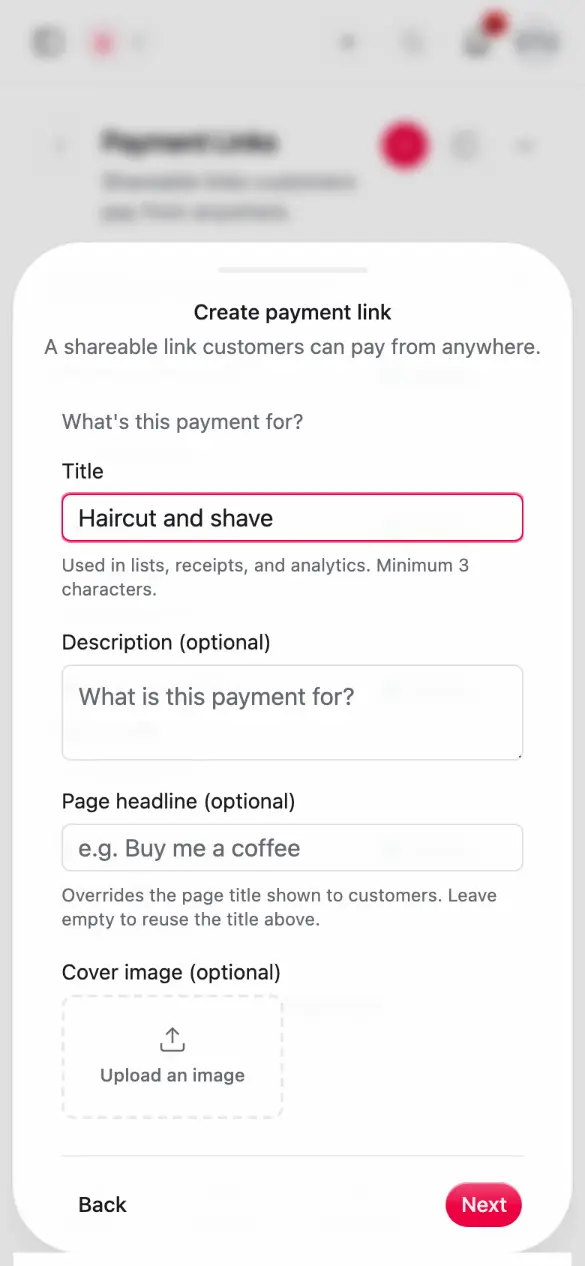
Tap Next
A summary of the link shows for a last check.
- Step 9.
Tap Create link
Your link is ready, with its own web address.
- Step 10.
Share it
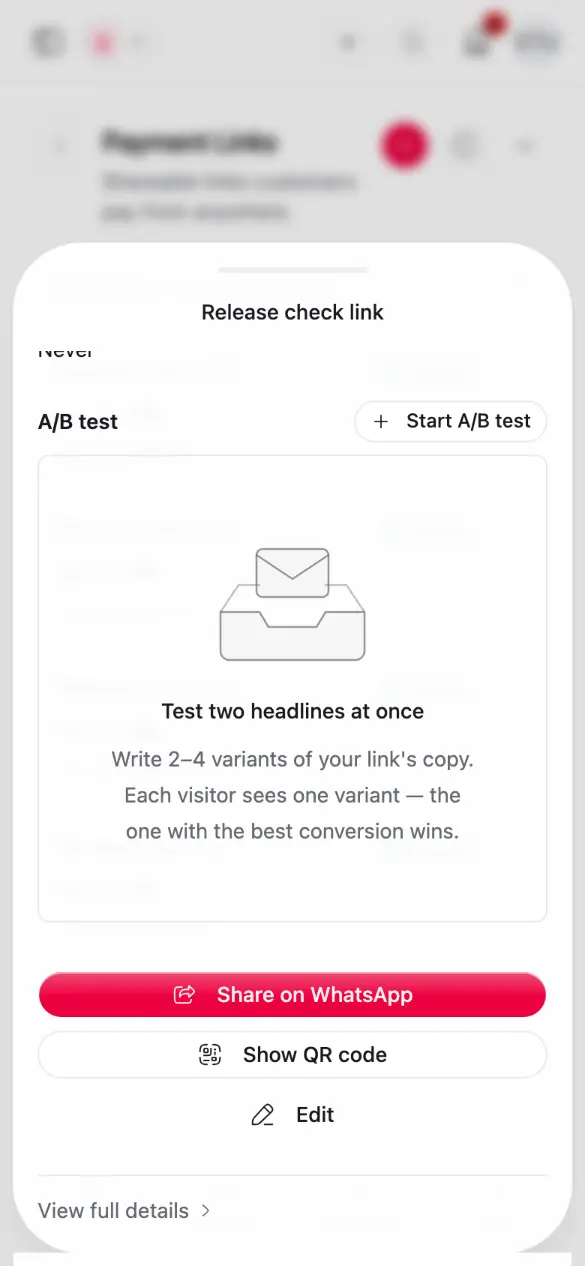
Open the link from your list to copy its address, send it on WhatsApp, or show a QR code for a customer to scan. Customers pay by M-Pesa or from their CitaPay wallet, without an account.
Tap Share on WhatsApp
Each payment shows on the link and in your wallet as it arrives.
Next in your first day
Or ask a customer in front of you to pay right now.