Everything else in the API
Payouts, refunds, subscriptions, events and more.
- Step 1.
Tap whoami first
It is in the Introduction, which the developer guide opens on. Call it to confirm which business and mode your key belongs to.
- Step 2.
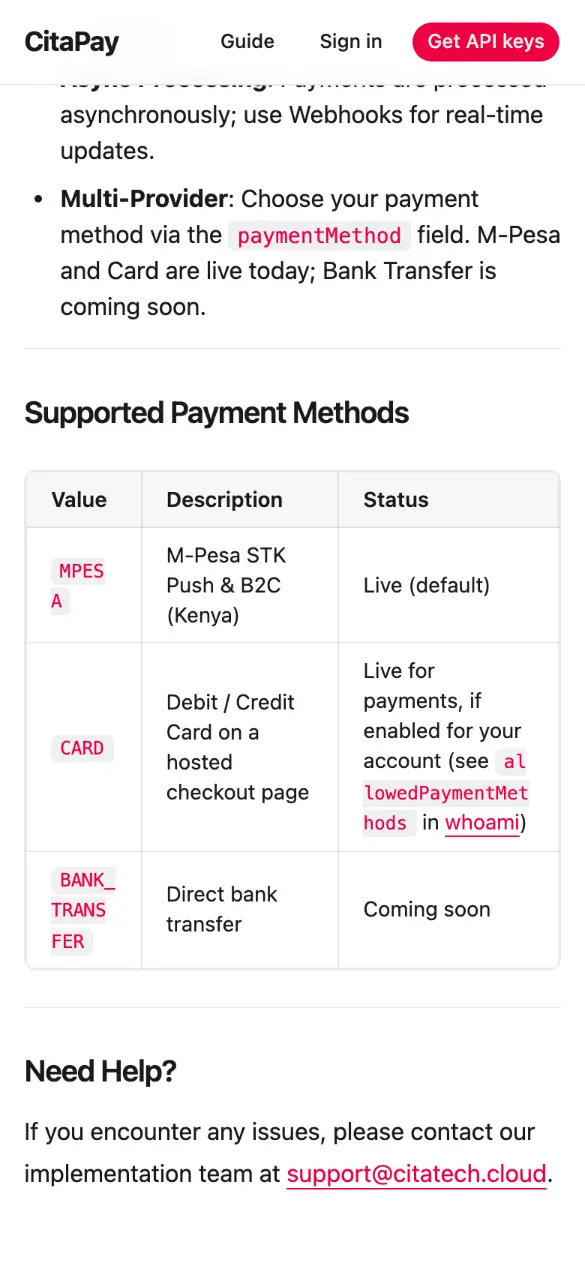
Tap Introduction to open the menu
- Step 3.
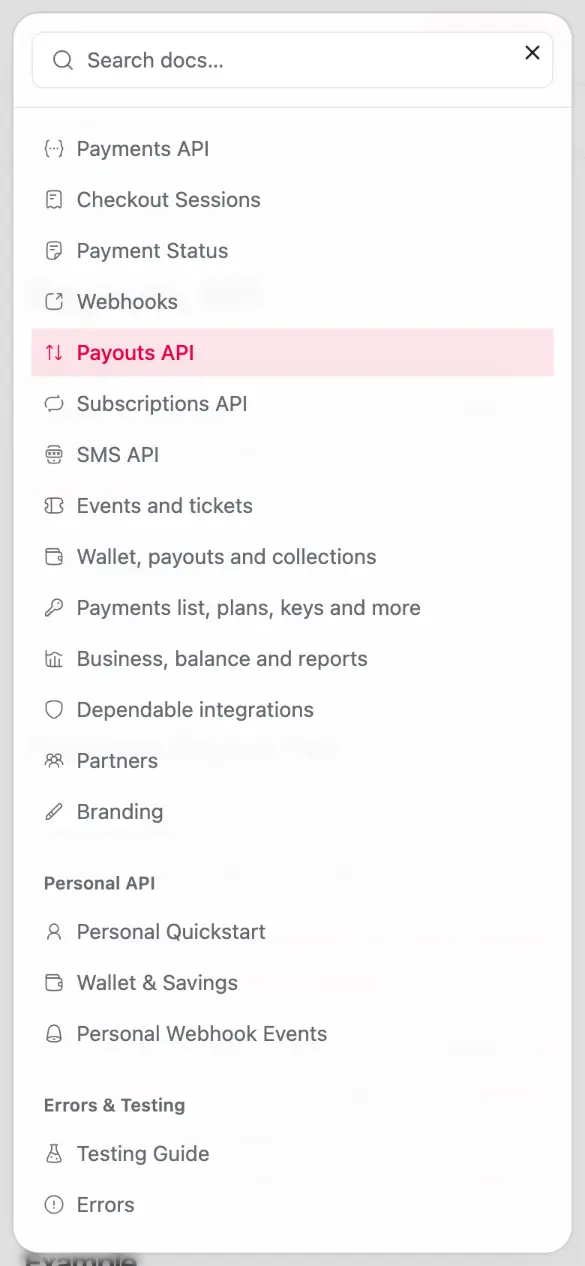
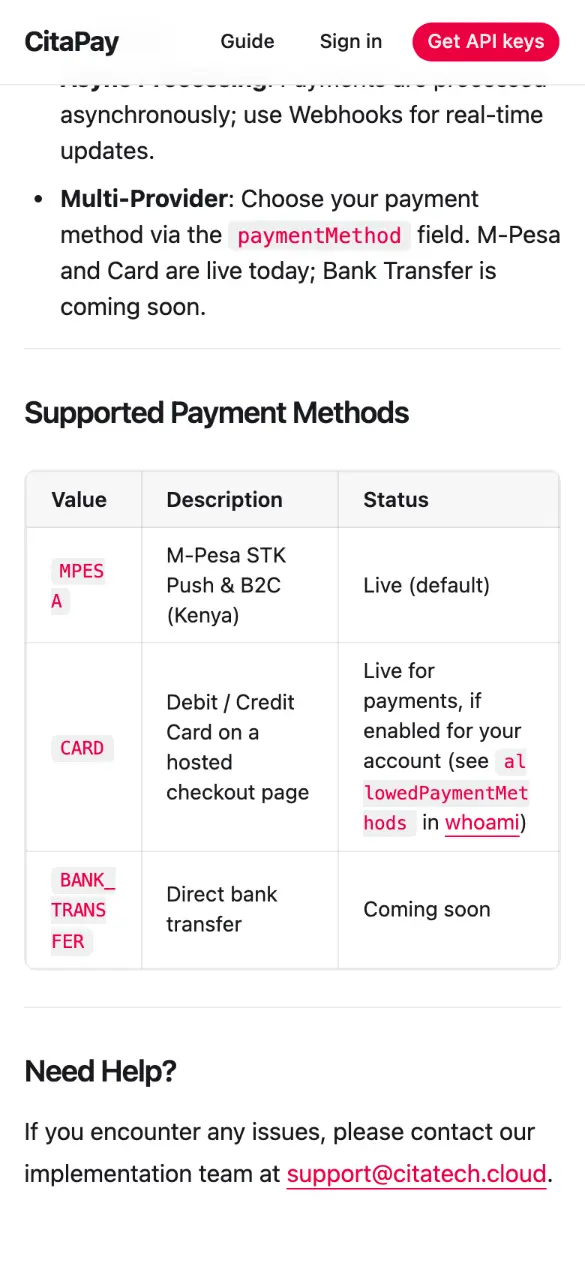
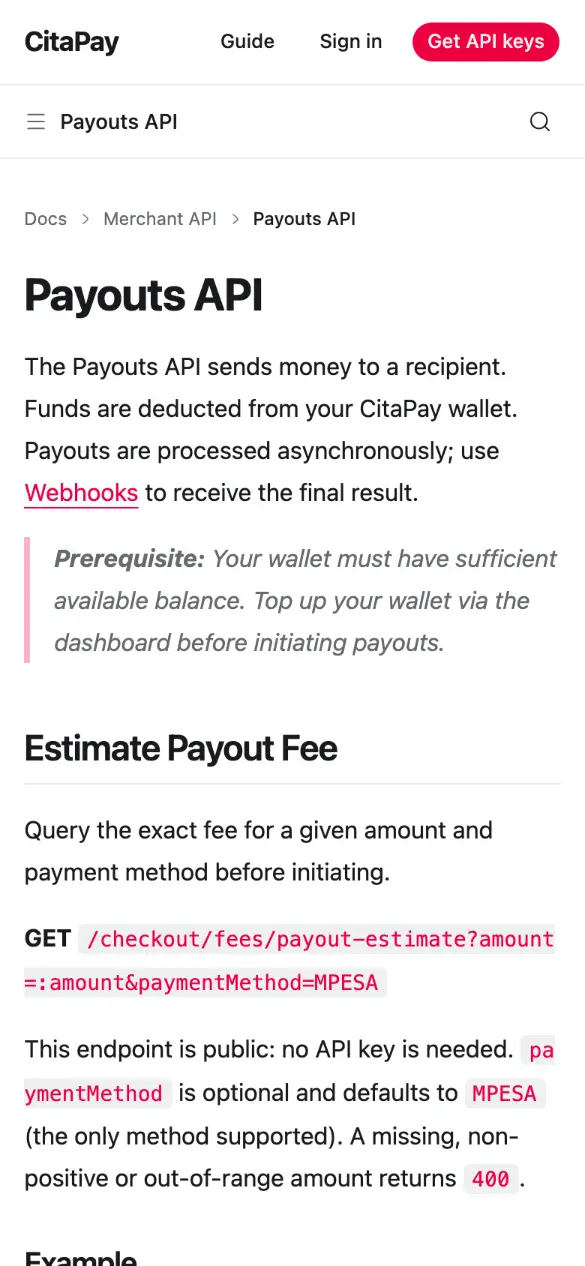
Tap Payouts API
Each topic in the menu covers one part of the API: payouts, subscriptions, SMS, events and tickets, wallets and more.
Every request is shown with its fields and an example.
- Step 4.
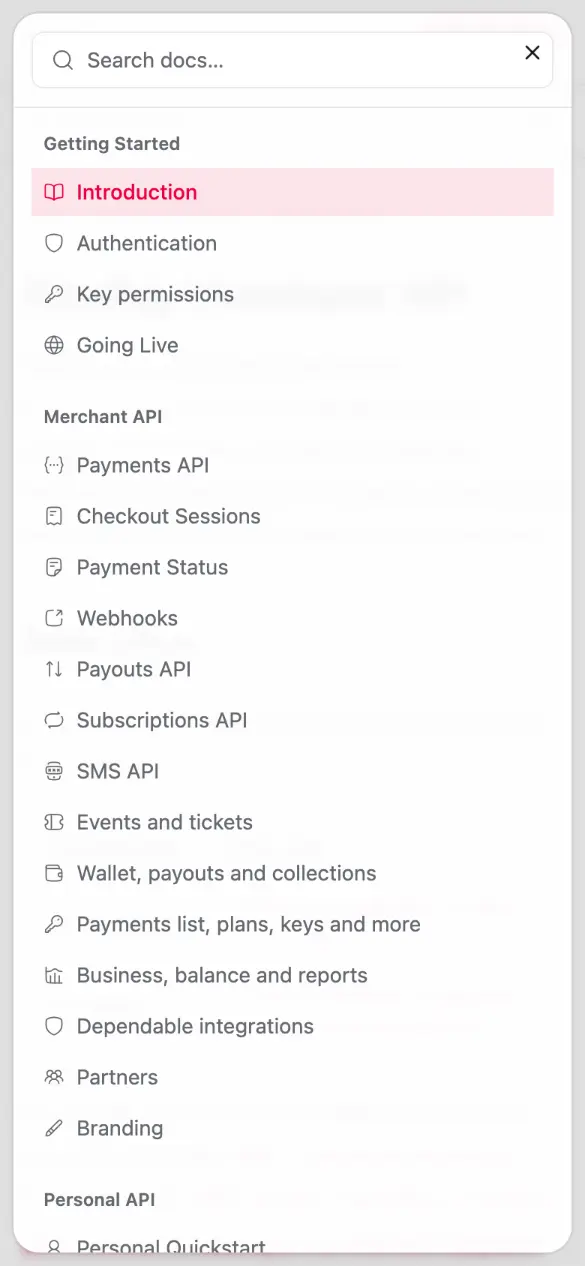
Tap Payouts API at the top to open the menu
- Step 5.
Tap Errors when a request fails
Each error code is explained with what to do about it.
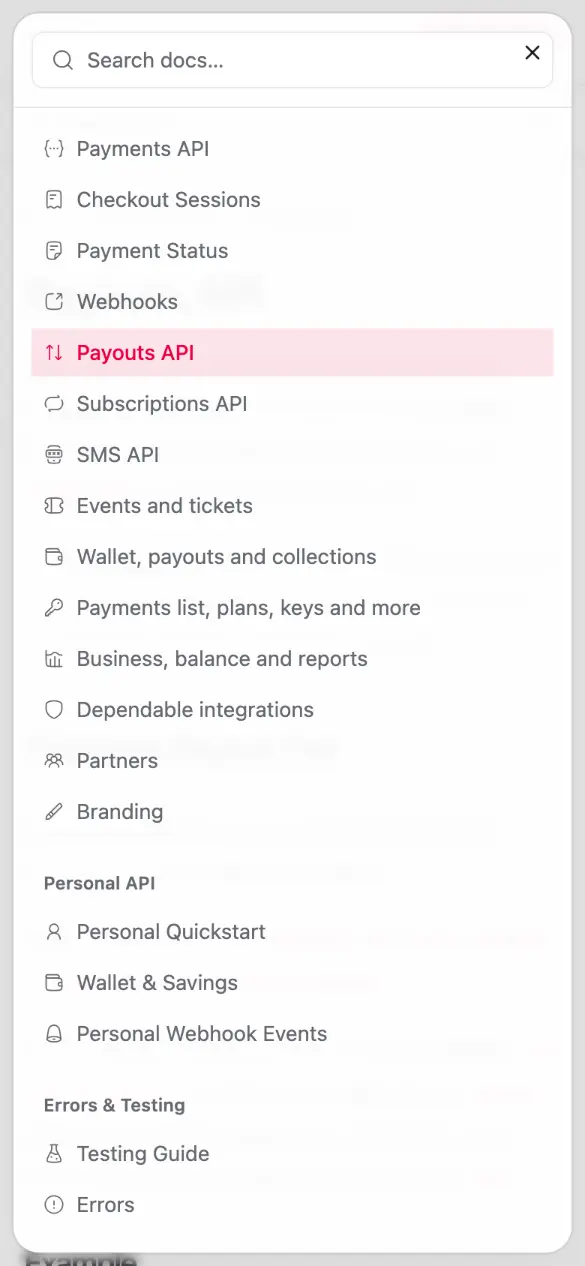
- Step 6.
Tap Search docs to find anything
Type a word such as refund or subscription to jump straight to it.