Your first day, step 4 of 4
Get paid with your QR code
Share your own pay link and QR code so anyone can pay you.
- Step 1.
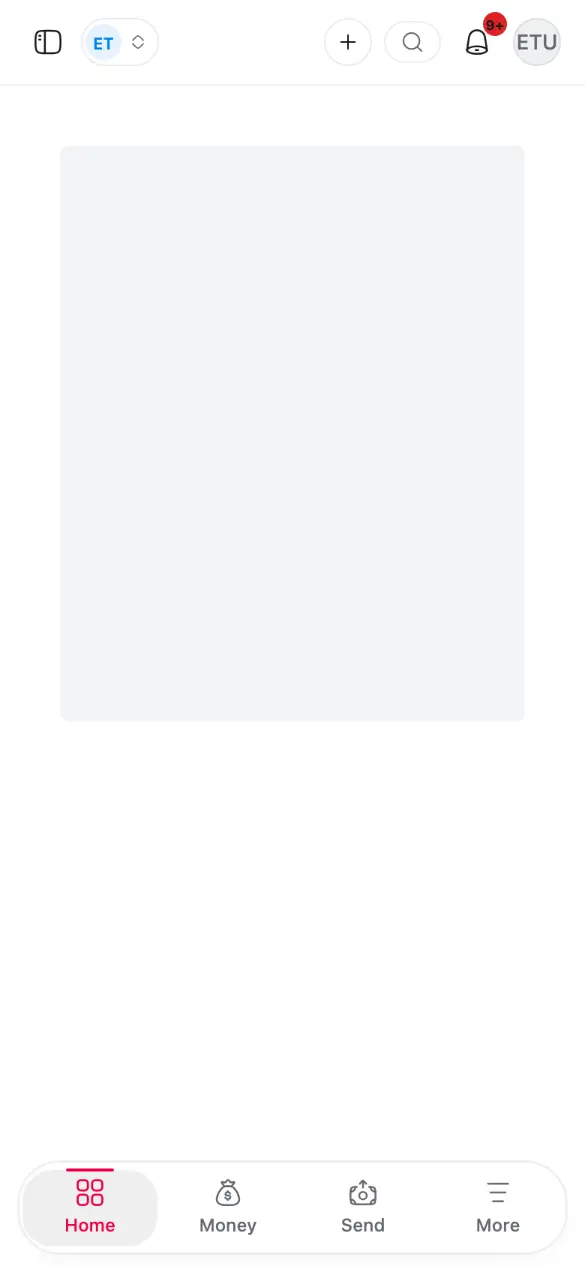
Tap More
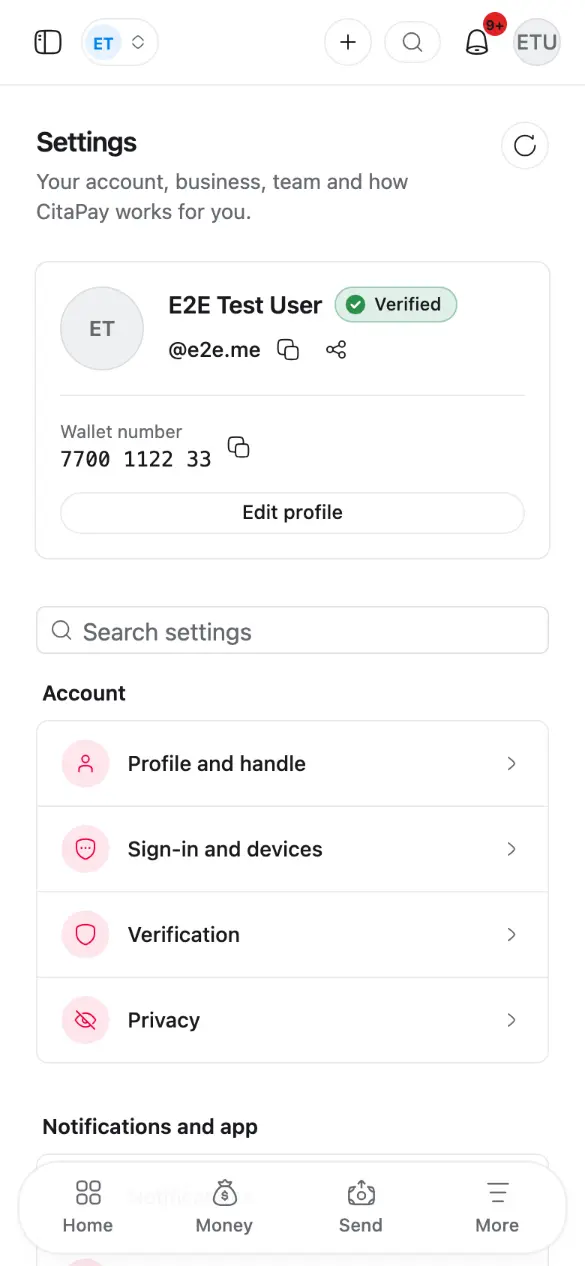
First pick your @name. It is in Settings.
- Step 2.
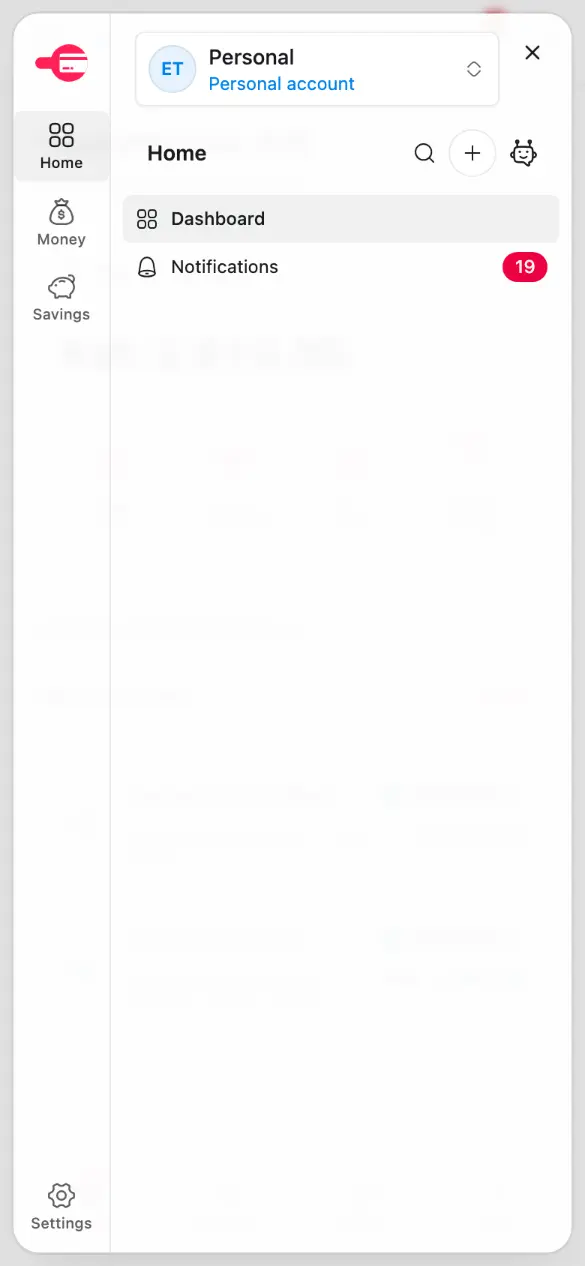
Tap Settings
- Step 3.
Tap Profile and handle
- Step 4.
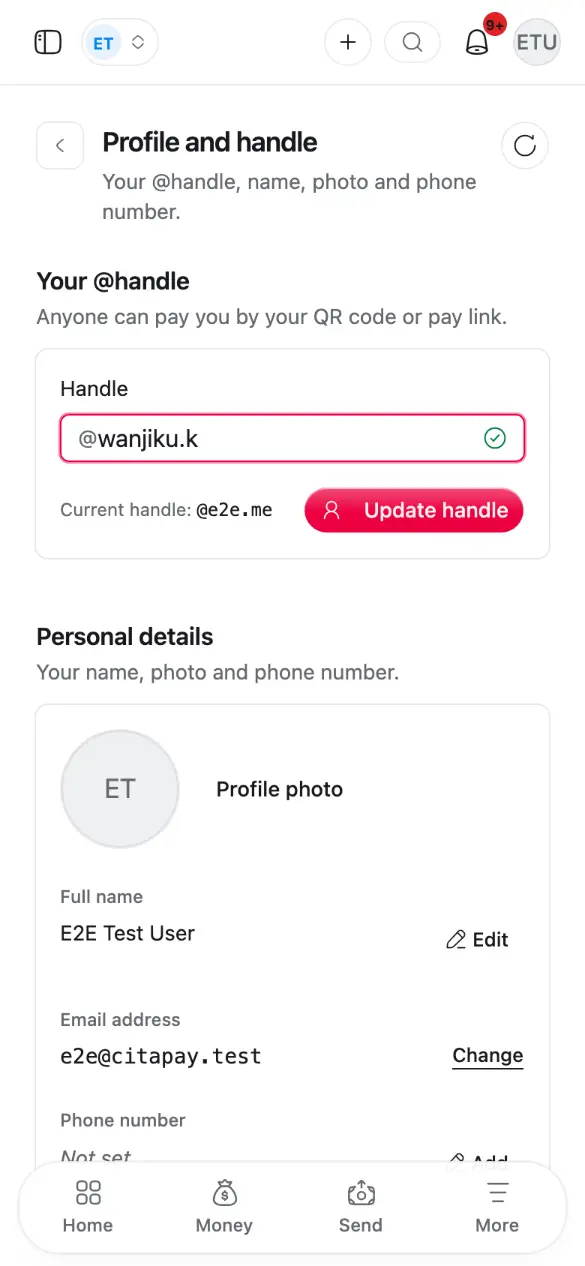
Type the @name you want
Use letters, numbers and dots. It becomes your pay link and QR code, so pick something people will recognise.
Type in Handle, for example wanjiku.k
- Step 5.
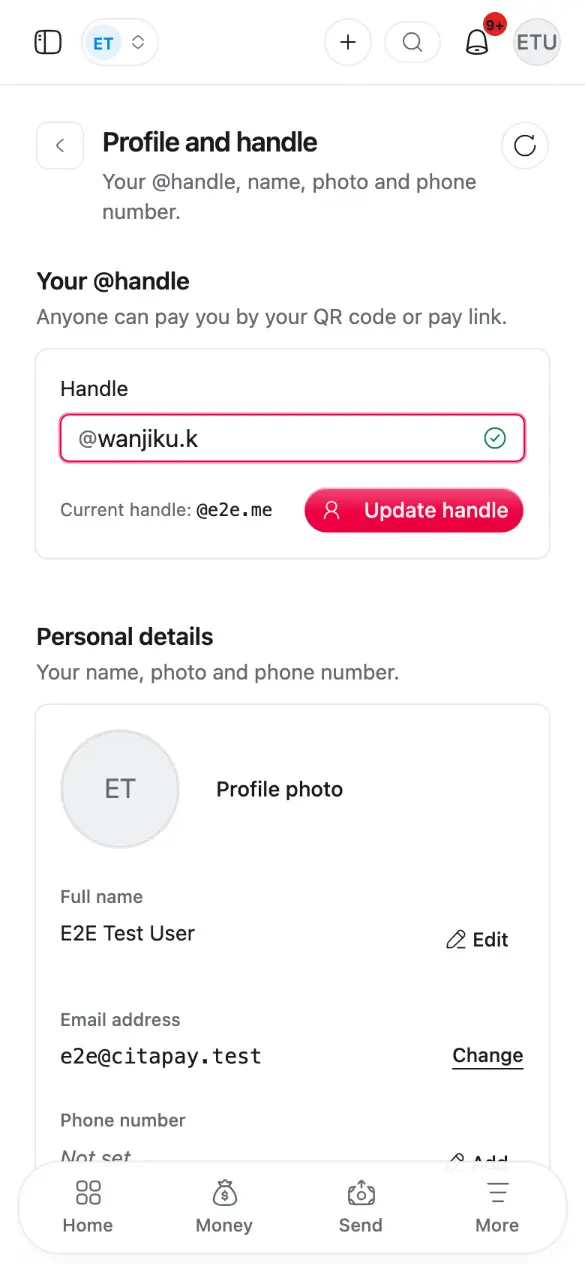
Tap Update handle
Your QR code and pay link now use the new @name. Old links stop working, so share the new one.
- Step 6.
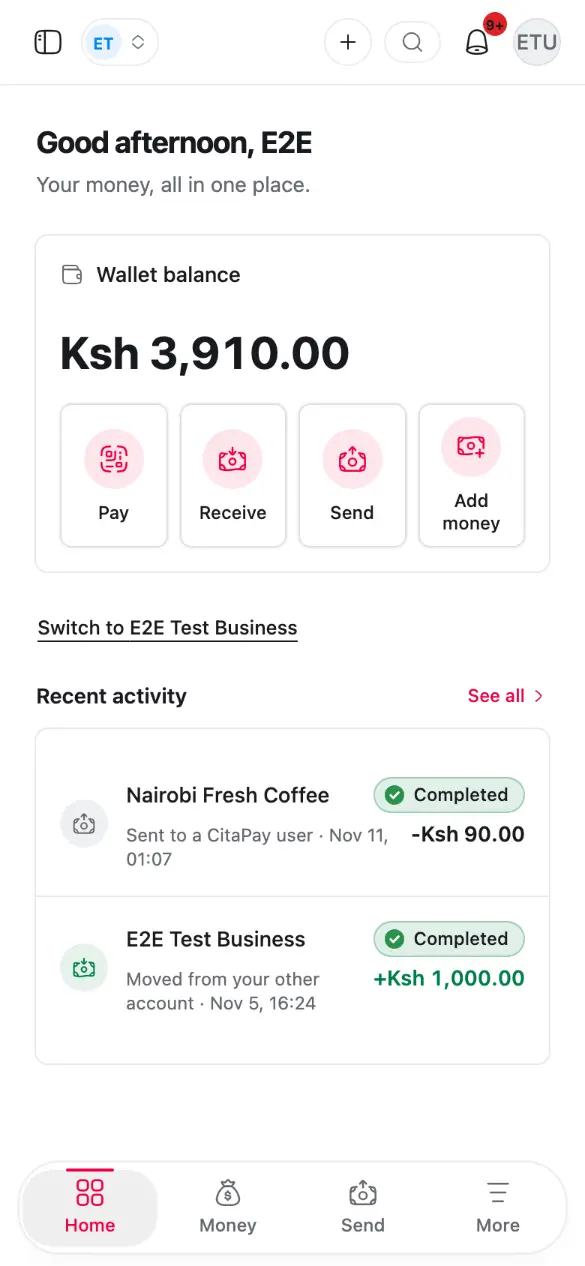
Tap Receive on Home
Go back to Home. Receive sits under your wallet balance.
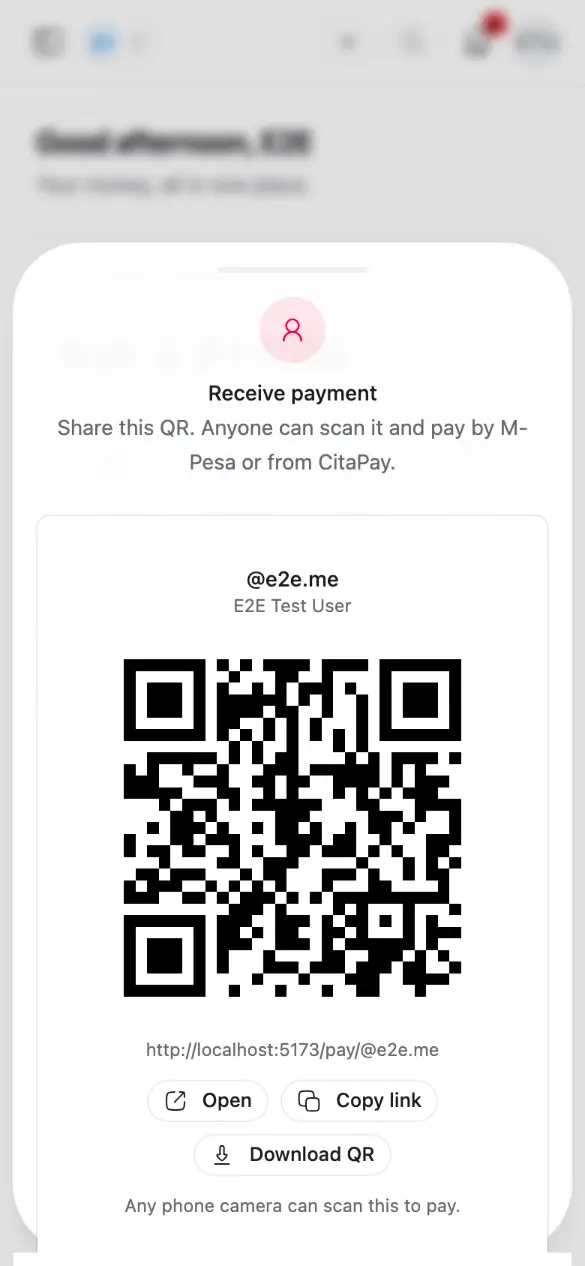
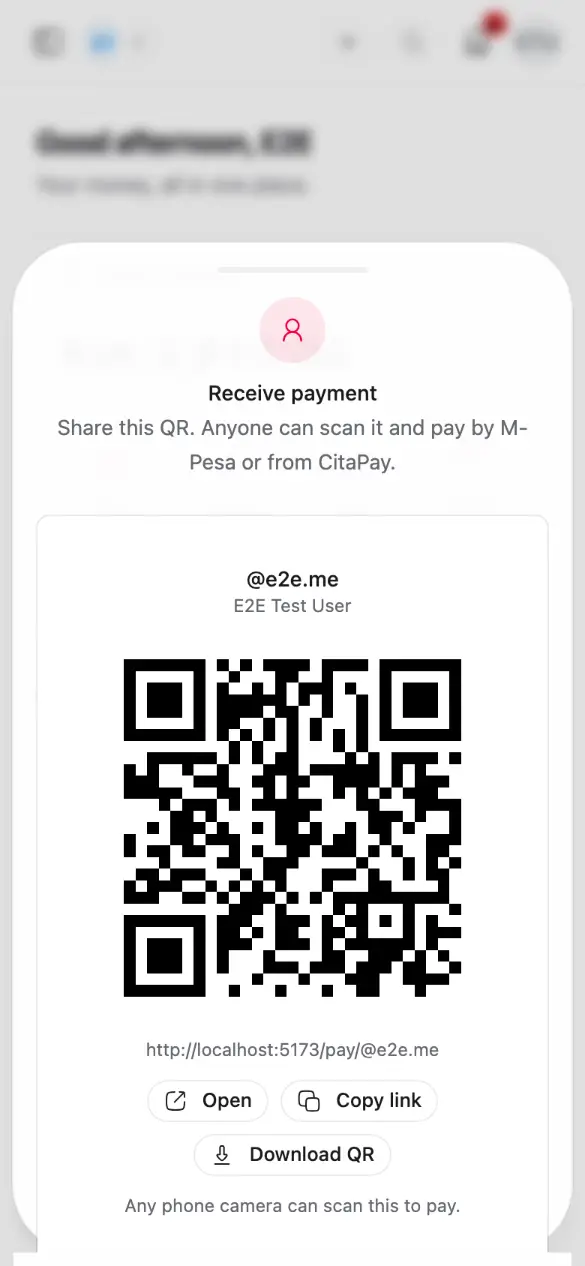
Your QR code opens, with your @name and pay link under it.
- Step 7.
Let them scan the QR code, or tap Download QR
Any phone camera can scan it. They pay by M-Pesa or from their own CitaPay wallet, and do not need a CitaPay account. Download QR saves the code as a picture you can print for your shop or stall.
- Step 8.
Or tap Copy link to share it
Paste the link into WhatsApp, SMS or email.
Your pay link is copied, ready to paste.