Your first day, step 1 of 4
Verify who you are
Confirm your name, ID number and date of birth to unlock sending and receiving.
- Step 1.
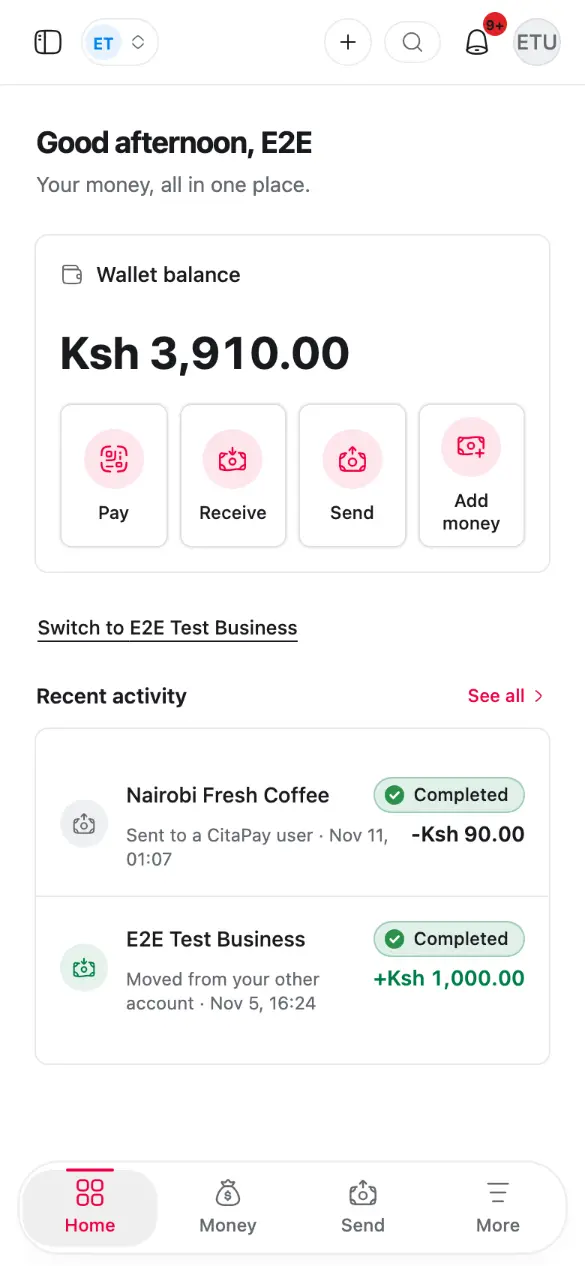
Tap More
It is at the right of the bar at the bottom of the screen.
- Step 2.
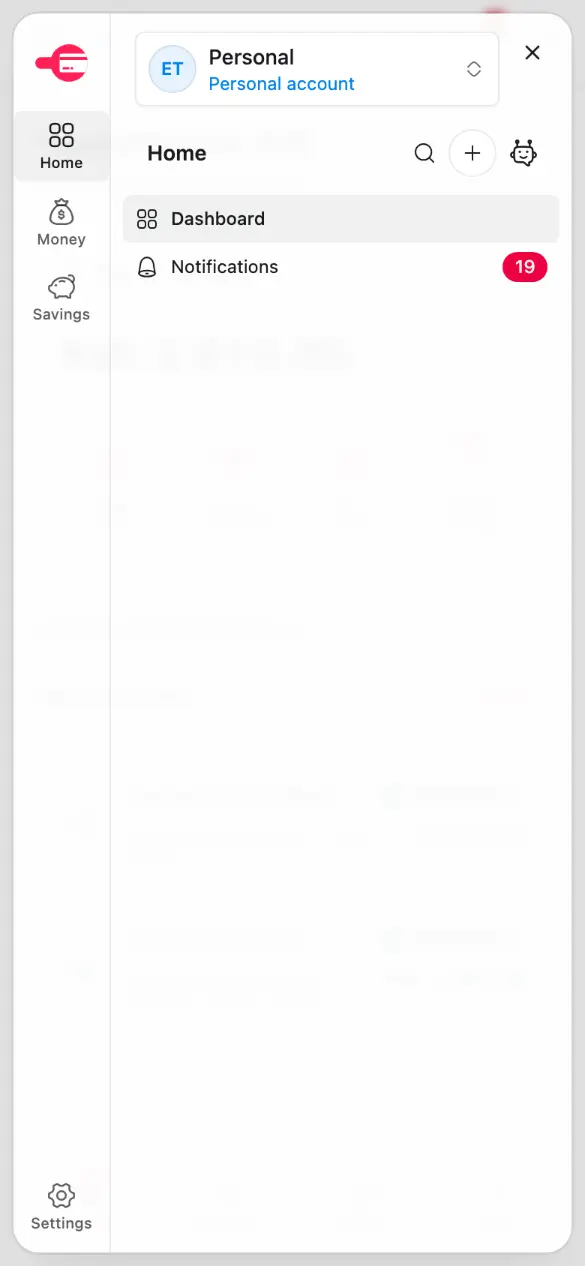
Tap Settings
- Step 3.
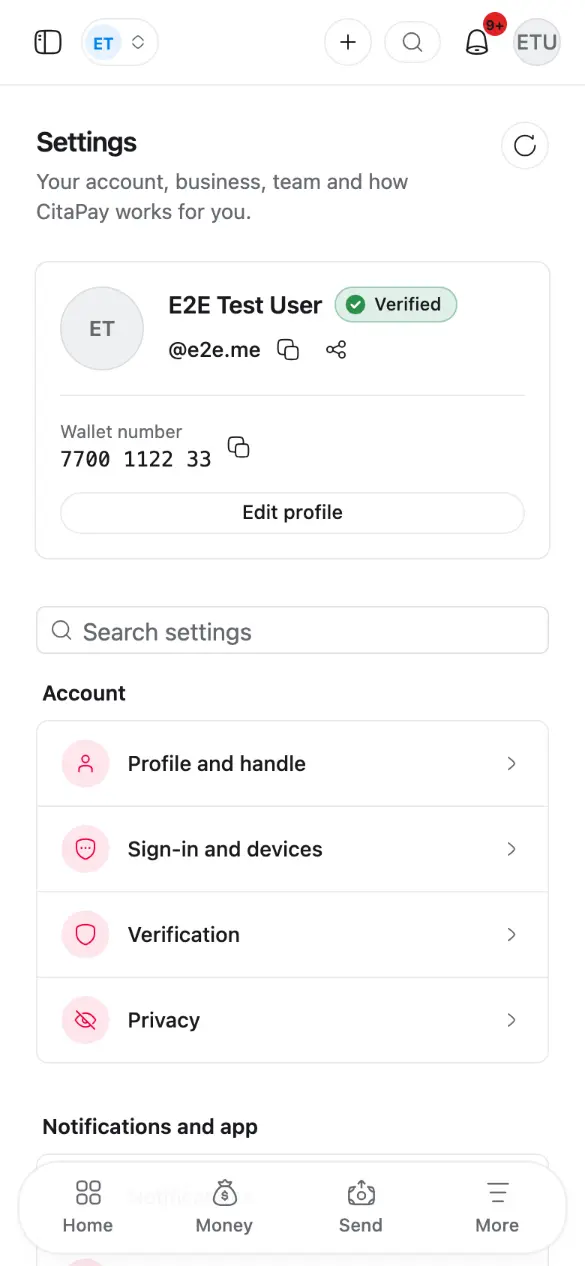
Tap Verification
It shows whether you are verified. If not, tap Verify identity.
- Step 4.
Type your full name as it appears on your ID
Then pick the ID type and type the ID number.
- Step 5.
Pick your date of birth, then tap Verify identity
- Step 6.
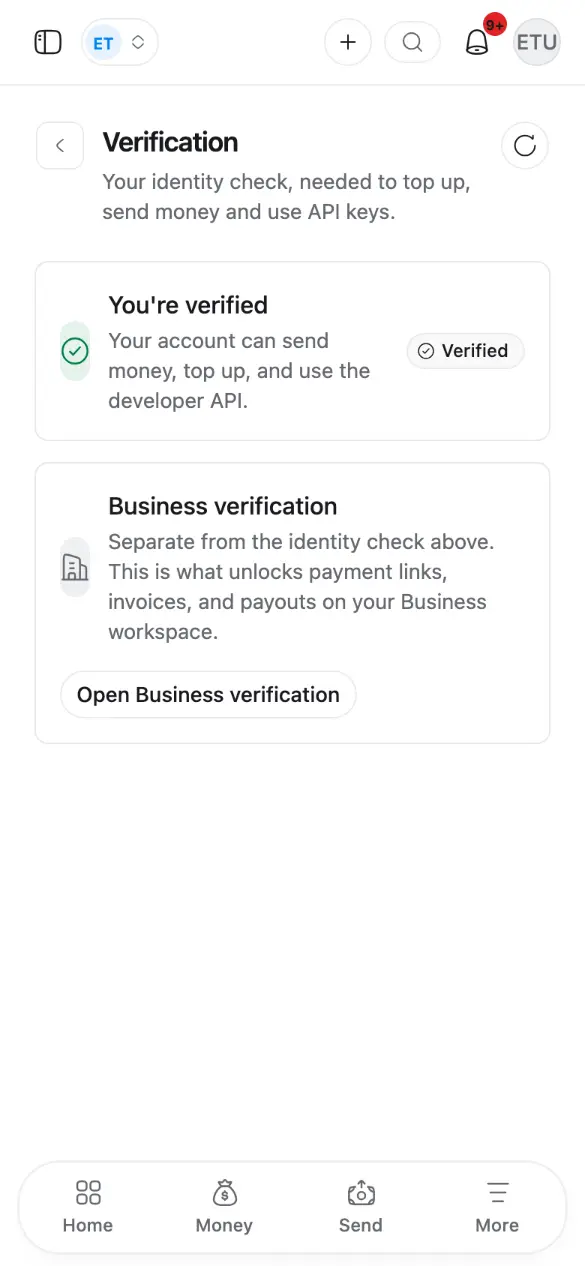
Check it says You're verified
Verification completes straight away, and you can send, top up and get paid.
Next in your first day
Your wallet and home screen
Add money from M-Pesa so you have something to send.